


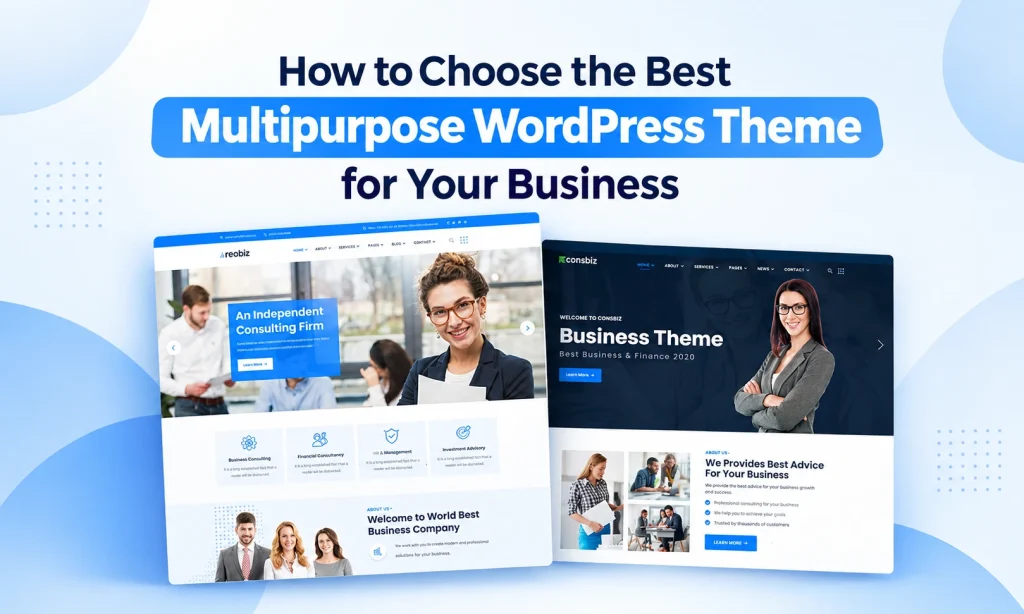
Choosing the Right WordPress theme is an important step when building a business website. Your theme affects your website’s design, navigation, customization, and overall user experience. With so many options available, finding a theme that meets your business needs can be challenging.
A Multipurpose WordPress Theme allows you to build different types of websites using one flexible theme. If you run a consulting firm, IT company, creative agency, online store, or corporate business, a multipurpose theme can provide useful layouts and features.
However, not every theme offers the same quality or functionality. You should consider more than the appearance of a demo. Website speed, responsive design, page builder support, customization options, and ongoing updates also matter.
In this guide, we will explain how to choose the best Multipurpose WordPress Theme for your business and what to check before making a purchase.
What Is a Multipurpose WordPress Theme?
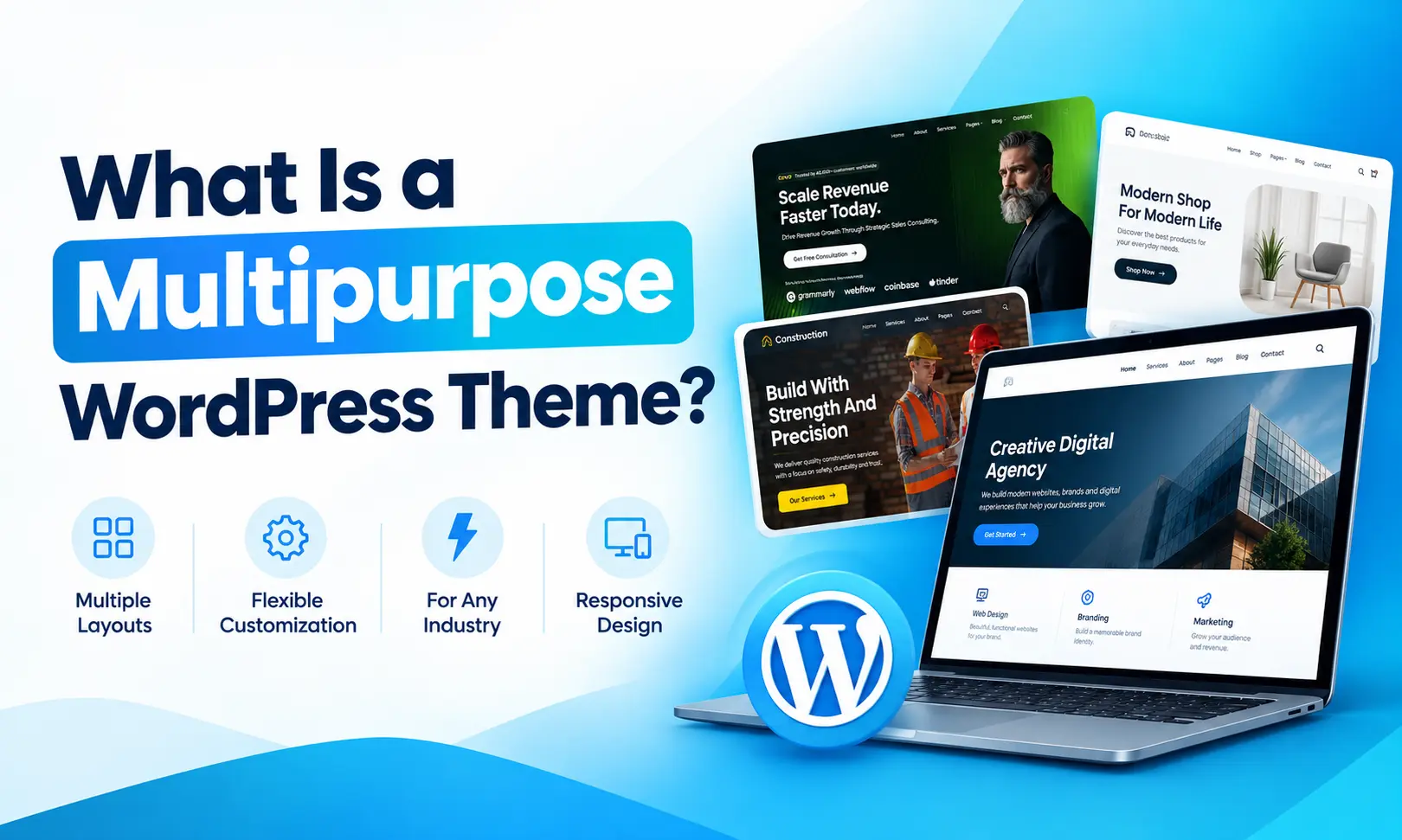

A Multipurpose WordPress Theme is a flexible theme designed for different industries and website types. Unlike a niche theme that focuses on one business category, a multipurpose theme often includes multiple homepage demos, inner pages, layouts, and customization tools.
For example, a single theme may provide demos for:
- Business and corporate websites
- Consulting agencies
- IT and technology companies
- Creative agencies
- Construction businesses
- Personal portfolios
- Online stores
- Blogs
This flexibility allows you to start with an existing design and customize it for your business. You can change colors, fonts, images, text, and page sections to match your brand.
The best Multipurpose WordPress Themes combine flexible design with practical features. Before choosing one, make sure it supports your website’s goals and required functionality.
1. Understand Your Business Website Requirements
Before comparing different Multipurpose WordPress Themes, identify what your website needs. Every business has different goals, services, and customers.
Start by considering the following questions:
- What type of business website are you building?
- Which pages and features do you need?
- Will you publish blogs or case studies?
- Do you need an online store?
- Will you customize the website yourself?
- What is your available budget?
For example, a consulting company may need service pages, team profiles, testimonials, and case studies. An online store may require product layouts, shopping cart functionality, and payment integration.
A good Multipurpose WordPress Theme should provide a foundation that fits your requirements without adding unnecessary complexity.
Tip: Make a list of essential features before exploring themes. This will help you compare options based on your actual needs rather than choosing a theme only because its demo looks attractive.
2. Choose a Professional and Flexible Design
Your website’s design helps visitors understand your business and find important information. A clean layout, readable typography, and clear navigation can improve the browsing experience.
When reviewing a Multipurpose WordPress Theme, explore different demos and inner pages. Look for designs that suit your brand and can be customized easily.
Important design features include:
- Clean and organized layouts
- Professional typography
- Clear navigation menus
- Customizable headers and footers
- Service and portfolio sections
- Attractive contact pages
- Consistent spacing and alignment
Multiple demos can give you more starting points for different projects. However, a large number of demos does not automatically guarantee quality.
Review whether the available layouts support your content and whether you can make changes without unnecessary technical work.
The right Multipurpose WordPress Themes should provide design flexibility while helping you create a professional and consistent website.
3. Check Responsive Design
Many visitors browse business websites using smartphones and tablets. If your website does not display correctly on smaller screens, visitors may struggle to read content or navigate your pages.
Responsive design allows a website layout to adjust to different screen sizes. It is an essential feature when choosing a Multipurpose WordPress Theme.
Check the theme on:
- Desktop computers
- Laptops
- Tablets
- Smartphones
Pay attention to text size, image placement, navigation menus, buttons, and spacing. A theme that looks good on a desktop may still need adjustments for mobile devices.
You should test your actual website content after customization, not just the theme’s promotional demo. Your images, headings, forms, and page sections may behave differently.
A responsive Multipurpose WordPress Theme helps provide a consistent experience across different devices.
4. Look for Page Builder Compatibility
A page builder makes it easier to customize website pages without writing extensive code. If you want to create unique layouts, check whether the theme supports your preferred page builder.
Many Multipurpose WordPress Themes offer Elementor compatibility, but features and widget support vary between products.
Before choosing a theme, review these features:
- Support for your preferred page builder
- Ready-made page templates
- Custom widgets and elements
- Drag-and-drop editing
- Flexible section layouts
- Compatibility with theme-specific tools
For example, Elementor can help you customize service pages, landing pages, portfolios, and contact sections using a visual editing interface.
Some premium themes also include custom elements for headers, footers, mega menus, and popups. These tools can be useful for business websites that require more design control.
Always check which features are included in the free and premium versions of the theme.
5. Review Customization Options
Every business has its own brand identity. Your website should reflect that identity through colors, fonts, images, logos, and page layouts.
A flexible Multipurpose WordPress Theme should provide customization options that allow you to adjust the website’s appearance.
Useful options include:
- Global color settings
- Typography controls
- Header and footer layouts
- Blog layout options
- Button styling
- Sidebar settings
- Custom logo support
- Page-specific design settings
Centralized customization settings can make it easier to apply design changes across multiple pages. For example, a global color setting may allow you to update your brand’s primary color throughout the website.
Check how much control the theme provides before installing additional plugins or using custom code. Choose a theme that makes common design changes simple and manageable.
6. Consider Website Speed and Performance
Website performance is another important factor when selecting a Multipurpose WordPress Theme. A slow website can make browsing difficult and affect the overall user experience.
Some themes include many demos, animations, widgets, and integrations. These features can be useful, but unnecessary resources may affect performance depending on the theme and website configuration.
Look for performance-related features such as:
- Optimized CSS and JavaScript
- Efficient image loading
- Clean page structure
- Compatibility with caching tools
- Reduced unnecessary scripts
- Lightweight implementation
You can test a theme’s demo using tools such as Google PageSpeed Insights. However, demo scores do not guarantee the same results for your website.
Hosting, images, plugins, content, and configuration all influence loading speed. Test your own website after customization to identify performance issues.
A good Multipurpose WordPress Theme should offer the features you need without creating unnecessary performance problems.
7. Check SEO-Friendly Structure
Search engine optimization helps people discover your website through search engines. While a theme does not guarantee better rankings, its structure and performance can support your SEO efforts.
When reviewing Multipurpose WordPress Themes, check for mobile responsiveness, clean markup, accessible navigation, and compatibility with SEO plugins.
Consider the following:
- Proper heading structure
- Responsive layouts
- Readable content presentation
- Fast-loading pages
- Clean navigation
- SEO plugin compatibility
- Customizable page titles and content
For example, a consulting business may need separate pages for its services, team, and case studies. Your theme should make it easy to organize and present this content clearly.
Remember that SEO also depends on content quality, technical optimization, website authority, and user experience. Choosing a Multipurpose WordPress Theme is only one part of building an SEO-friendly website.
8. Check Plugin Compatibility
Plugins add extra functionality to WordPress websites. Depending on your business, you may need tools for contact forms, online stores, newsletters, security, or multilingual content.
Before purchasing a Multipurpose WordPress Theme, check whether it supports the plugins you plan to use.
| Website Requirement | Integration to Check |
|---|---|
| Online store | WooCommerce |
| Contact forms | Contact Form 7 or another supported plugin |
| Page building | Elementor or a compatible builder |
| SEO | WordPress SEO plugins |
| Multilingual content | WPML or another compatible plugin |
| Website security | Trusted security plugins |
Compatibility can vary based on theme versions, WordPress versions, and plugin updates. Review the theme’s documentation before making a decision.
Do not choose a theme simply because it lists many integrations. Focus on the plugins your website actually requires.
The best Multipurpose WordPress Themes should work well with the tools needed to manage your business website.
9. Look for One-Click Demo Import
Creating a website from scratch can take time. One-click demo import allows you to start with a pre-designed layout and customize it for your business.
Many premium Multipurpose WordPress Themes include demo import functionality. Depending on the product, you may be able to import homepage layouts, inner pages, menus, and other demo content.
Before importing a demo, check:
- Required plugins
- Available import options
- Installation documentation
- Demo content and placeholder text
- Customization options after import
For example, a marketing agency can import an agency demo and replace the sample content with its own services, projects, and contact information.
Always review imported content before publishing your website. Replace sample text, remove unnecessary pages, and verify links.
A well-documented Multipurpose WordPress Theme with demo import can simplify your initial setup.
10. Review Updates, Support, and Documentation
A WordPress website needs regular maintenance to keep its theme and plugins working correctly. Before selecting a Multipurpose WordPress Theme, review the developer’s support options and update history.
Important things to check include:
- Recent theme updates
- WordPress compatibility
- Installation guides
- Troubleshooting documentation
- Support ticket options
- Plugin compatibility information
Good documentation can help you resolve common installation and customization issues. Support availability and duration may vary depending on the developer and license.
You should also check the theme’s changelog for information about improvements and compatibility changes.
Keep your website components updated according to the developer’s guidance. When possible, test major updates on a staging website before applying them to your live business website.
11. Compare Pricing and Licensing
Your budget is an important part of choosing a WordPress theme. Free and premium themes offer different features, customization options, and support arrangements.
A free Multipurpose WordPress Theme may work well for a basic business website. A premium theme may include more demos, advanced layouts, custom widgets, and additional support.
When comparing prices, consider:
- Initial theme cost
- Premium plugin requirements
- Renewal fees
- Support costs
- Hosting expenses
- Additional customization
Do not focus only on the purchase price. Consider the total cost of building and maintaining your website.
Read the license terms carefully, especially if you plan to use the theme on multiple client websites. Different products may have different usage restrictions.
The right Multipurpose WordPress Themes should fit your website’s functional requirements and budget.
12. Choose a Theme That Supports Your Future Growth
Your business website may need new features as your company grows. A theme that supports your current requirements and future plans can help reduce the need for a complete redesign.
When selecting a Multipurpose WordPress Theme, consider whether it can support additional pages, services, blog content, and integrations.
For example, a small consulting firm may initially need a homepage, services page, about page, and contact form. Later, it may want to add case studies, team profiles, a blog, or additional landing pages.
Review the theme’s available layouts and customization options to determine whether it can accommodate these changes.
Choose a theme based on both your current needs and realistic future requirements. You do not need every feature immediately, but you should avoid selecting a theme that limits your essential plans.
Free vs Premium Multipurpose WordPress Themes
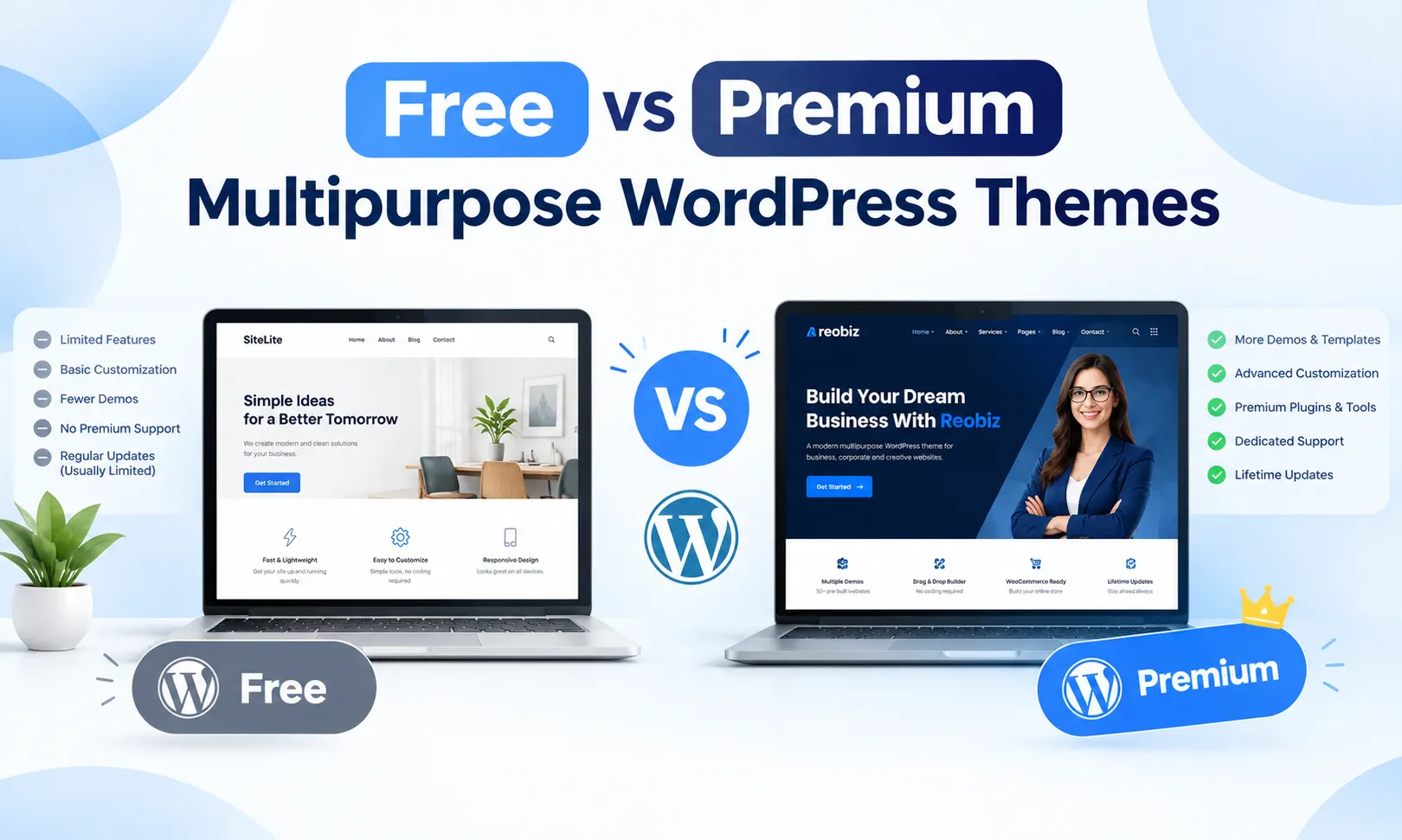
Both free and Premium Multipurpose WordPress Themes can be suitable for business websites. Your decision should depend on your features, budget, and customization requirements.
Free Multipurpose WordPress Themes
Free themes can be a practical option for simple websites and businesses with limited budgets.
Benefits:
- Lower initial cost
- Basic customization options
- Suitable for simple business websites
- Available through the WordPress theme ecosystem
Things to check:
- Available demos and layouts
- Update history
- Documentation
- Support options
- Required premium features
Premium Multipurpose WordPress Themes
Premium themes often include additional layouts, customization tools, demos, and support services.
Benefits:
- More homepage and inner page designs
- Advanced customization options
- Additional theme elements
- Developer documentation
- Potentially broader support options
Things to check:
- License terms
- Included plugins
- Support duration
- Renewal requirements
- Total project cost
Compare the actual features of each theme instead of choosing only based on its free or premium status.
Common Mistakes to Avoid
Avoid these mistakes when selecting Multipurpose WordPress Themes:
Choosing Only Based on Design
A beautiful demo does not guarantee good performance or usability. Review the theme’s features and documentation.
Ignoring Mobile Layouts
Always check the website on mobile devices. Pay attention to navigation, text, images, and forms.
Installing Unnecessary Features
Choose a theme that meets your requirements without adding excessive functionality you will not use.
Not Checking Updates
Review update history and compatibility information to support long-term website maintenance.
Ignoring Licensing Terms
Make sure the license permits your intended use, especially when building websites for clients.
Why Choose an RSTheme Multipurpose WordPress Theme?
If you are looking for flexible WordPress themes for business websites, RSTheme offers premium themes for different industries and website projects.
The RSTheme collection includes themes for consulting businesses, technology companies, creative agencies, and other professional website needs.
When exploring an RSTheme Multipurpose WordPress Theme, review the available demos, page layouts, customization tools, and plugin compatibility for your project.
Specific features vary by product, so check the individual theme’s official product page before purchasing.
Frequently Asked Questions
1. What is a Multipurpose WordPress Theme?
A Multipurpose WordPress Theme is a flexible theme designed for different industries and website types. It usually includes multiple layouts, demos, and customization options.
2. Are Multipurpose WordPress Themes suitable for small businesses?
Yes. A multipurpose theme can support consulting firms, agencies, service providers, and other small business websites.
3. Can I customize a Multipurpose WordPress Theme without coding?
Many themes support visual page builders and customization settings. The available features depend on the individual theme.
4. Do Multipurpose WordPress Themes support Elementor?
Many themes support Elementor, but compatibility and available widgets vary. Check the product documentation before purchasing.
5. Should I choose a free or premium theme?
Compare the features, support, customization options, and total cost. Choose the option that meets your website’s requirements.
6. How many demos should a Multipurpose WordPress Theme have?
There is no fixed number. Focus on whether the theme offers suitable designs and layouts for your business.
7. Can I use one Multipurpose WordPress Theme for multiple websites?
Licensing terms vary. Review the theme’s license to confirm whether multiple website installations are permitted.
8. Do Multipurpose WordPress Themes affect website speed?
A theme can influence performance, but hosting, plugins, images, and configuration also affect loading speed.
Conclusion
Choosing the best Multipurpose WordPress Theme for your business requires more than selecting an attractive design. You should consider your website requirements, responsive design, page builder compatibility, customization options, performance, and plugin support.
A flexible theme can help you create professional websites for different industries while reducing the time needed for initial setup. However, the right choice depends on your business goals and the features you actually need.
Before making a purchase, explore the demos, review the documentation, check licensing terms, and test the theme’s performance. By comparing these factors, you can select a Multipurpose WordPress Theme that provides a suitable foundation for your business website and future growth.