


WordPress Plugins are one of the main reasons WordPress is so flexible. With the right plugins, you can add contact forms, improve SEO, create online stores, build galleries, optimize images, and add many other useful features without writing code.
But not every plugin is safe or well-built.
Installing a Bad WordPress plugin can create serious problems for your website. It may slow down your pages, cause errors, create compatibility issues, or even put your website’s security at risk.
The good news is that most of these problems can be avoided by choosing plugins carefully.
In this guide, we will look at the common ways a bad WordPress plugin can damage your website and what you can do to protect your site.
What Is a Bad WordPress Plugin?
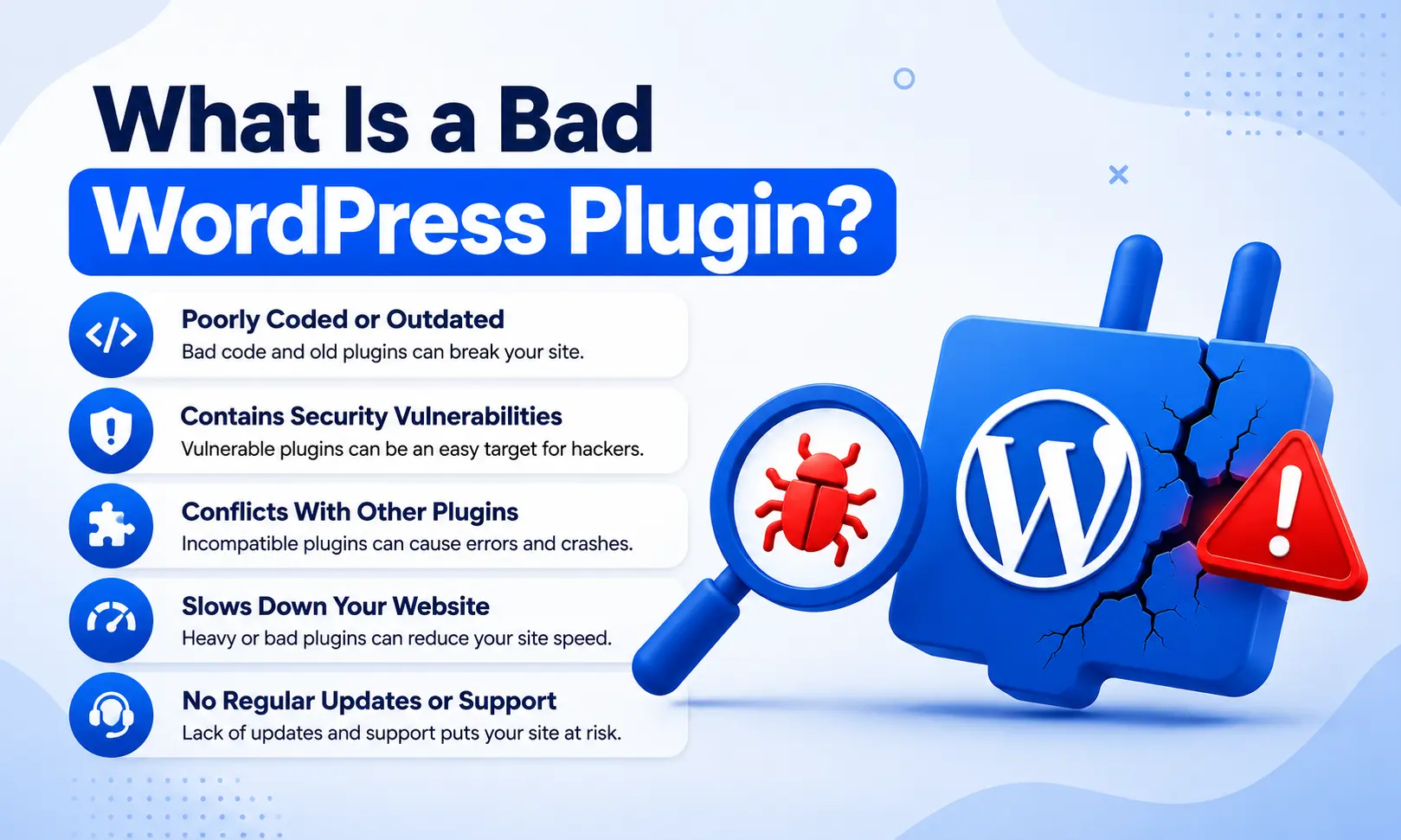

A Bad WordPress plugin does not always mean a plugin that looks broken. Sometimes a plugin may work normally at first but create problems in the background.
A plugin can become risky because of poor coding, lack of updates, security vulnerabilities, unnecessary features, compatibility problems, or poor developer support.
For example, a plugin may use too many server resources every time someone visits your website. Another plugin may conflict with your theme or another plugin and cause unexpected errors.
That is why you should not install a plugin simply because it has an attractive feature.
1. It Can Slow Down Your Website
One of the most common problems caused by a poor-quality plugin is slow website performance.
Some plugins load unnecessary CSS and JavaScript files on every page. Others may make too many database queries or use excessive server resources.
As your website grows, these extra processes can become more noticeable.
A slow website can create a poor experience for visitors. People may leave before the page finishes loading, especially when browsing from mobile devices.
Before installing a plugin, check whether it is actively maintained and whether users report performance problems.
2. It Can Cause Plugin Conflicts
WordPress websites often use several plugins at the same time. Problems can occur when two plugins try to modify the same feature or use incompatible code.
A bad WordPress plugin may conflict with:
- Your WordPress theme
- Another plugin
- The WordPress core
- Page builders
- WooCommerce
- Caching or optimization tools
A conflict can cause anything from a small visual issue to a completely broken page.
This is one reason why testing new plugins before using them on a live website is a good practice.
3. It Can Create Security Vulnerabilities
Security is another major concern.
Poorly coded plugins may contain vulnerabilities that attackers can exploit. If a plugin is no longer maintained, newly discovered security problems may never be fixed.
A compromised plugin can potentially expose sensitive website information or give attackers an opportunity to modify files and content.
For this reason, avoid downloading plugins from unknown websites or unofficial sources.
Use trusted plugin directories and developers with a clear history of updates and support.
4. It Can Break Your Website
Sometimes the damage is immediately visible.
After activating a problematic plugin, you might see:
- A white screen
- PHP errors
- Missing page elements
- Broken layouts
- Admin dashboard problems
- Failed forms
- Checkout issues
This can happen after installing a new plugin or updating an existing one.
The problem can become especially serious if you do not have a recent backup.
5. It Can Increase Database Load
Some plugins store large amounts of information in the WordPress database.
Poorly designed plugins may create unnecessary database entries, perform inefficient queries, or leave old data behind after they are removed.
Over time, this can make database management more difficult and may affect website performance.
A plugin should not only provide useful features. It should also handle data efficiently.
6. It Can Cause Problems After WordPress Updates
WordPress continues to evolve, and themes and plugins also receive updates.
A plugin that has not been maintained for a long time may not work correctly with newer versions of WordPress.
You may update WordPress and suddenly discover that an important feature has stopped working.
This is why checking the plugin’s update history is important before installing it.
An actively maintained plugin is generally a better choice than one that has been abandoned for a long period.
7. It Can Affect Your Website’s SEO
A bad plugin can sometimes create SEO-related problems.
For example, a poorly developed plugin might generate duplicate pages, add unwanted links, create incorrect redirects, or affect how search engines access your content.
Performance problems can also indirectly affect the user experience of your website.
SEO is not only about adding an SEO plugin. Your entire website needs to work properly.
8. It Can Cause Unexpected Errors
Not every plugin problem completely breaks a website.
Sometimes the symptoms are small but annoying.
You might notice that a button no longer works, a form stops submitting, an image does not appear, or a particular page behaves differently.
These problems can be difficult to identify because several plugins may be active on the same website.
If a problem appears immediately after installing or updating a plugin, the plugin should be one of the first things you investigate.
9. It Can Leave Unnecessary Data Behind
Removing a plugin does not always mean that everything related to it has disappeared.
Some plugins leave database tables, settings, files, or other information behind after deletion.
A small amount of leftover data may not create a noticeable problem. However, using and removing many poorly designed plugins over time can make your website harder to maintain.
Before deleting a plugin, check whether it provides an option to remove its stored data safely.
10. It Can Create Maintenance Problems
A website with too many poorly maintained plugins becomes harder to manage.
You may have to deal with frequent conflicts, outdated extensions, unexpected errors, and compatibility issues.
Eventually, you spend more time fixing problems than improving your website.
A better approach is to keep your plugin collection simple. Install only the plugins you actually need and regularly review the ones you already have.
How to Identify a Bad WordPress Plugin
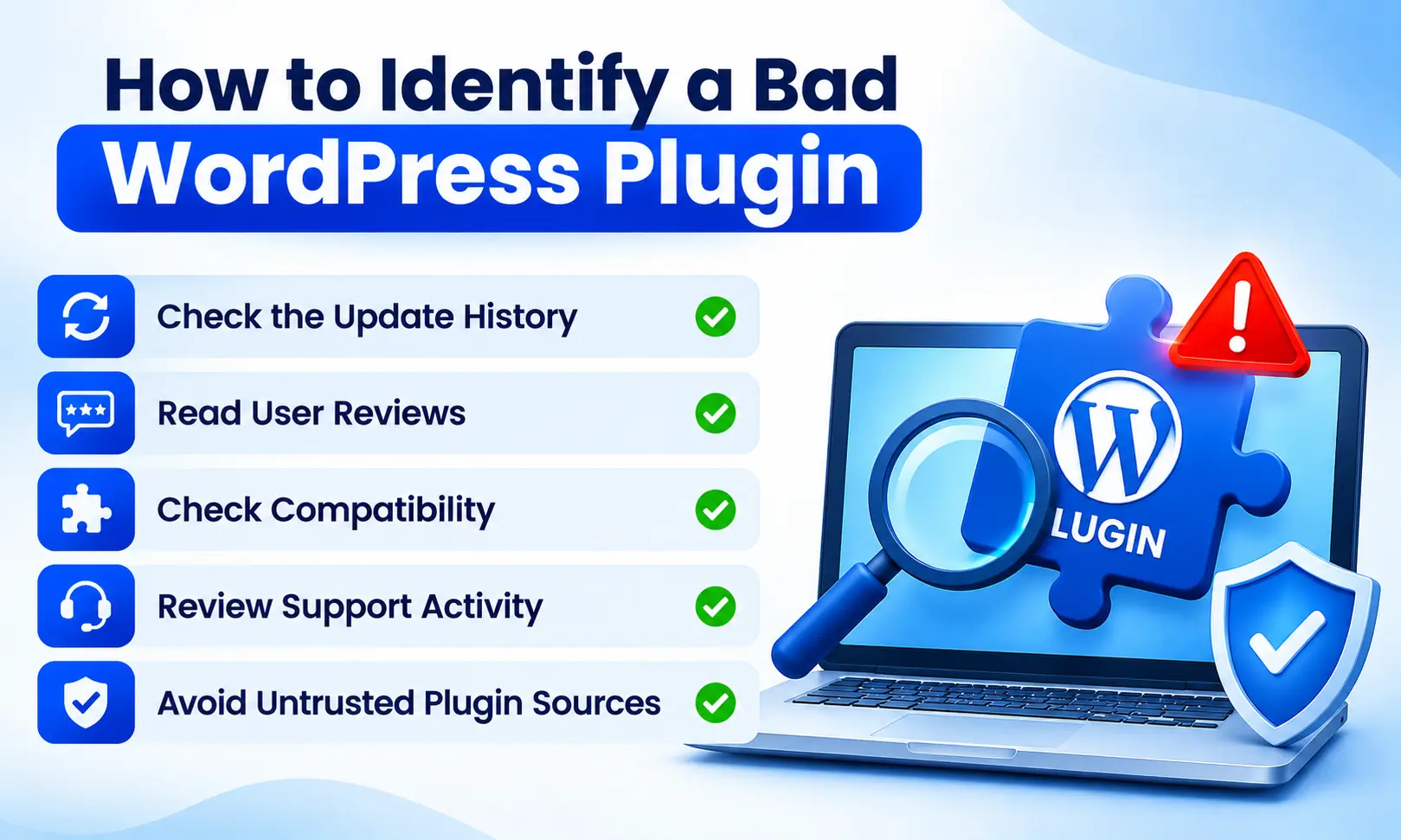
Before installing a plugin, take a few minutes to investigate it.
Check the Update History
Look at when the plugin was last updated. A plugin that has not been updated for a long time may require extra caution.
Read User Reviews
Reviews can reveal common problems that are not obvious from the plugin description.
Look for repeated complaints about crashes, conflicts, slow performance, or poor support.
Check Compatibility
Make sure the plugin is compatible with your WordPress setup and other important tools you use.
Review Support Activity
Good support can make a big difference when something goes wrong.
If developers regularly answer questions and fix reported issues, that is generally a positive sign.
Avoid Untrusted Plugin Sources
Do not install plugins simply because they are offered for free on an unknown website.
A plugin from an unreliable source can introduce unnecessary security and maintenance risks.
What Should You Do If a Plugin Causes Problems?
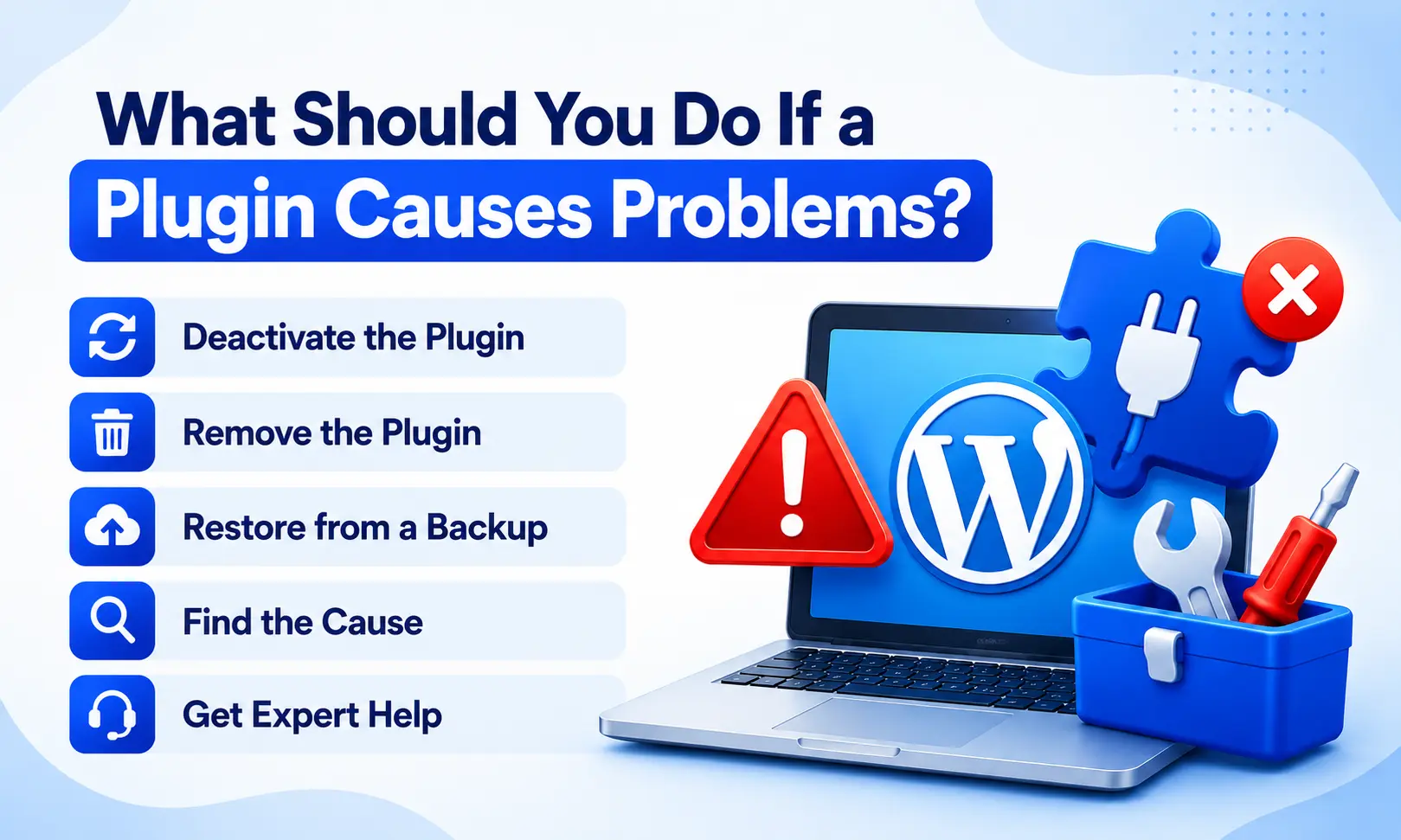
If your website starts behaving strangely after installing a plugin, do not panic.
First, identify whether the problem started immediately after the plugin was activated or updated.
If you can access your WordPress dashboard, deactivate the plugin and check whether the problem disappears.
If you cannot access the dashboard, you may need to disable the plugin through your hosting file manager or another appropriate recovery method.
After fixing the issue, check for an updated version or contact the plugin developer for support.
Most importantly, keep regular backups so you can restore your website if something goes seriously wrong.
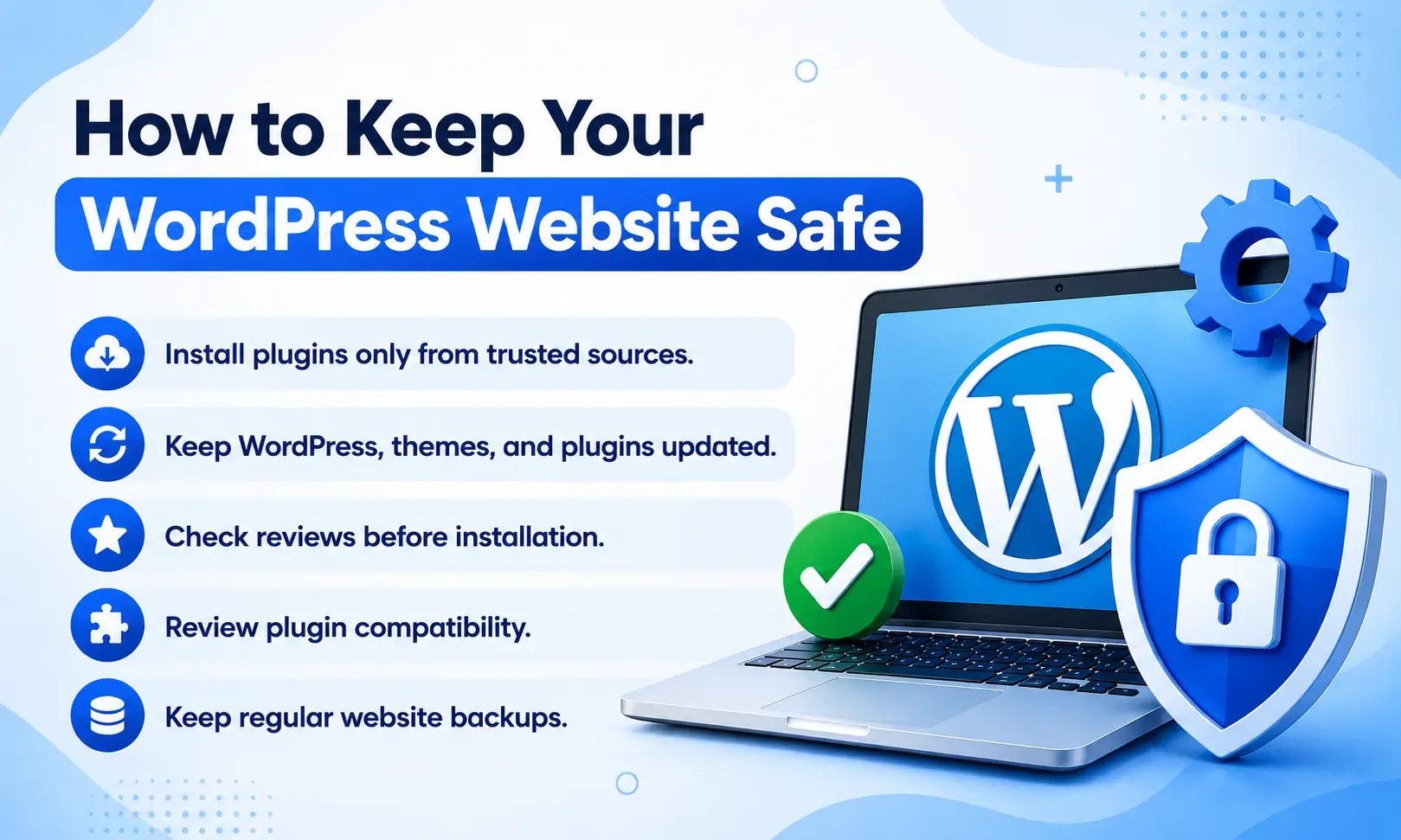
How to Keep Your WordPress Website Safe
You do not need dozens of plugins to build a successful WordPress website.
A better strategy is to use a small collection of reliable plugins and keep them updated.
Follow these basic practices:
- Install plugins only from trusted sources.
- Keep WordPress, themes, and plugins updated.
- Remove plugins you no longer need.
- Check reviews before installation.
- Review plugin compatibility.
- Keep regular website backups.
- Monitor your website after installing new plugins.
- Avoid abandoned or suspicious plugins.
- Test major changes before applying them to a live website.
Final Thoughts
Plugins make WordPress powerful, but every plugin adds another piece of software to your website.
A poorly developed or outdated plugin can cause slow loading, conflicts, errors, security problems, database issues, and unexpected downtime.
That does not mean you should avoid plugins altogether. Instead, choose them carefully.
Before installing a new plugin, check its update history, reviews, compatibility, support, and source. Keep only the plugins that provide real value to your website.
In 2026, good plugin management is an important part of maintaining a fast, secure, and reliable WordPress website.