


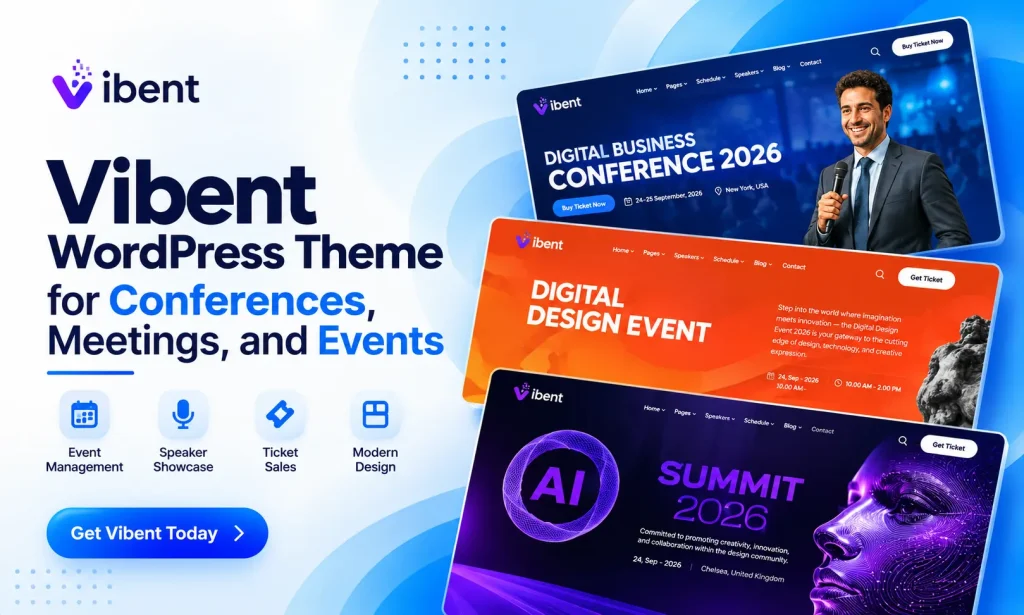
Planning a successful event requires more than finding the right venue and inviting guests. You also need a professional website where visitors can explore event details, discover speakers, check schedules, and find ticket information. A well-designed website helps create a strong first impression and makes it easier for attendees to stay informed.
The Vibent WordPress Theme is a modern and stylish solution for building professional event and conference websites. Whether you are organizing a business conference, technology event, design meetup, corporate meeting, or AI conference, Vibent provides the layouts and tools needed to present your event online.
With 12+ creative homepage layouts, 25+ inner pages, and 200+ ready-to-use Elementor sections, you can create an engaging website without starting from scratch. It also includes useful features for showcasing speakers, publishing event schedules, displaying countdowns, and presenting ticket information.
In this guide, we will explore the key features of the Vibent WordPress Theme and explain how it can help you build a professional event website without coding.
What Makes the Vibent WordPress Theme a Great Choice for Event Websites?
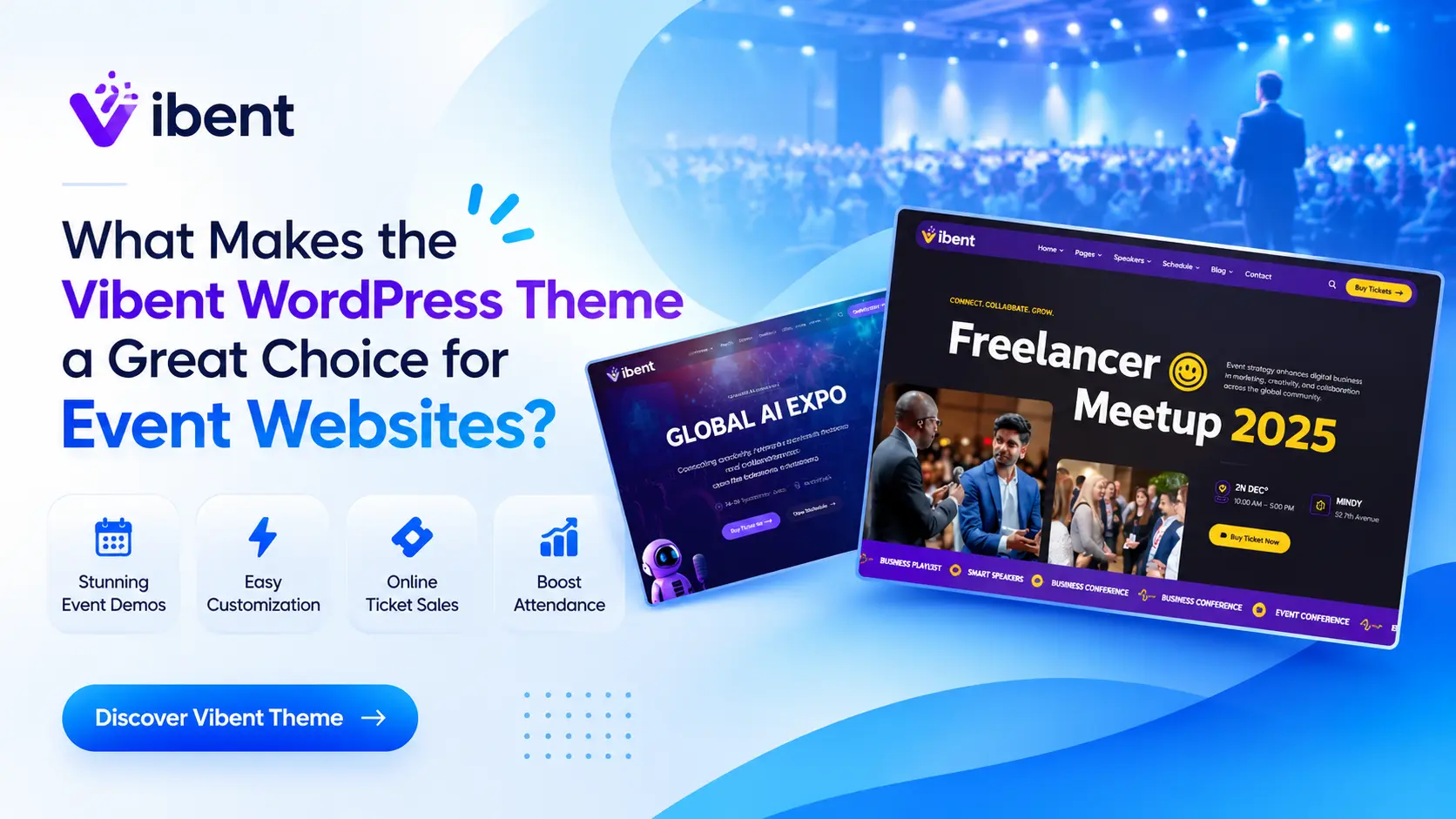

Choosing the right WordPress theme can make a significant difference in how you present and manage your event website. Vibent combines modern design with practical customization features to help event organizers create attractive online experiences.
One of its biggest advantages is its collection of ready-made layouts. Instead of spending hours designing every page, you can select a suitable homepage and customize it according to your event requirements.
The theme is powered by Elementor, allowing you to edit page content through a visual drag-and-drop interface. You can adjust layouts, change colors, update text, and organize website sections without writing code.
Whether you are creating a website for a one-day seminar or a large international conference, the Vibent WordPress Theme provides a flexible starting point.
Key Features of the Vibent WordPress Theme
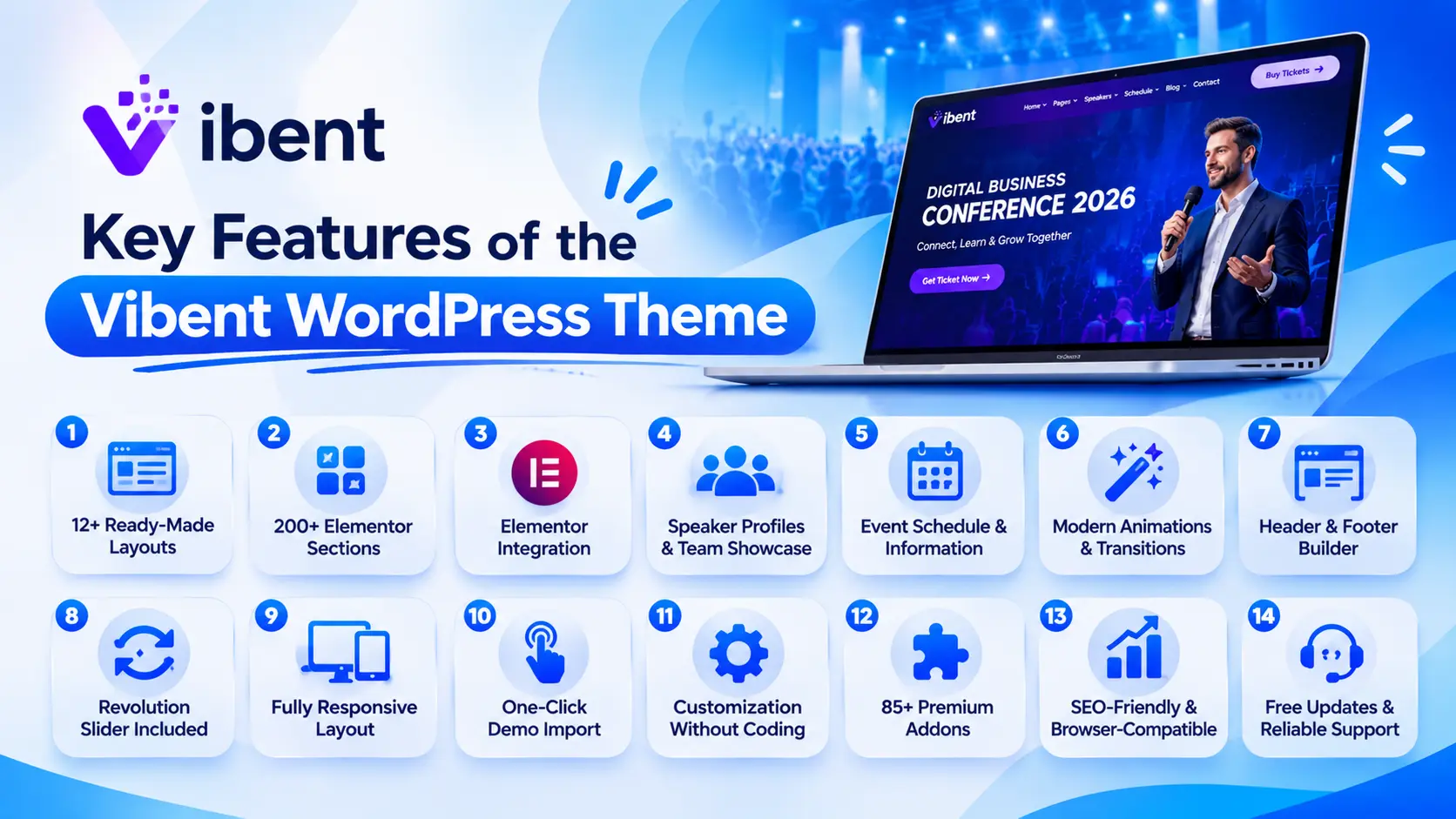
1. 12+ Ready-Made Homepage Layouts
A professional event website needs a homepage that immediately communicates the event’s purpose, schedule, and important information.
Vibent includes 10 pre-built demo websites, featuring 5 multipage and 5 one-page layouts. These designs provide different ways to present your event and its important details.
You can choose a suitable layout for business conferences, technology events, creative meetups, and other professional gatherings. Each layout can be customized to match your branding and event requirements.
2. 200+ Ready-to-Use Elementor Sections
Building every website section individually can take considerable time. Vibent makes the process easier with more than 200 pre-designed Elementor sections.
These sections help you create different parts of your website, including:
- Hero banners and event introductions
- Speaker and team profiles
- Event schedules and information sections
- Testimonials and promotional content
- Contact and registration sections
- Blog and news layouts
You can combine and customize these sections to create a website that fits your event’s identity.
3. Elementor Page Builder Integration
The Vibent WordPress Theme comes with Elementor, one of the most popular drag-and-drop page builders for WordPress.
Its visual editing interface allows you to customize your website while viewing changes on the page. You can move elements, edit content, adjust spacing, and create different layouts without technical knowledge.
Elementor also provides flexible design controls, making it easier to maintain consistent colors, typography, and other visual elements throughout your website.
This feature is particularly useful for event organizers who want to update event information without hiring a developer.
4. Speaker Profiles and Team Showcase
Speakers are an important part of most conferences and professional events. Visitors often want to know who will be presenting before deciding to attend.
With Vibent, you can create attractive sections to introduce speakers and team members. Display their photographs, names, professional titles, and other relevant information to help visitors learn more about the people behind your event.
A well-organized speaker showcase can make your conference website more informative and help establish credibility.
5. Event Schedule and Information Sections
Visitors need clear information about what will happen during an event. A well-structured schedule helps attendees understand the program and plan their participation.
The theme provides ready-made sections that you can customize to present event-related information. You can organize session details, introduce activities, and highlight important event updates.
These flexible layouts make it easier to create an informative event website that keeps visitors connected with your program.
6. Modern Animations and Smooth Transitions
Visual presentation plays an important role in attracting visitors. Vibent includes modern animation effects and smooth transitions that give your website a more engaging appearance.
You can use its design elements to highlight important content, create visual interest, and make page sections feel more dynamic.
The minimalist design approach also helps maintain a clean and professional appearance without making the website look overcrowded.
7. Header and Footer Builder
Your website header and footer are essential parts of its overall design. They help visitors navigate between pages and find important information.
The Vibent WordPress Theme supports header and footer customization, giving you more control over the appearance of these sections.
You can create a navigation structure that includes event details, speakers, schedules, contact information, and other important pages.
8. Revolution Slider Included
Vibent includes the commercial Revolution Slider plugin, allowing you to create attractive sliders with animated effects and customizable transitions.
You can use sliders to highlight upcoming events, introduce keynote speakers, promote important announcements, and showcase event-related images.
This provides another way to make your homepage visually engaging and communicate important information to visitors.
9. Fully Responsive Website Layout
Many visitors browse event websites using smartphones and tablets. Therefore, your website must look good and remain easy to navigate across different screen sizes.
The Vibent WordPress Theme features a responsive layout designed to work across smartphones, tablets, laptops, and desktop computers.
Visitors can explore event information, read speaker details, and browse website pages without needing to switch to another device.
10. One-Click Demo Import
Starting a website from an empty installation can be time-consuming, especially if you are unfamiliar with WordPress design.
Vibent includes a one-click demo import feature that allows you to install ready-made demo content easily.
Once the demo is imported, you can replace the sample text and images, customize the colors, and update the layouts according to your event requirements.
This makes it easier for beginners to get started and build a professional-looking website in less time.
11. Customization Options Without Coding
Not everyone has programming experience, and Vibent is designed to make website customization more accessible.
With Elementor and the available theme settings, you can change website colors, adjust layouts, update typography, and customize different page sections.
The theme also includes an Elementor Kit to help manage design settings and maintain a consistent appearance.
These options allow you to create a website that reflects your event branding without writing custom code.
12. 85+ Premium Addons Included
Vibent comes with more than 85 premium addons, expanding the available design and customization possibilities.
These addons provide additional elements and functionality that help you create different website sections and improve the overall presentation.
Combined with Elementor and the ready-made templates, they give you more flexibility when designing your event website.
13. SEO-Friendly and Browser-Compatible
A professional event website should be accessible to visitors and easy to discover through search engines.
Vibent is designed with SEO-friendly features and clean coding practices. It also uses Bootstrap 5.x and supports modern web browsers.
These foundations provide a useful starting point for creating a website that is accessible across different browsing environments.
14. Free Theme Updates and Reliable Support
Regular updates help keep your website aligned with the latest theme improvements and compatibility requirements.
After purchasing Vibent, you can download available theme updates without additional charges.
The RSTheme support team is also available to assist customers with installation questions, technical issues, and other product-related concerns. You can contact the team through the official support page.
Who Should Use the Vibent WordPress Theme?
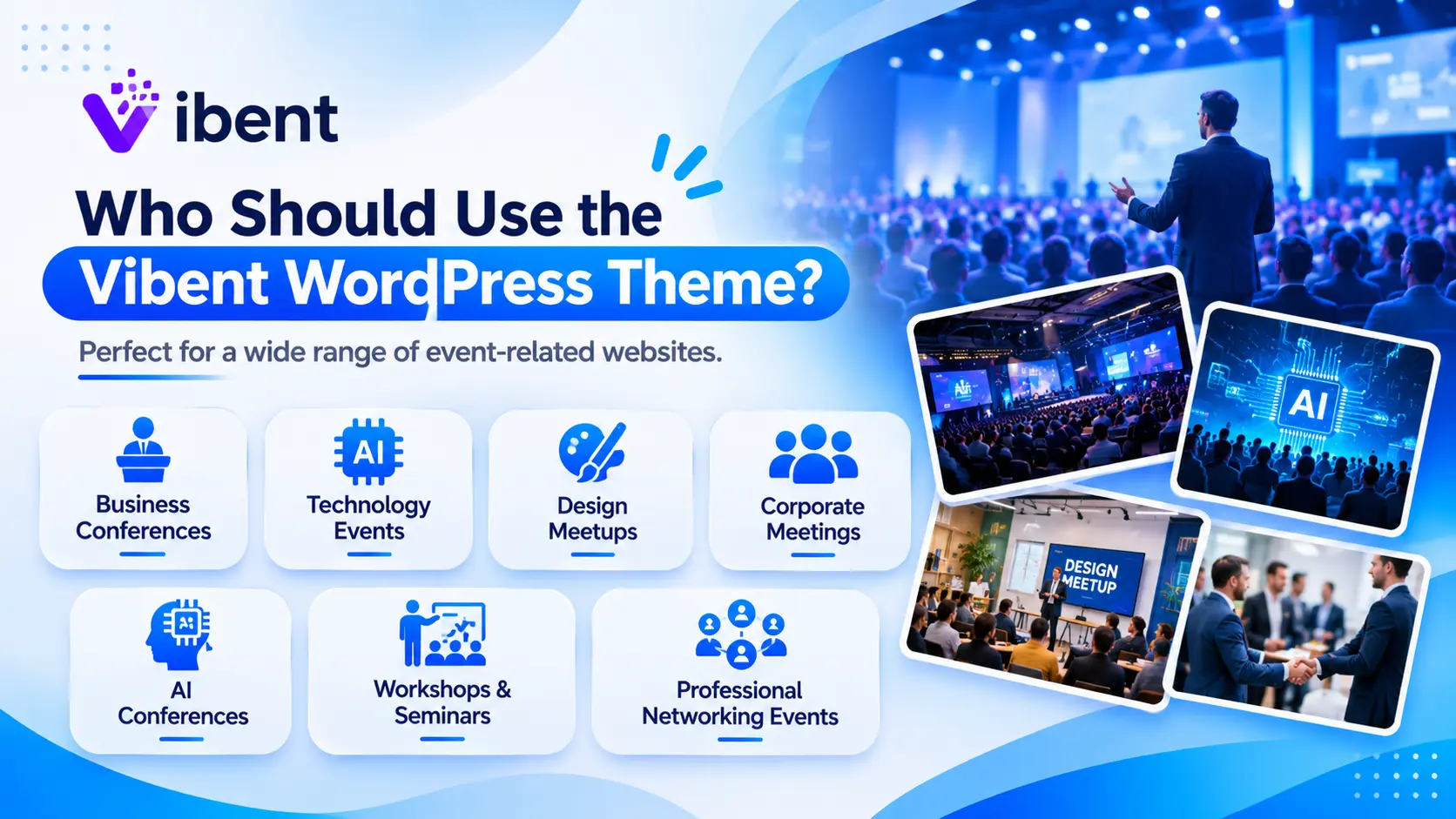
The flexible layouts and customization options make Vibent suitable for different types of event-related websites.
Here are some examples:
- Business Conferences: Create a professional website to introduce conference speakers, schedules, and important event information.
- Technology Events: Showcase technology presentations, industry discussions, and upcoming sessions.
- Design Meetups: Build an attractive online presence for creative communities, workshops, and design gatherings.
- Corporate Meetings: Present meeting details, company information, and event schedules in an organized way.
- AI Conferences: Create a modern website for conferences, seminars, and professional discussions about emerging technologies.
- Workshops and Seminars: Share program details, presenter information, and registration-related content.
- Professional Networking Events: Introduce event organizers, guests, and important activities through dedicated website sections.
How to Build an Event Website with the Vibent WordPress Theme
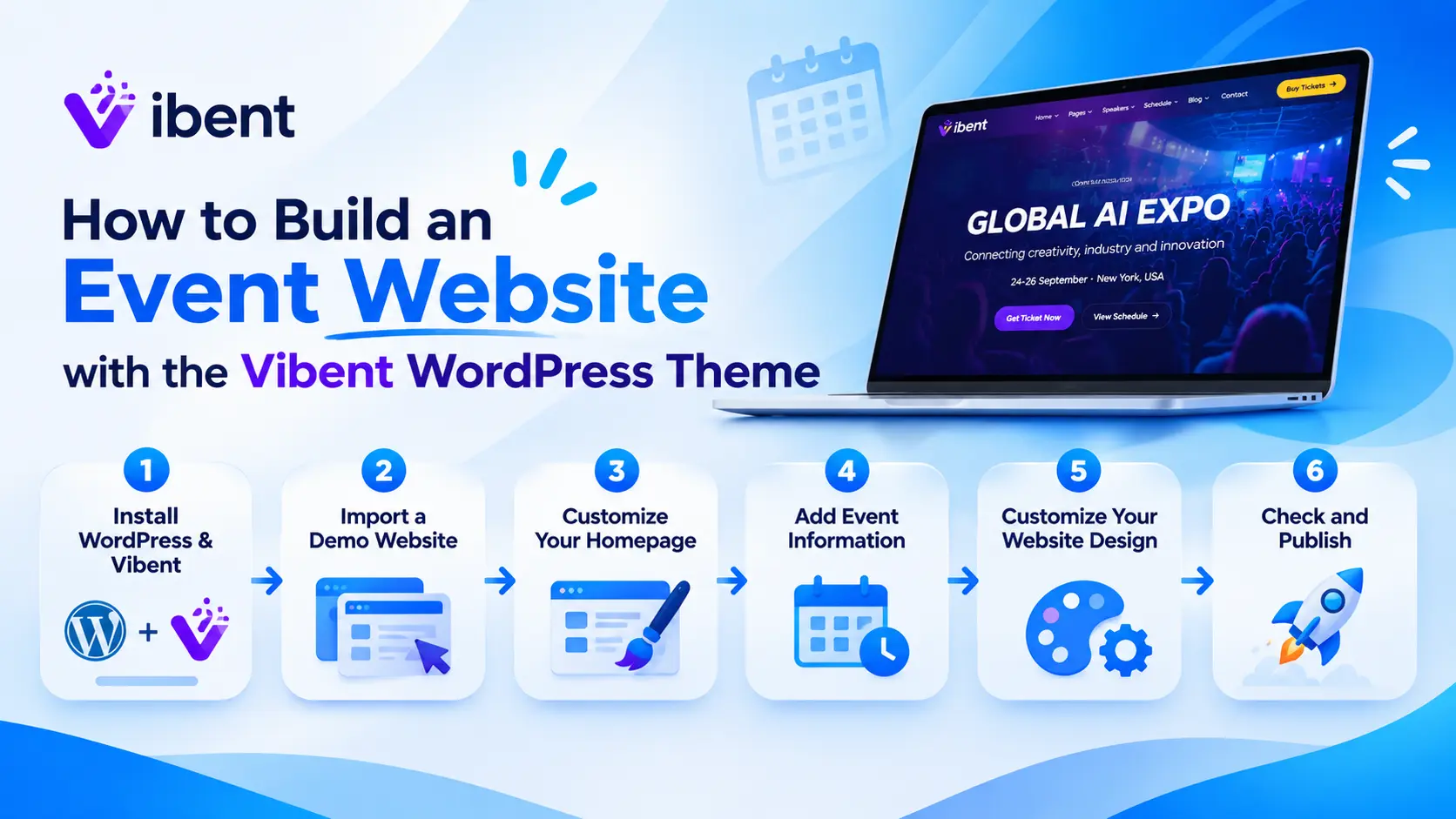
Creating an event website does not have to be complicated. With Vibent, you can follow a simple process to get started.
Step 1: Install WordPress and Vibent
First, set up WordPress on your hosting account. Then install the Vibent theme and activate it from your WordPress dashboard.
Step 2: Import a Demo Website
Choose one of the available pre-built demo layouts and use the one-click demo importer to install its content.
Step 3: Customize Your Homepage
Open the homepage with Elementor. Update the text, images, colors, and sections to match your event branding.
Step 4: Add Event Information
Create the necessary pages and sections for speakers, schedules, event details, announcements, and contact information.
Step 5: Customize Your Website Design
Adjust the header, footer, typography, colors, and other visual elements to maintain a consistent website appearance.
Step 6: Check and Publish Your Website
Review the website on different devices and browsers. Make sure all important information is accurate before publishing it.
Following these steps can help you launch a professional event website without building everything from scratch.
Frequently Asked Questions
1. What is the Vibent WordPress Theme?
Vibent is an Event & Conference WordPress Theme designed for business conferences, technology events, meetings, workshops, seminars, and other professional gatherings.
2. Does Vibent support Elementor?
Yes. Vibent integrates with Elementor, allowing users to create and customize website pages using a visual drag-and-drop editor.
3. How many homepage demos are included in Vibent?
Vibent includes 12 pre-built demo websites, consisting of 5 multipage and 5 one-page layouts.
4. Can beginners use the Vibent WordPress Theme?
Yes. Its Elementor integration, ready-made layouts, theme settings, and one-click demo importer make it suitable for beginners without coding experience.
5. Does Vibent include Revolution Slider?
Yes. The commercial Revolution Slider plugin is included, allowing you to create sliders with customizable transitions, animations, and visual effects.
6. Is the Vibent WordPress Theme responsive?
Yes. Its responsive layout is designed to display properly on smartphones, tablets, laptops, and desktop computers.
7. How many Elementor sections are available?
Vibent includes more than 200 ready-to-use Elementor sections that you can customize and combine to create different website layouts.
8. Can I customize the colors of my event website?
Yes. You can customize website colors and other design settings using Elementor and the included Elementor Kit.
9. Does Vibent provide free updates?
Yes. After purchasing the theme, you can download available theme updates without additional charges.
10. Where can I get support for Vibent?
You can contact the RSTheme support team through its official support page for assistance with installation, technical questions, and other product-related issues.
Conclusion
Creating a professional event website becomes much easier when you have the right design tools and ready-made layouts. The Vibent WordPress Theme combines modern homepage designs, Elementor integration, customizable sections, speaker showcases, responsive layouts, and useful visual elements to help you build an engaging online presence.
With 10 pre-built demo websites, 25+ inner pages, 200+ Elementor sections, and 85+ premium addons, Vibent offers plenty of flexibility for different event website requirements.
Whether you are organizing a business conference, technology meetup, seminar, or corporate event, Vibent provides a practical foundation for presenting your event online. If you want to create a modern event website without coding, Vibent is worth considering.