












In today’s digital world, speed is everything. Whether you’re running a blog, portfolio, or online store, your website’s performance directly impacts user experience, SEO rankings, and conversion rates. One of the most common ways to enhance content presentation is by using a WordPress post grid plugin—but not all plugins are created equal.
Many grid plugins come packed with features that look great but slow down your site. That’s why choosing a lightweight post grid plugin is essential. In this guide, we’ll explore 11 free lightweight WordPress post grid plugin options that help you organize your content beautifully—without compromising speed.
Why Use a WordPress Post Grid Plugin?
A WordPress post grid plugin allows you to display posts, pages, or custom content types in a structured grid layout. This is especially useful for:
- Blogs with frequent updates
- Portfolios showcasing visual work
- Product listings for eCommerce
- News and magazine-style websites
Grid layouts improve readability, enhance navigation, and make your site look more professional. But heavy plugins can bog down your site. That’s why we’ve focused on free and lightweight options that deliver performance and style.
11 Free Lightweight WordPress Post Grid Plugin for Speed Optimization
1. Fancy Post Grid Ultimate Post Grid Builder Plugin

One of the most popular and reliable options, Fancy Post Grid plugin WordPress users love for its simplicity and flexibility. It supports custom post types, taxonomies, and multiple layout styles.
- 100+ stunning layouts
- Unlimited Shortcode Generator
- Elementor Addons
- Gutenberg Blocks
- Developer & User Friendly
- Dynamic Styling Options
- 24/7 Support
- Query Builder
- Advanced Responsive Controls & Lightweight
- Drag-and-Drop Editing
- Animations & Effects
Whether you’re a beginner or a seasoned developer, this plugin offers a clean and fast way to showcase your content.
2. Content Views

Content Views is a user-friendly plugin that lets you create beautiful grids without writing code. It’s one of the best WordPress post grid plugin free options for beginners.
- No coding required
- SEO-friendly output
- Works with custom post types
This plugin is ideal for bloggers and small business owners looking for a quick setup.
3. WP Ultimate Post Grid

This WP post grid plugin is built with performance in mind. It uses CSS Grid and AJAX filtering to deliver fast, dynamic layouts.
- Gutenberg compatible
- Custom queries and filters
- Lightweight and fast-loading
Perfect for developers who want more control without sacrificing speed.
4. AnWP Post Grid and Post Carousel Slider for Elementor

Offering both grid and carousel layouts, this plugin is optimized for speed and works well with caching plugins.
- Multiple layout options
- Lightweight scripts
- Easy integration with page builders
Great for showcasing testimonials, featured posts, or team members.
5. Display Posts Shortcode

If you prefer minimalism and performance, this plugin is for you. It uses shortcodes to display posts in a grid format, without adding any unnecessary UI elements.
- Fast and efficient
- Highly customizable
- No extra styling or scripts
Ideal for developers who want full control over layout and styling.
6. Post Grid Elementor Addon

For Elementor users, this addon is the best post grid plugin for Elementor. It integrates seamlessly and offers dynamic content display in grid format.
- Built specifically for Elementor
- Drag-and-drop interface
- Lightweight and responsive
Perfect for creating custom blog layouts, product showcases, or portfolio pages.
7 . The Post Grid – Shortcode, Gutenberg Blocks, Divi Modules and Elementor Addon for Post Grid
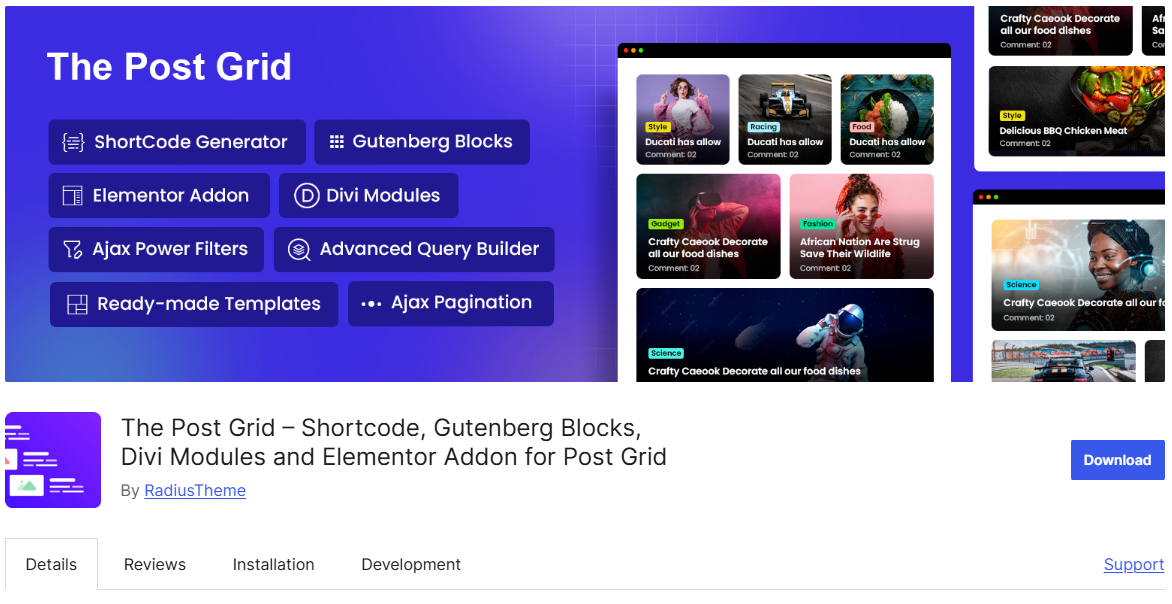
Another excellent option for creating responsive grids. It supports multiple post types and offers a variety of layout presets.
- Easy shortcode integration
- Multiple grid styles
- Lightweight and fast
A great tool for anyone looking to enhance their site’s visual appeal without slowing it down.
8. Blog Designer Pack – Blog, Post Grid, Post Slider, Post Carousel, Category Post, News
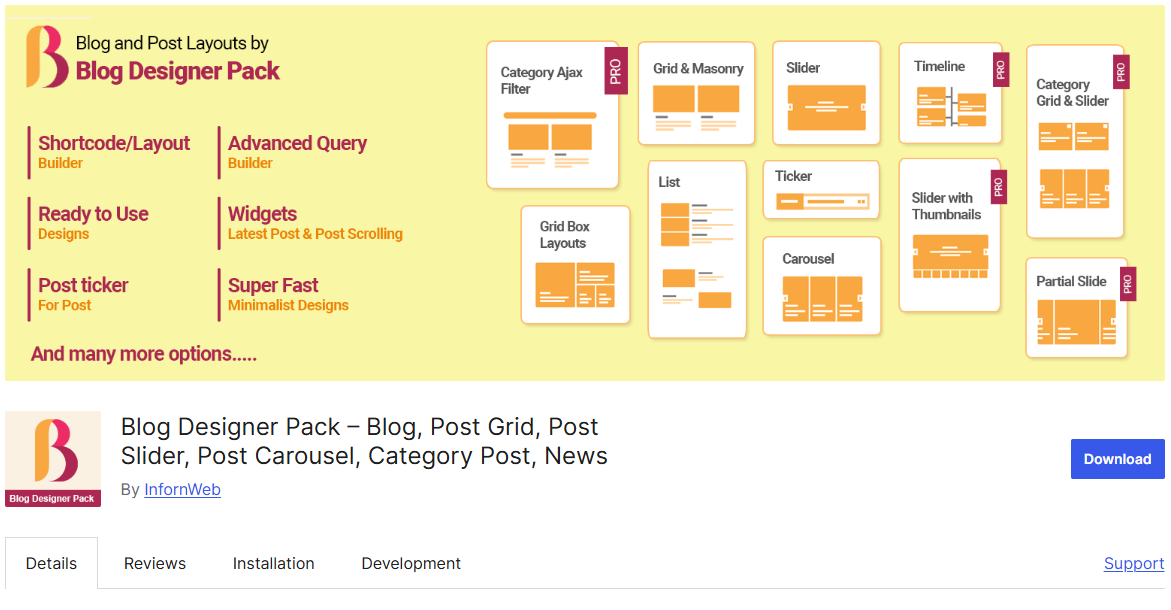
As the name suggests, this plugin makes it easy to create post grids. It’s lightweight, beginner-friendly, and offers enough customization to suit most needs.
- Simple user interface
- Fast rendering
- Supports featured images and excerpts
Perfect for bloggers and content creators who want quick results.
9. Visual Portfolio, Photo Gallery & Post Grid

Visual Portfolio is a modern plugin that supports multiple content types and layout styles. It’s built with performance in mind and offers AJAX loading for smoother user experience.
- Masonry and classic grid options
- Responsive design
- Customizable filters
Ideal for portfolios, galleries, and product listings.
10. Query Wrangler

This plugin is geared toward advanced users who want to create custom queries and display them in grid format. It’s lightweight and integrates well with Views and Panels.
- Custom query builder
- Fast performance
- Flexible layout options
Best suited for developers and power users who need granular control.
11. Post Grid Gutenberg Blocks for News, Magazines, Blog Websites – PostX

The free version of Essential Grid offers basic grid functionality with a focus on performance. While the premium version unlocks more features, the lite version is perfect for simple layouts.
- Visual skin editor
- Optimized for speed
- Compatible with major themes
A solid choice for users who want a polished look without the bulk.
How to Use Post Grid Plugin in WordPress
Using a post grid plugin for WordPress is usually straightforward. Here’s a quick guide:
- Install the Plugin
Go to your WordPress dashboard, navigate to Plugins > Add New, and search for your chosen plugin. - Activate and Configure
Once installed, activate the plugin and configure the settings to match your layout preferences. - Insert Grid
Use shortcodes, blocks, or page builder widgets to insert the grid into your pages or posts. - Customize Design
Adjust colors, spacing, typography, and other design elements to match your theme. - Optimize for Speed
Use caching plugins, lazy loading, and image optimization tools to ensure fast performance.
Whether you’re using the post grid plugin WordPress users recommend or a shortcode-based tool, the process is simple and user-friendly.
Speed Optimization Tips
Even the best post grid plugin WordPress offers can slow down your site if not configured properly. Here are some tips to keep things running smoothly:
- Limit the number of posts per grid to reduce load time
- Enable lazy loading for images and media
- Use caching plugins like WP Rocket or W3 Total Cache
- Minimize external scripts and styles
- Test performance using tools like GTmetrix or Google PageSpeed Insights
Choosing a lightweight WordPress post grid plugin free is the first step. Optimizing it is the next.
A well-designed grid layout can transform your WordPress site from cluttered to clean, from slow to snappy. The plugins listed above are not only free—they’re also lightweight and optimized for speed. Whether you’re building a blog, portfolio, or product showcase, there’s a WordPress post grid plugin here for you.
From the post grid plugin WordPress users swear by to the best post grid plugin for Elementor, these tools offer flexibility, performance, and style. Don’t let a slow site drag down your user experience. Choose a plugin that’s fast, free, and fabulous.
Frequently Asked Questions
Q: What is the best post grid plugin for WordPress?
A: It depends on your needs. For Elementor users, the Fancy Post Grid Ultimate Post Grid Builder Plugin is ideal. For general use, Fancy Post Grid and Content Views are excellent choices.
Q: Are post grid plugins bad for SEO?
A: Not if they’re lightweight and properly optimized. In fact, they can improve SEO by enhancing user experience and reducing bounce rates.
Q: Can I use post grid plugins with custom post types?
A: Yes! Most of the plugins listed support custom post types and taxonomies.