











Creating a professional website does not always require coding skills. Modern tools and flexible themes make WordPress Theme Customization easier than ever. With the right settings, plugins, and built-in features, you can design a unique website that matches your brand, improves user experience, and supports your business goals.
Whether you run a blog, business website, agency page, or online portfolio, learning simple WordPress Theme Customization methods can help you transform your site quickly. In this guide, you will discover practical tips to customize your WordPress theme without writing a single line of code.
Why WordPress Theme Customization Matters
A website theme controls the overall design, layout, typography, and visual style of your website. Proper WordPress Theme Customization helps you:
- Build a strong brand identity
- Improve website navigation and usability
- Create a modern and professional design
- Optimize mobile responsiveness
- Enhance user experience and engagement
By using the customization features already included in WordPress themes, you can build a powerful website without hiring a developer.
1. Use the WordPress Customizer
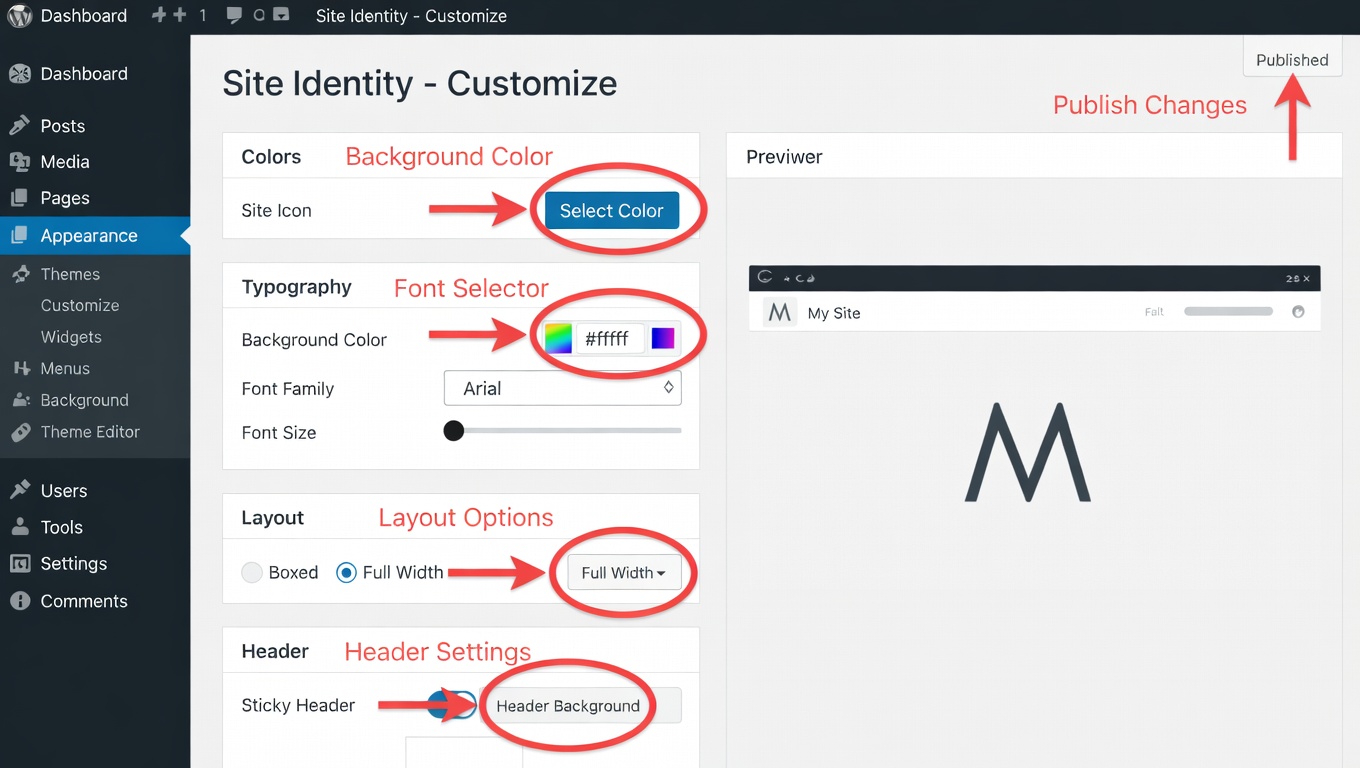
The WordPress Customizer is one of the easiest tools for WordPress Theme Customization. It allows you to change many design elements while previewing the results instantly.
You can easily modify:
- Site title and tagline
- Colors and background
- Fonts and typography
- Homepage layout
- Widgets and menus
The live preview helps you see changes before publishing them.
2. Upload Your Brand Logo and Favicon
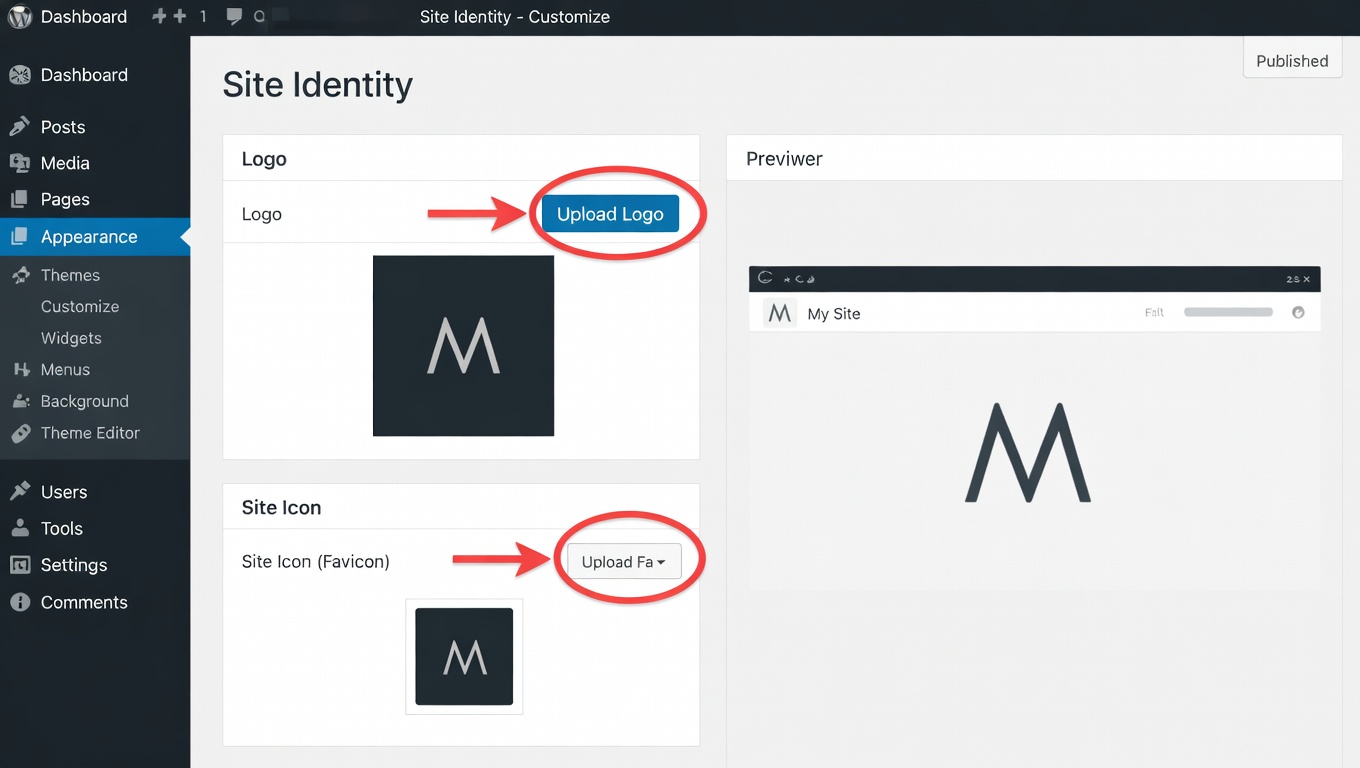
Your website should reflect your brand identity. Uploading a custom logo and favicon is a simple but important step in WordPress Theme Customization.
A clear logo builds trust, while a favicon helps users recognize your website in browser tabs and bookmarks.
3. Change Colors to Match Your Brand
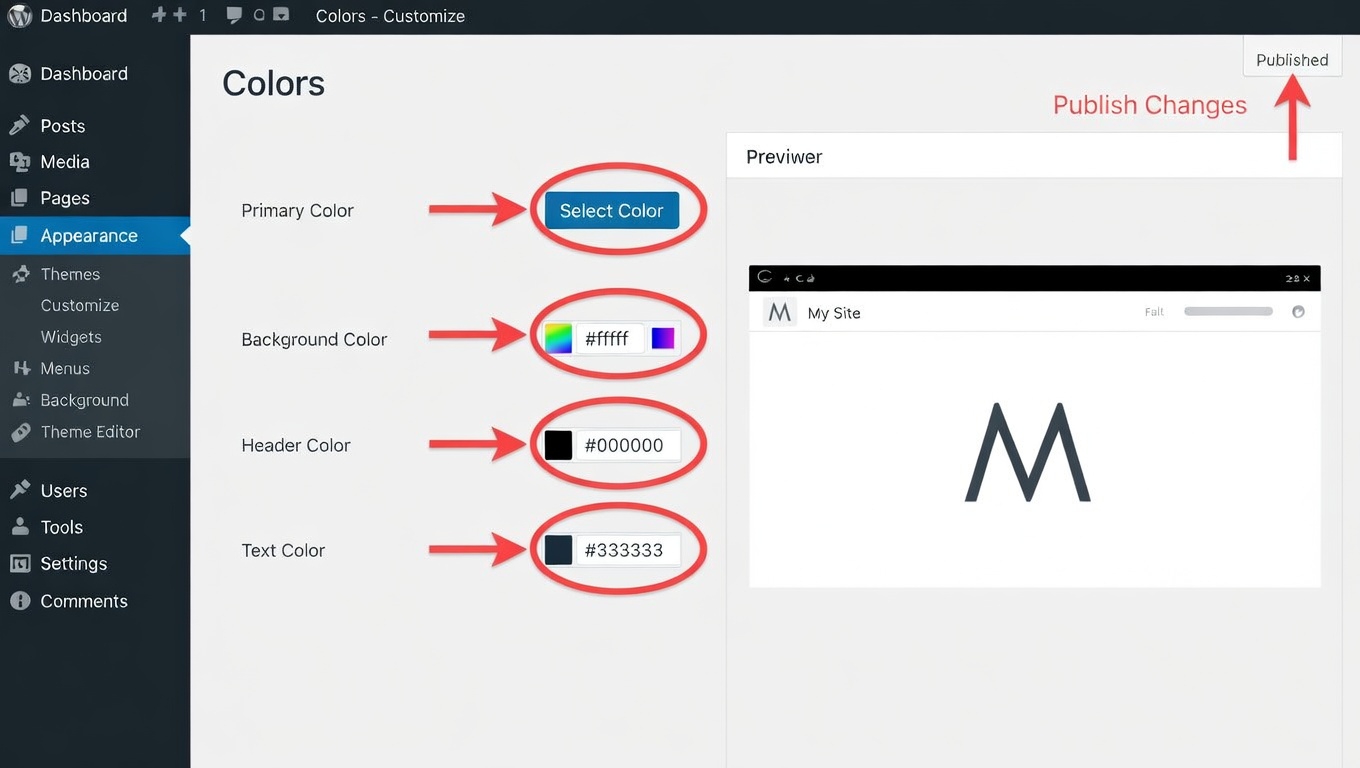
Most modern themes allow you to adjust the color scheme without coding. This feature is essential for effective WordPress Theme Customization.
You can customize:
- Primary brand color
- Button colors
- Background colors
- Link and hover colors
Consistent colors make your website look professional and memorable.
4. Customize Typography and Fonts
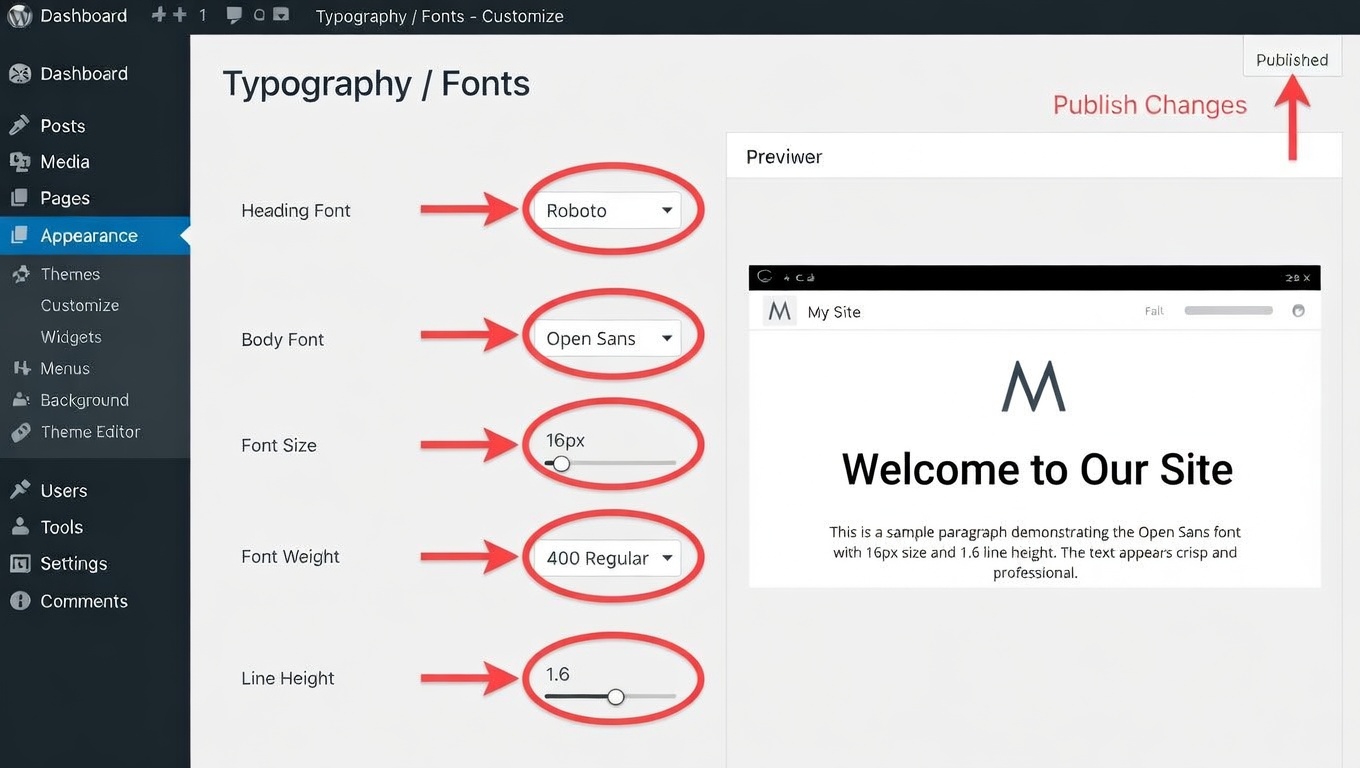
Fonts have a big impact on readability and design. Good typography improves the overall experience of WordPress Theme Customization.
Choose fonts that are:
- Easy to read
- Consistent with your brand
- Suitable for both desktop and mobile devices
Adjust font size, heading styles, and spacing to create a clean layout.
5. Use Drag-and-Drop Page Builders
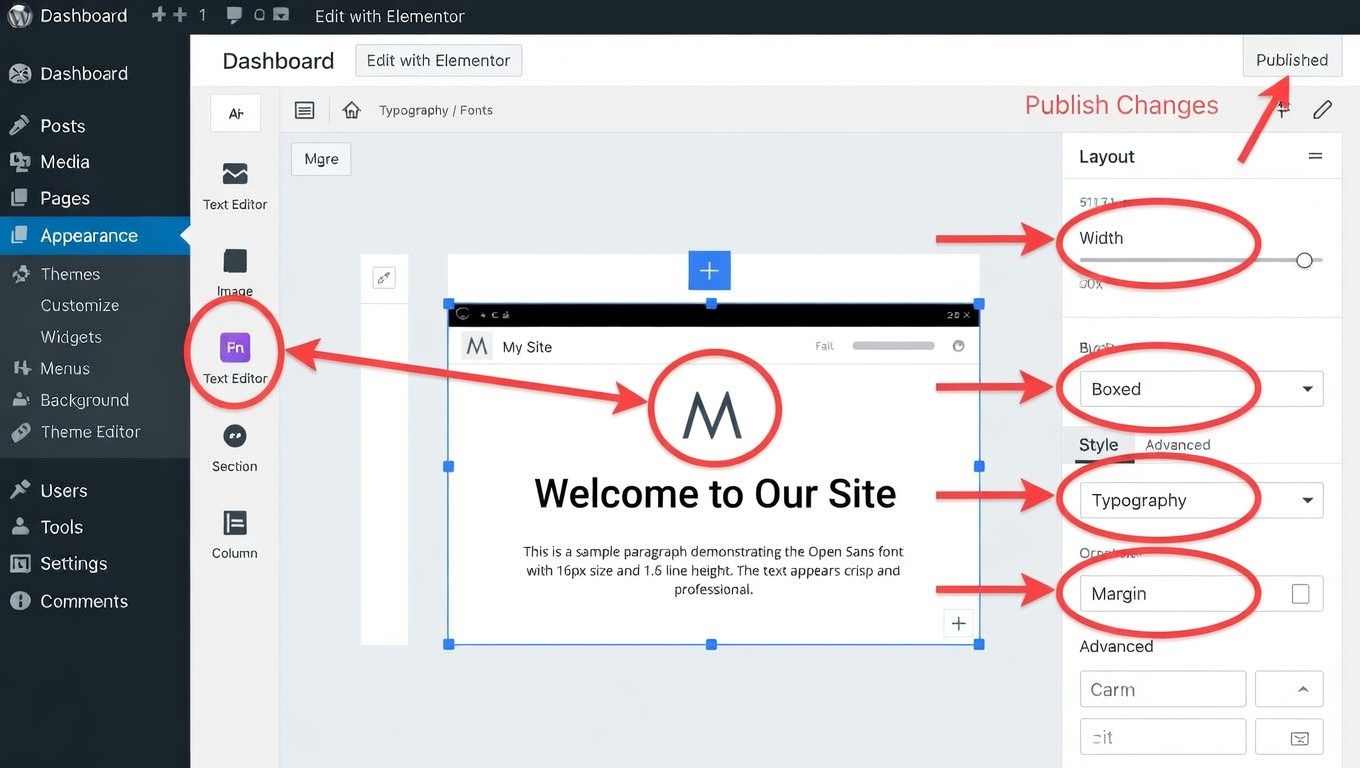
Page builders allow visual editing and flexible layouts. Many themes support popular tools like Elementor.
With drag-and-drop editing you can:
- Design custom pages
- Create landing pages
- Add sections and columns
- Place images, buttons, and content blocks
This makes WordPress Theme Customization simple even for beginners.
6. Import Demo Content
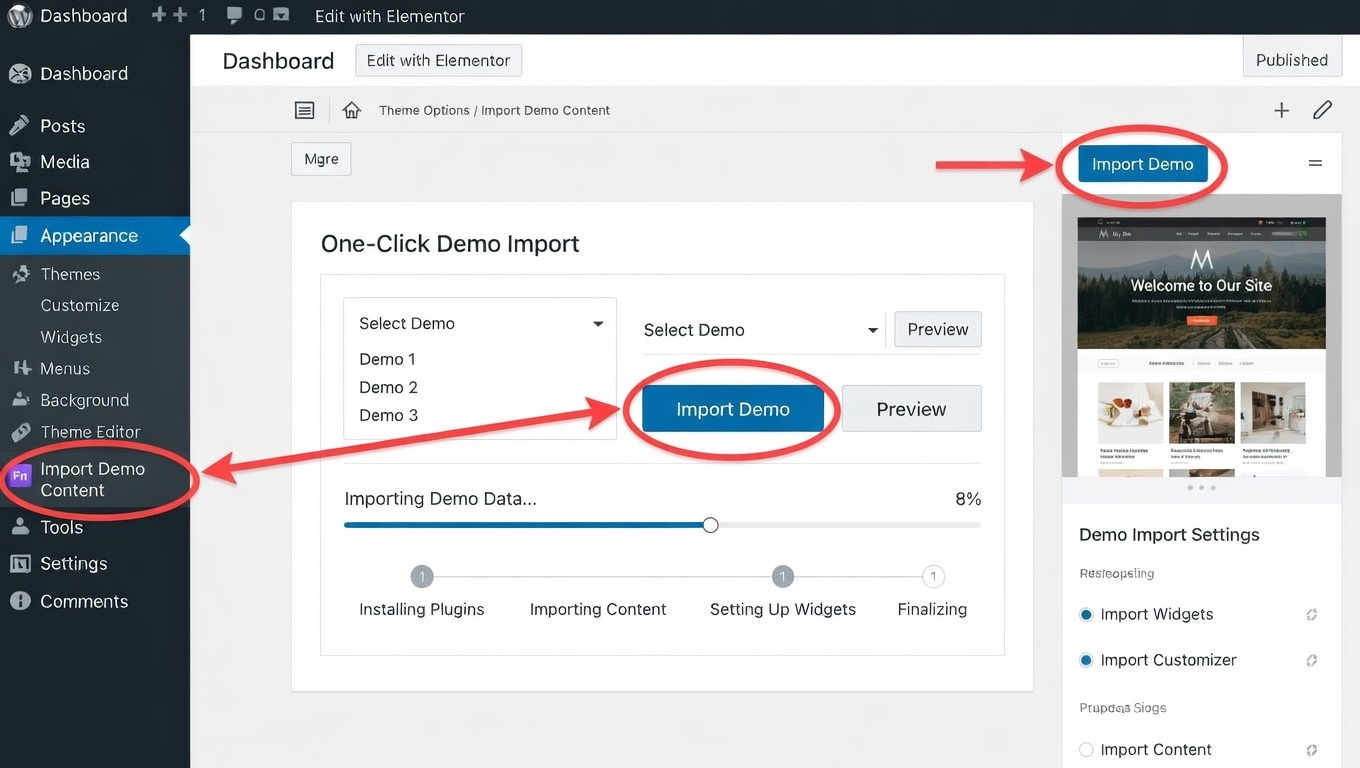
Many premium themes include demo websites. Importing demo content is a fast way to start WordPress Theme Customization.
With one-click demo import you can:
- Load a ready-made website design
- Replace text and images with your content
- Customize layout and sections easily
This saves time and gives you a professional starting point.
7. Customize Header and Navigation Menu
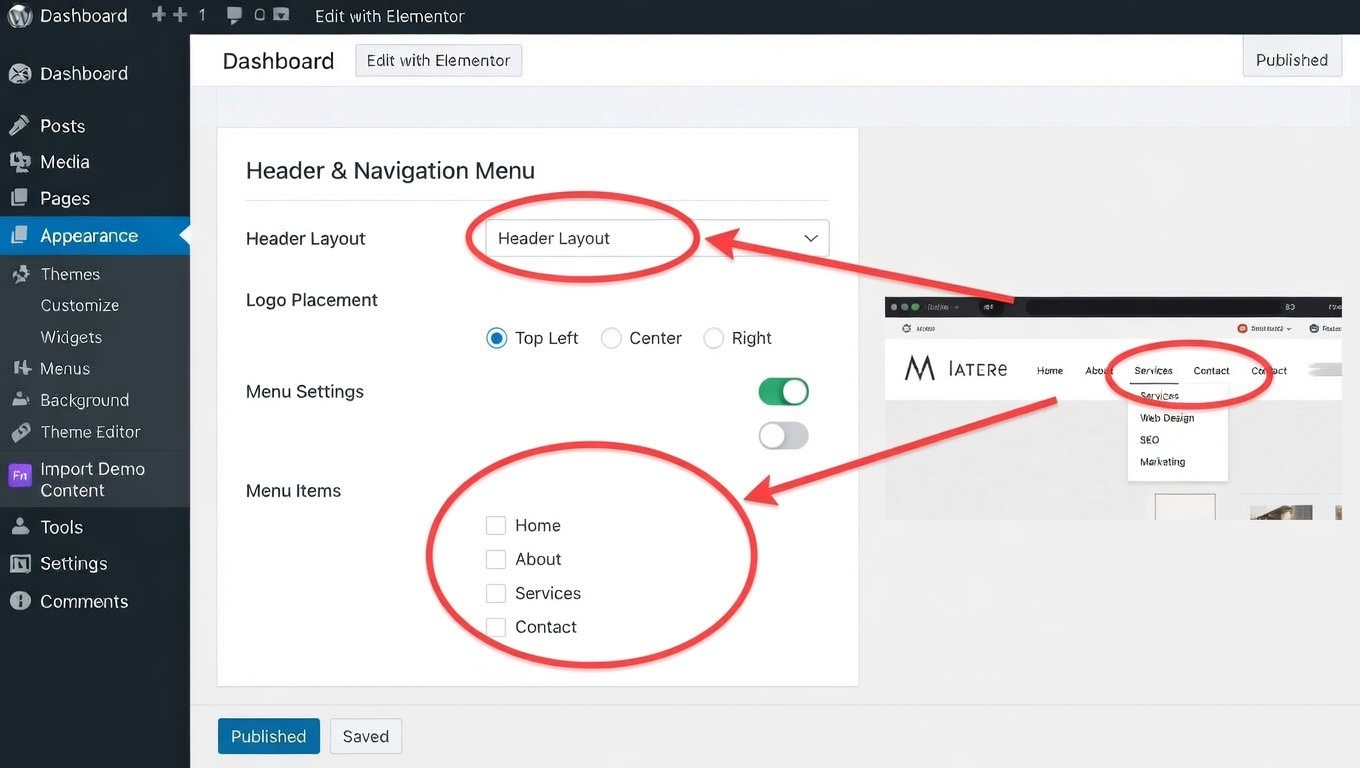
The header and navigation menu are important parts of website usability.
Good WordPress Theme Customization allows you to:
- Create clear navigation menus
- Add call-to-action buttons
- Place contact information
- Include social media icons
A well-organized menu helps visitors find information quickly.
8. Add Widgets to Enhance Functionality
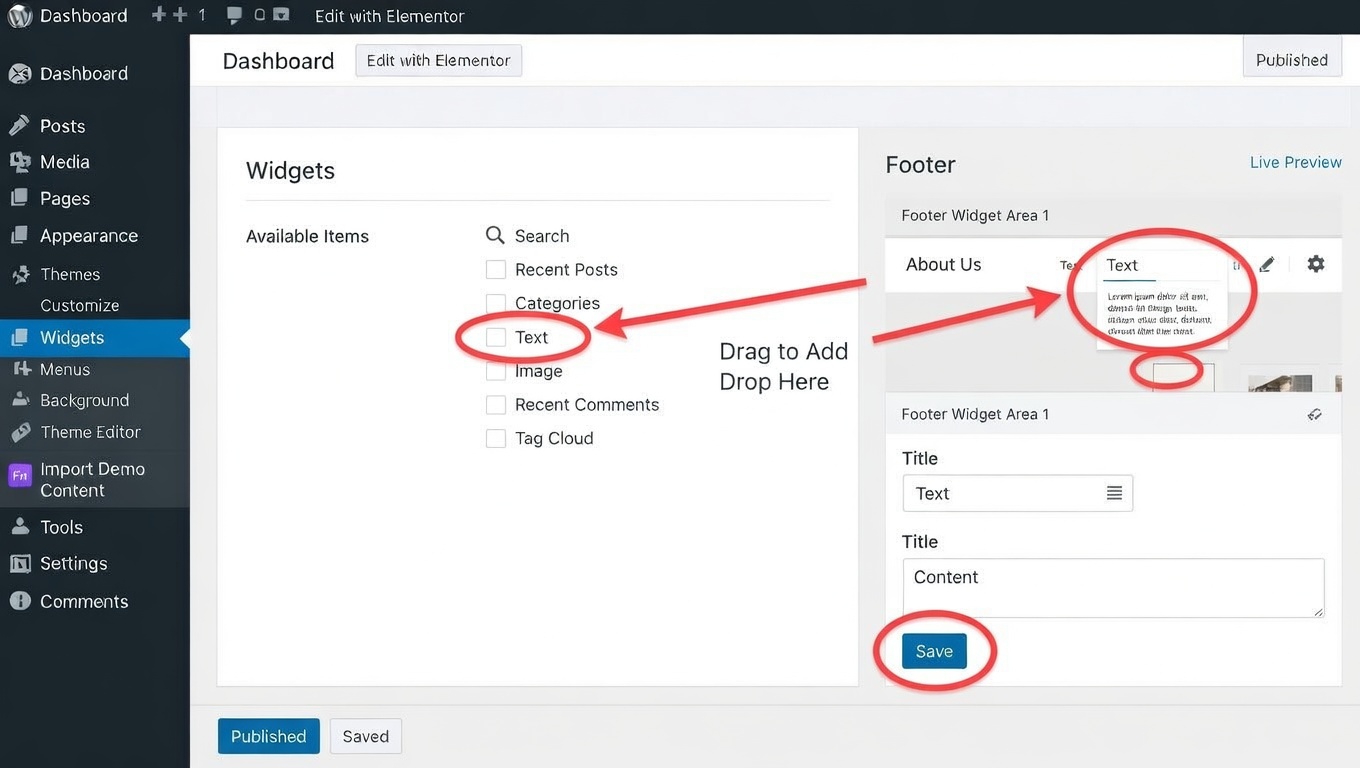
Widgets allow you to add extra features to sidebars and footers.
Common widgets include:
- Recent posts
- Search bar
- Categories
- Social media links
- Contact information
Using widgets improves both design and usability during WordPress Theme Customization.
9. Customize Footer Layout
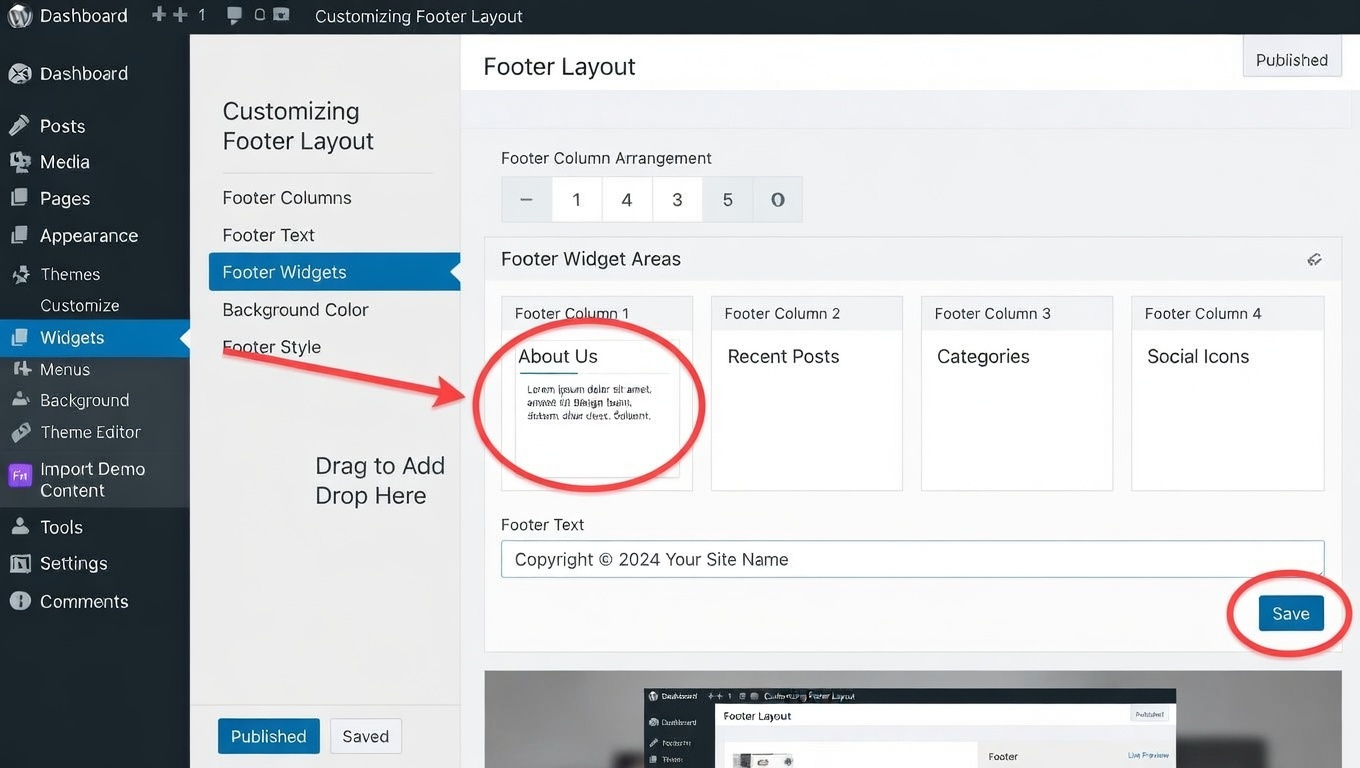
The footer is often overlooked but it plays a big role in website navigation.
A good footer during WordPress Theme Customization can include:
- Important page links
- Contact details
- Newsletter signup form
- Copyright notice
A well-designed footer keeps visitors engaged even at the end of a page.
10. Optimize Your Theme for Mobile Devices
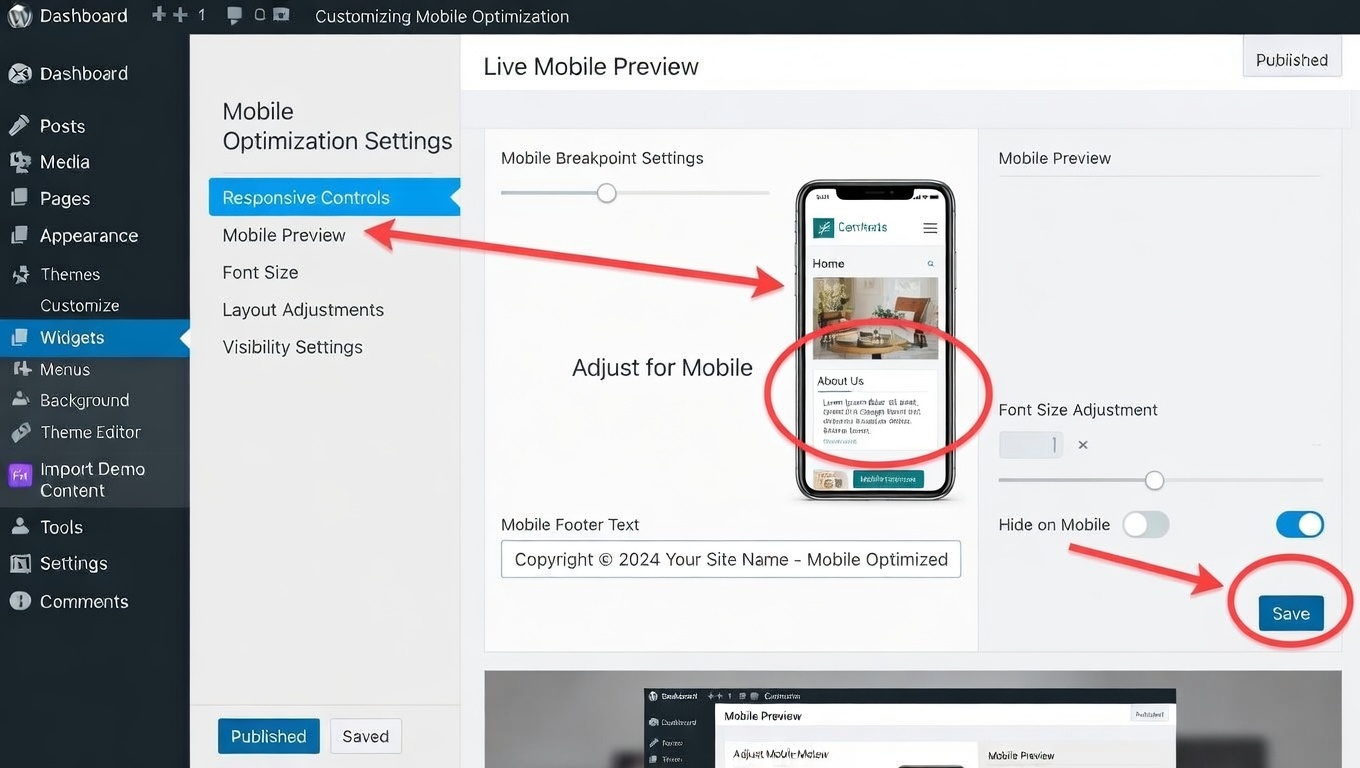
Mobile traffic continues to grow every year. Responsive design is essential in WordPress Theme Customization.
Check your site on different devices and adjust:
- Font sizes
- Spacing and margins
- Image alignment
- Navigation menus
A mobile-friendly website improves user experience and search engine rankings.
11. Use Quality Themes from Trusted Developers
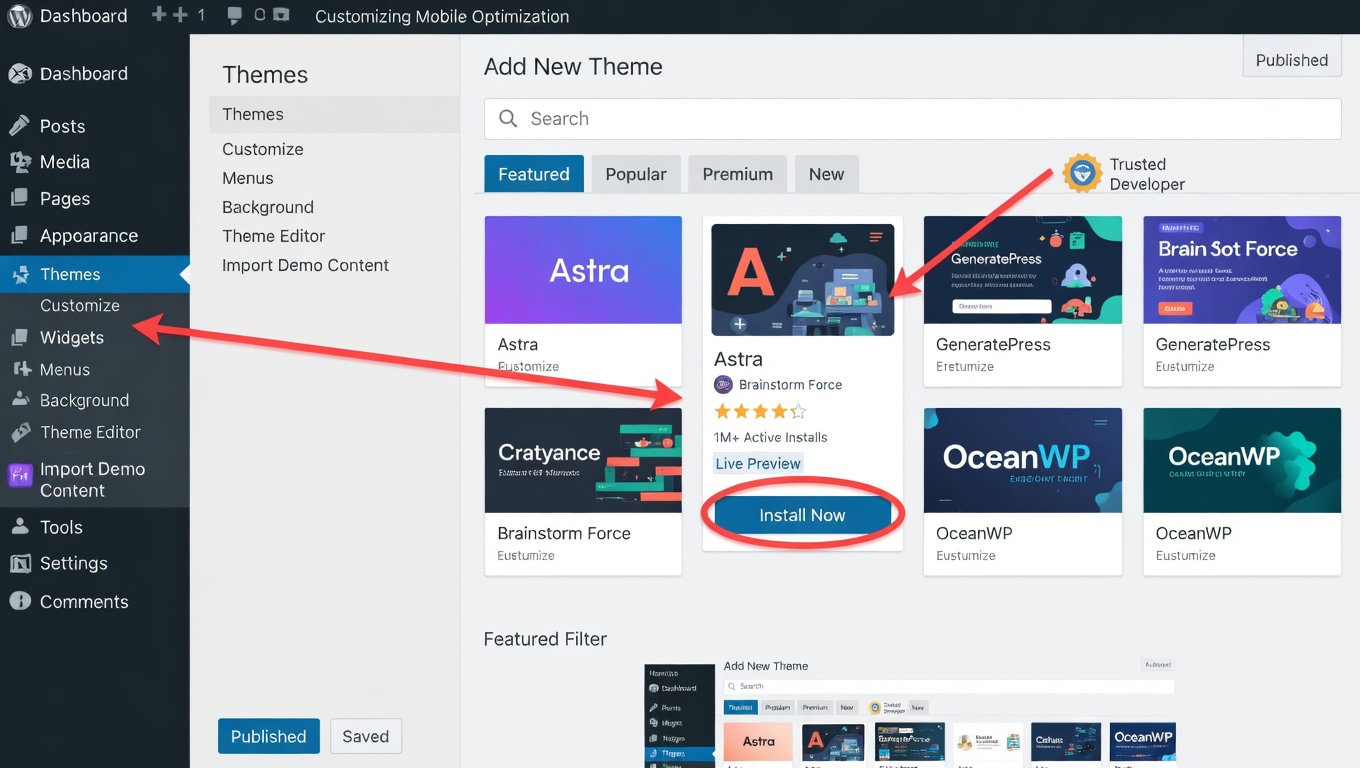
One of the most important factors in successful WordPress Theme Customization is choosing a high-quality theme.
A trusted developer provides:
- Clean code
- Regular updates
- Good performance
- Flexible customization options
One well-known developer in the WordPress ecosystem is RSTheme, recognized as a Power Elite Author on ThemeForest.
RSTheme develops professional themes designed for flexibility, performance, and easy WordPress Theme Customization.
Two popular themes from the company include:
- Reobiz – Consulting Business WordPress Theme – ideal for consulting firms, agencies, startups, and professional service companies. It includes modern layouts, Elementor support, and flexible design options.
- Industrie – Industry & Factory WordPress Theme – built for manufacturing companies, factories, engineering firms, and industrial businesses. The theme offers powerful layout options and professional design features.
These themes make WordPress Theme Customization simple while maintaining high performance and professional design.
Final Thoughts
Learning WordPress Theme Customization does not require technical skills. With built-in tools, page builders, and flexible themes, anyone can design a beautiful and functional website.
By following these simple tips you can:
- Create a unique website design
- Improve user experience
- Strengthen your brand identity
- Build a professional online presence
Choosing a high-quality theme and using the right customization tools will help you get the best results. With modern themes and simple settings, WordPress Theme Customization becomes a smooth and enjoyable process for beginners and professionals alike.