












People trust people. No matter how good your products or services are, visitors often want to know who is behind the business before they decide to contact you or make a purchase.
That is why a well-designed team page is important. It introduces your staff, highlights their skills, and gives your brand a more personal touch. Whether you run a business website, digital agency, school, hospital, startup, or nonprofit organization, showing your team can increase trust and improve your professional image.
The easiest way to build a beautiful team page is by using a Team Showcase WordPress Plugin. These plugins let you create attractive team member profiles, staff directories, employee cards, and team carousels without writing a single line of code.
In this guide, we’ll explore the best Team Showcase WordPress Plugin options available today, explain their features, and help you choose the right one for your website.
Why Use a Team Showcase WordPress Plugin?
Adding a simple photo and name for each employee is no longer enough. A modern Team Showcase WordPress Plugin helps you create engaging team sections that look professional on every device.
A good plugin can help you:
- Build trust with new visitors
- Display employee profiles professionally
- Show job titles and responsibilities
- Add social media links
- Create responsive team grids
- Display team members in sliders or carousels
- Organize members by department
- Improve your website’s overall appearance
Instead of designing everything from scratch, a Team Showcase WordPress Plugin saves time while giving you complete control over the design.
What Makes a Great Team Showcase Plugin?
Not every plugin offers the same features. Before choosing one, consider these important factors.
Easy to Use
A beginner-friendly interface makes it simple to add, edit, and organize team members.
Responsive Design
Your team section should look great on desktops, tablets, and smartphones.
Multiple Layouts
Look for plugins that support:
- Grid layouts
- Masonry layouts
- Carousel sliders
- List views
- Popup profiles
More layouts give you greater design flexibility.
Elementor Compatibility
Many WordPress users build websites with Elementor. Choosing a Team Showcase WordPress Plugin that works smoothly with Elementor makes customization much easier.
Performance
A lightweight plugin keeps your website loading quickly, which improves both user experience and SEO.
Regular Updates
Frequently updated plugins remain compatible with the latest WordPress releases and offer better security.
Team Showcase WordPress Plugins Comparison
| Plugin | Best For | Free Version | Rating |
|---|---|---|---|
| Ultimate Team Showcase | Business & Corporate Websites | ✅ Yes | ⭐⭐⭐⭐⭐ |
| Team Members | Small Businesses & Startups | ✅ Yes | ⭐⭐⭐⭐☆ |
| AWSM Team | Corporate Teams & Organizations | ✅ Yes | ⭐⭐⭐⭐☆ |
| Team Builder | Agencies & Creative Professionals | ✅ Yes | ⭐⭐⭐⭐⭐ |
| Ultimate Team Showcase | Elementor Websites | ✅ Yes | ⭐⭐⭐⭐⭐ |
| WPS Team Members Showcase | Large Organizations | ✅ Yes | ⭐⭐⭐⭐☆ |
| Ultimate Team Showcase | Portfolios & Business Websites | ✅ Yes | ⭐⭐⭐⭐⭐ |
| WP Team | Consulting & Service Websites | ✅ Yes | ⭐⭐⭐⭐☆ |
| Team Members Showcase | Creative Agencies & Designers | ❌ No | ⭐⭐⭐⭐⭐ |
| Responsive Team Members Showcase | Small Teams & Personal Websites | N/A | ⭐⭐⭐⭐☆ |
1. Ultimate Team Showcase
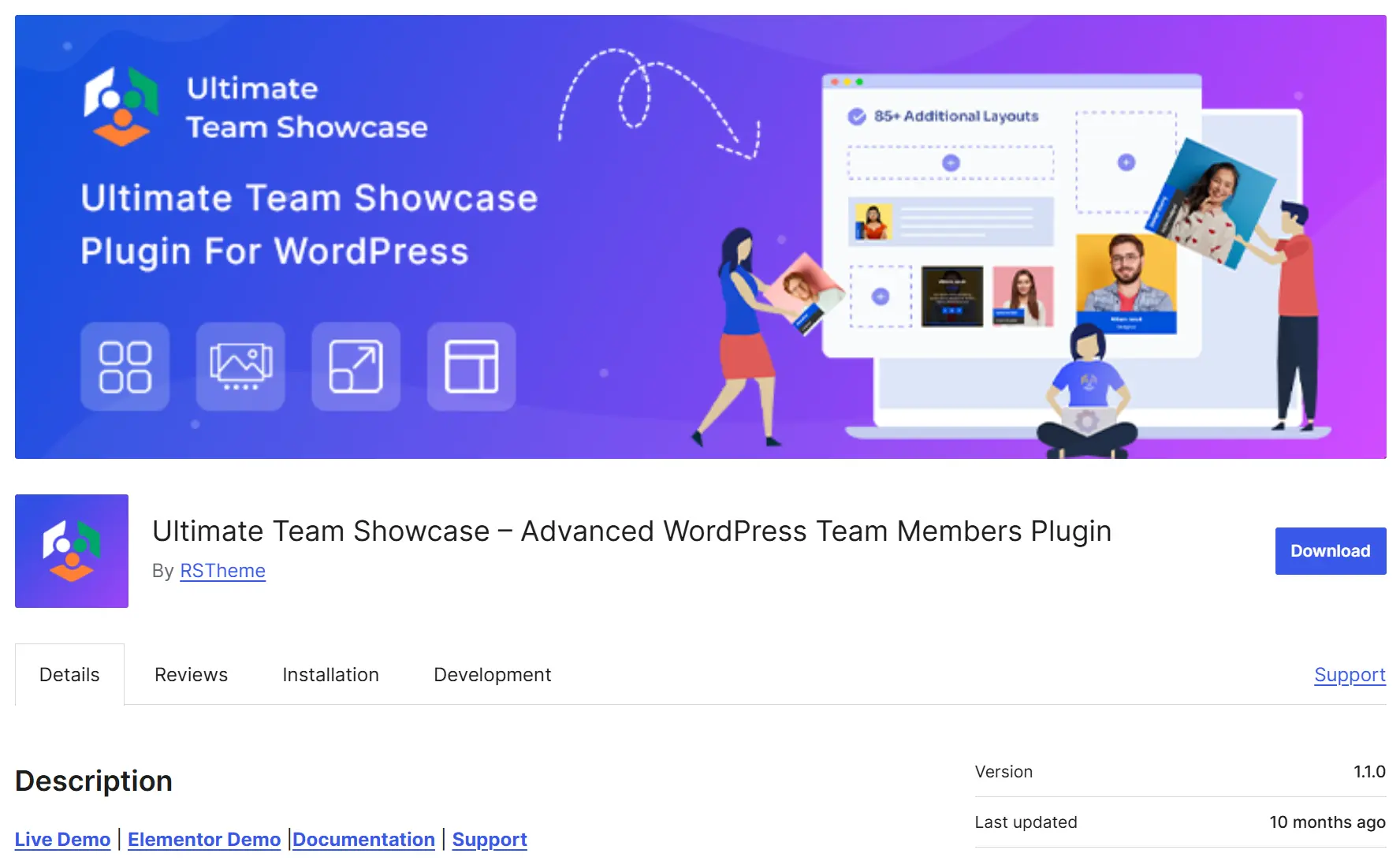
Ultimate Team Showcase is a powerful WordPress plugin for displaying team members, employees, and staff in a professional way. It supports shortcodes and Elementor, allowing you to create responsive grid, list, and slider layouts without coding. Showcase member photos, bios, social links, and vCards with ease. The free version includes 2 layouts and 14 styles, while the Pro version offers 6 layouts and 88 styling options for greater flexibility.
Key Features
- Shortcode & Elementor support
- Grid, list & slider layouts
- Photo, bio, social links & vCard
- 2 layouts & 14 styles (Free)
- 6 layouts & 88 styles (Pro)
- Category support
- Multiple shortcodes
- Responsive & mobile-friendly
- Easy customization
Best For
Businesses, agencies, startups, consulting firms, corporate websites, nonprofits, schools, and organizations that want to showcase their team members professionally. The Pro version is ideal for users who need additional layouts, styling options, and advanced customization.
2. Team Showcase
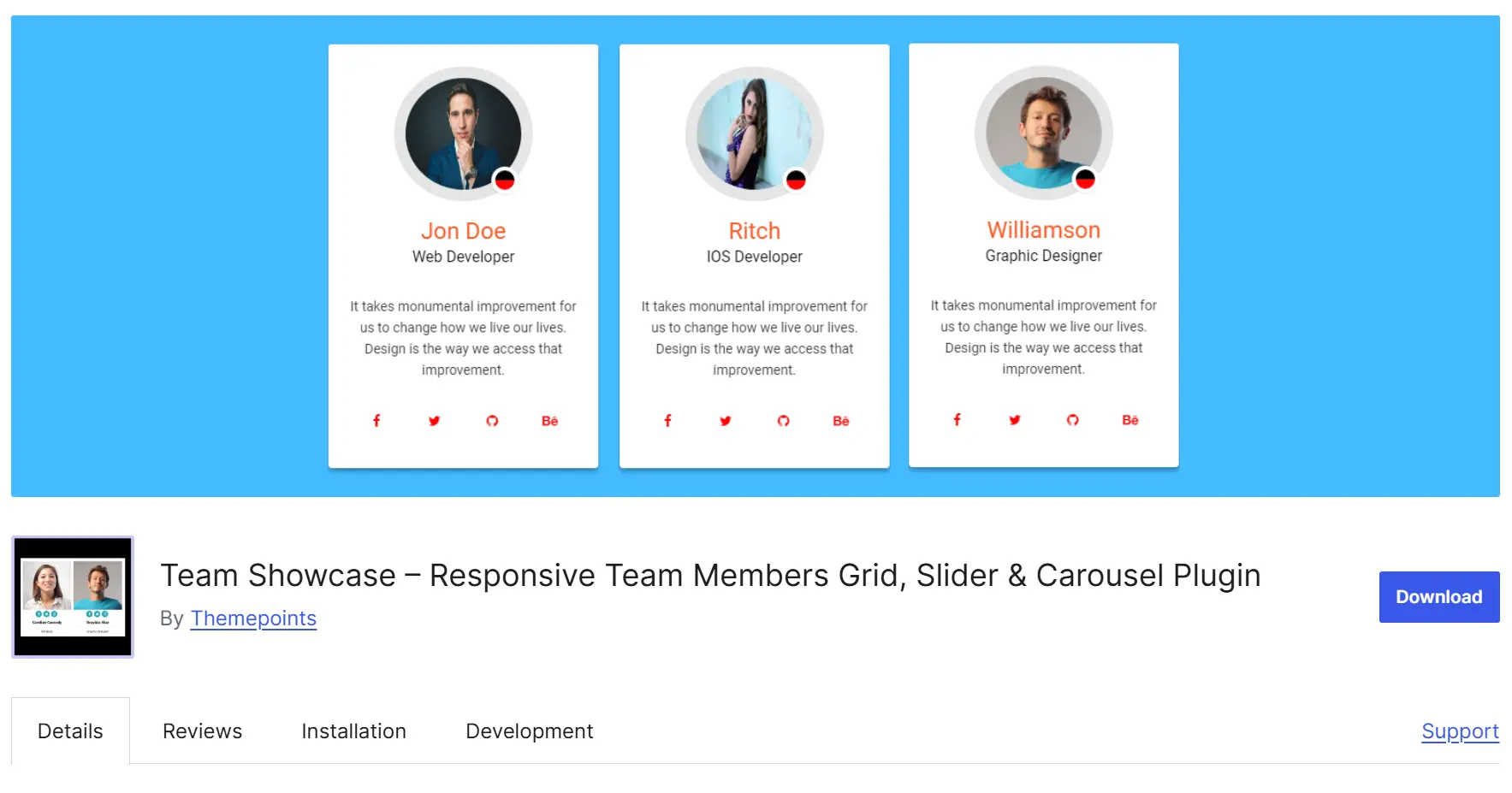
Team Showcase is one of the most popular solutions for displaying employees, company staff, and organization members. It offers clean layouts that work well for almost every type of website.
Key Features
- Responsive grid layouts
- Beautiful carousel slider
- Member detail popups
- Social profile icons
- Multiple color options
- Shortcode support
- Easy customization
- Easy to set up
- Clean modern design
- Mobile-friendly
- Beginner friendly
Best For
Small businesses, agencies, startups, consulting firms, and corporate websites. Some advanced features are only available in the premium version.
3. Team Members
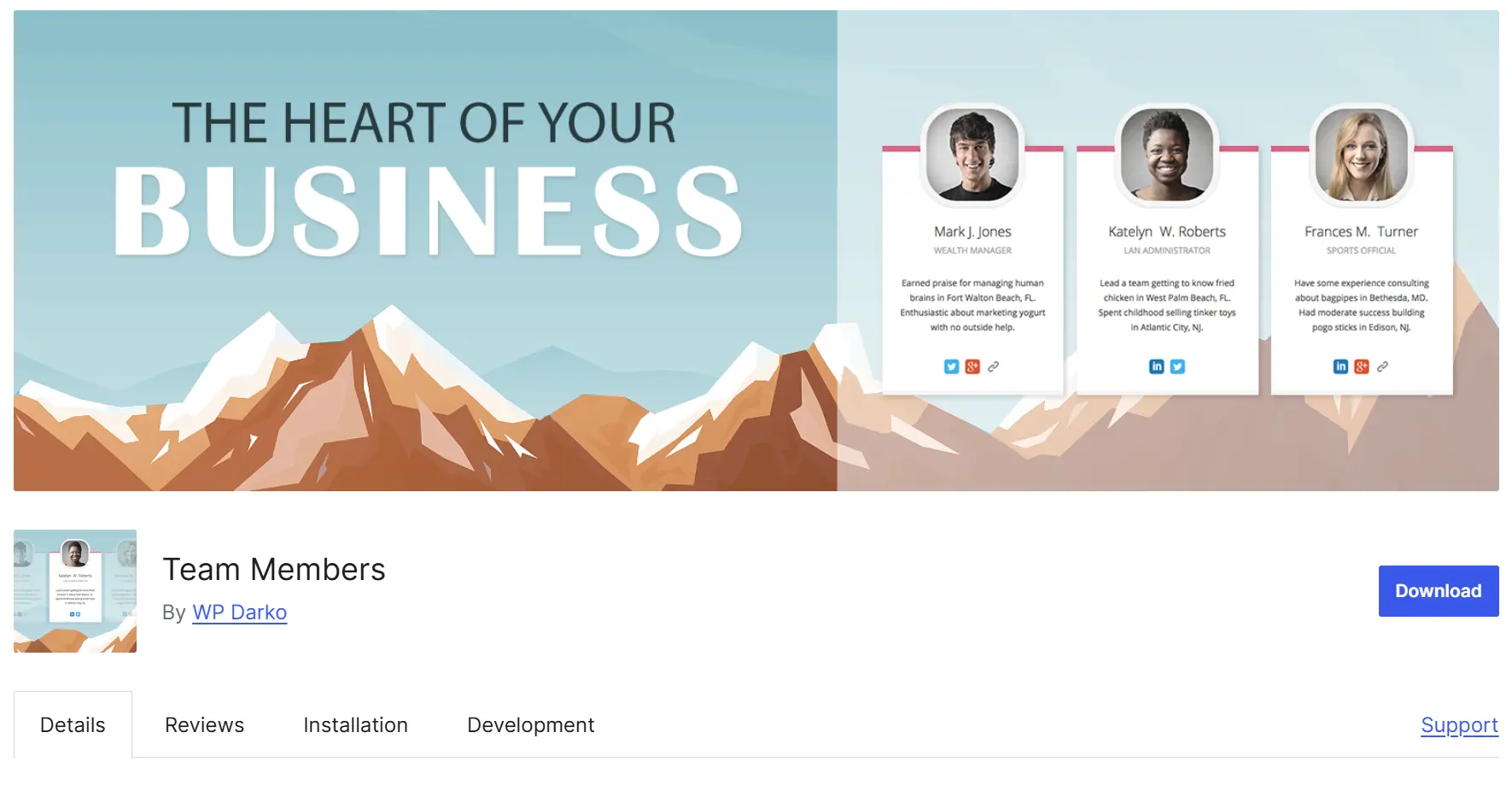
If you want a lightweight Team Tembers WordPress Plugin, Team Members is an excellent choice. The plugin focuses on simplicity while still offering everything needed to create a professional staff directory.
Key Features
- Unlimited team members
- Department categories
- Custom ordering
- Responsive layouts
- Team member descriptions
- Social media links
- Lightweight
- Fast loading
- Easy interface
- SEO-friendly
Best For
Freelancers, personal brands, local businesses, and small companies. Limited animation effects compared to premium plugins.
4. AWSM Team
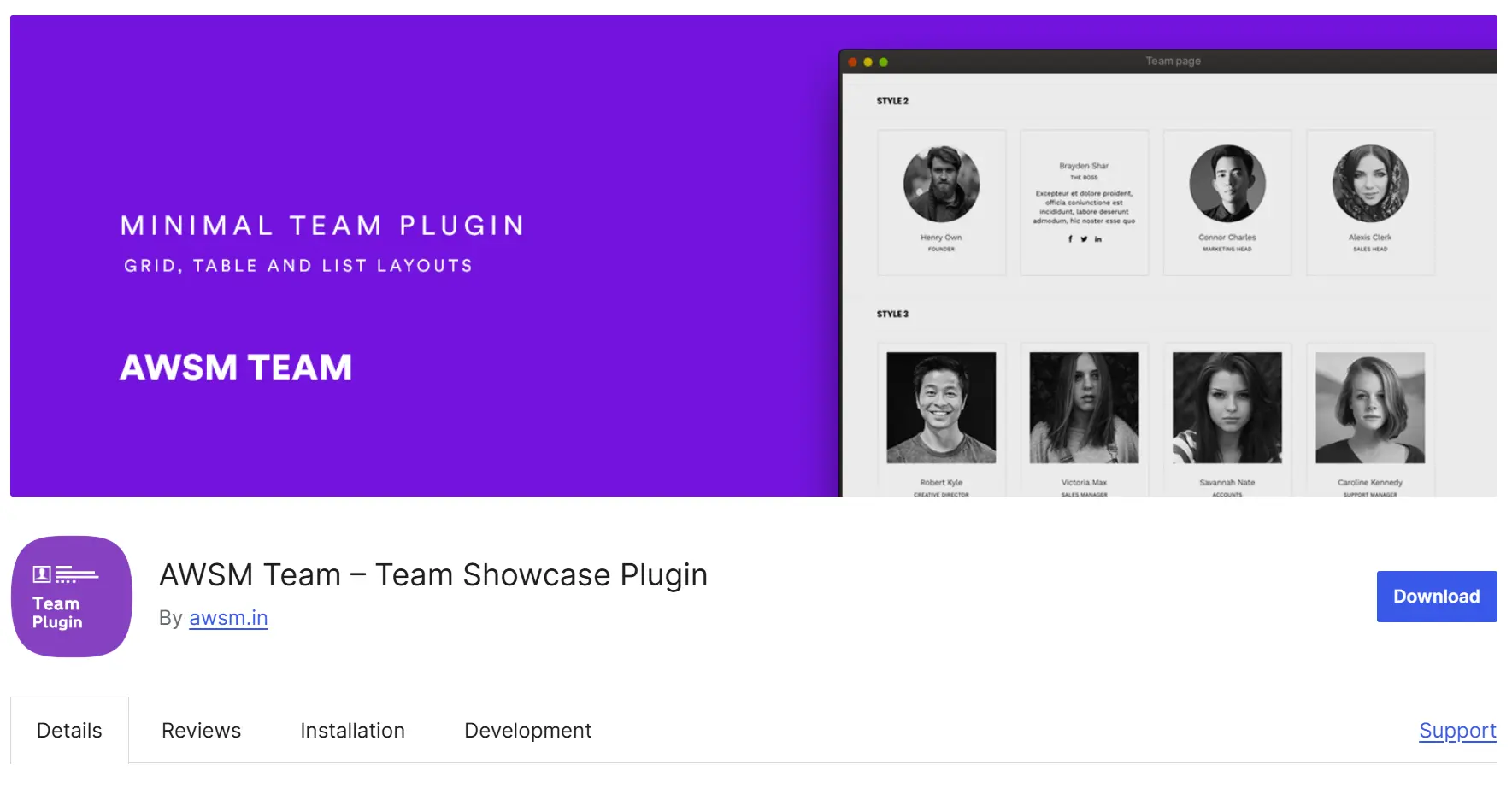
AWSM Team has become popular because of its clean code and modern design.
Instead of adding unnecessary features, it focuses on speed and usability.
Key Features
- Responsive team layouts
- Team profile pages
- Department filters
- Custom fields
- Shortcode generator
- Lightweight code
- Excellent performance
- Clean interface
- Beginner friendly
- Works with most WordPress themes
Best For
Corporate websites, educational institutions, healthcare businesses, and service providers. Advanced design customization is limited in the free version.
5. Team Builder
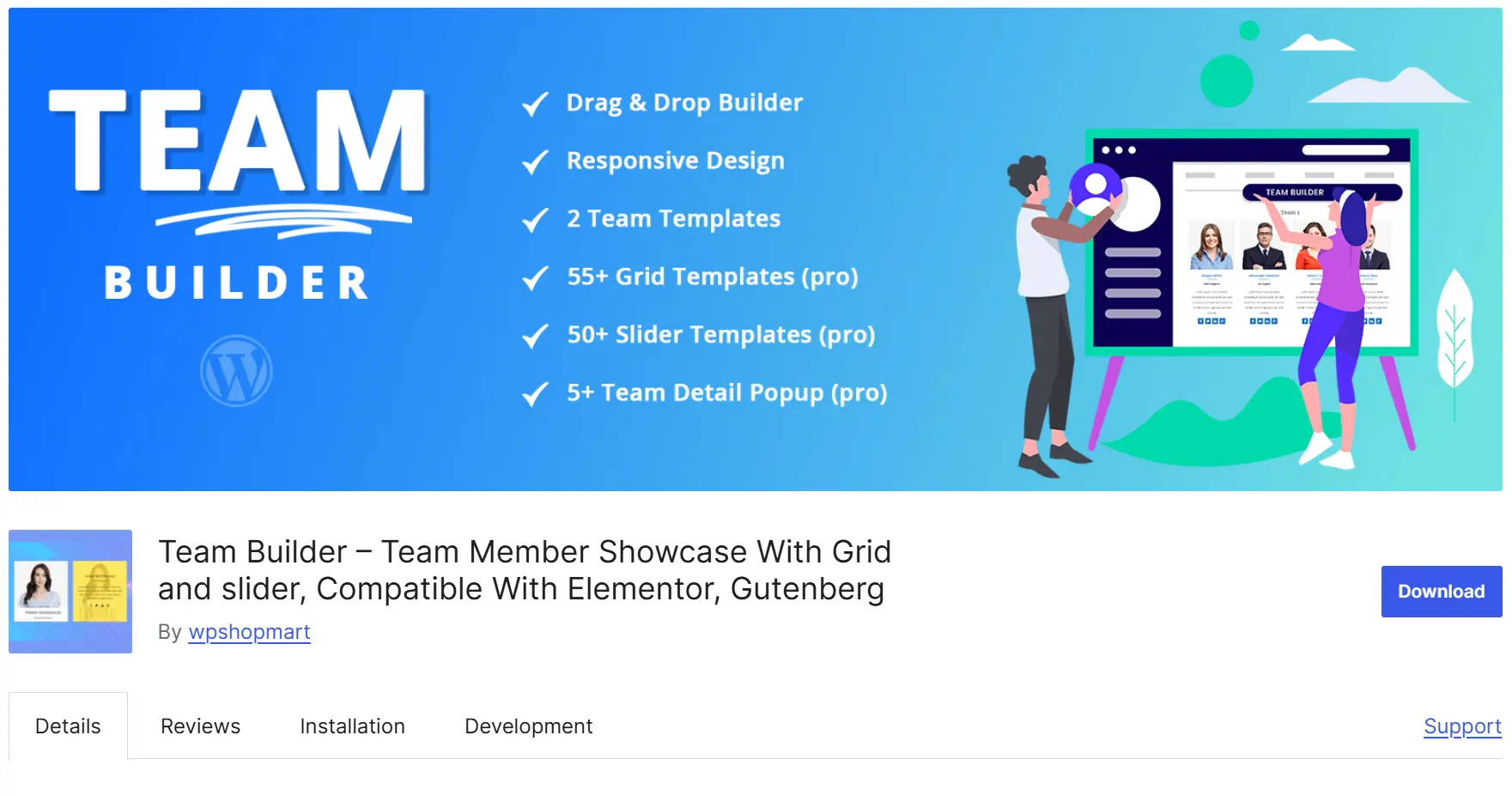
Team Builder gives users more design freedom. If you enjoy customizing every part of your website, this plugin offers plenty of layout options and styling controls.
Key Features
- Grid layouts
- Carousel layouts
- Hover effects
- Unlimited team members
- Responsive design
- Style presets
- Highly customizable
- Modern templates
- Attractive animations
- Responsive layouts
Best For
Creative agencies, designers, and marketing companies. The large number of options may feel overwhelming for beginners.
6. Team Builder Member Showcase
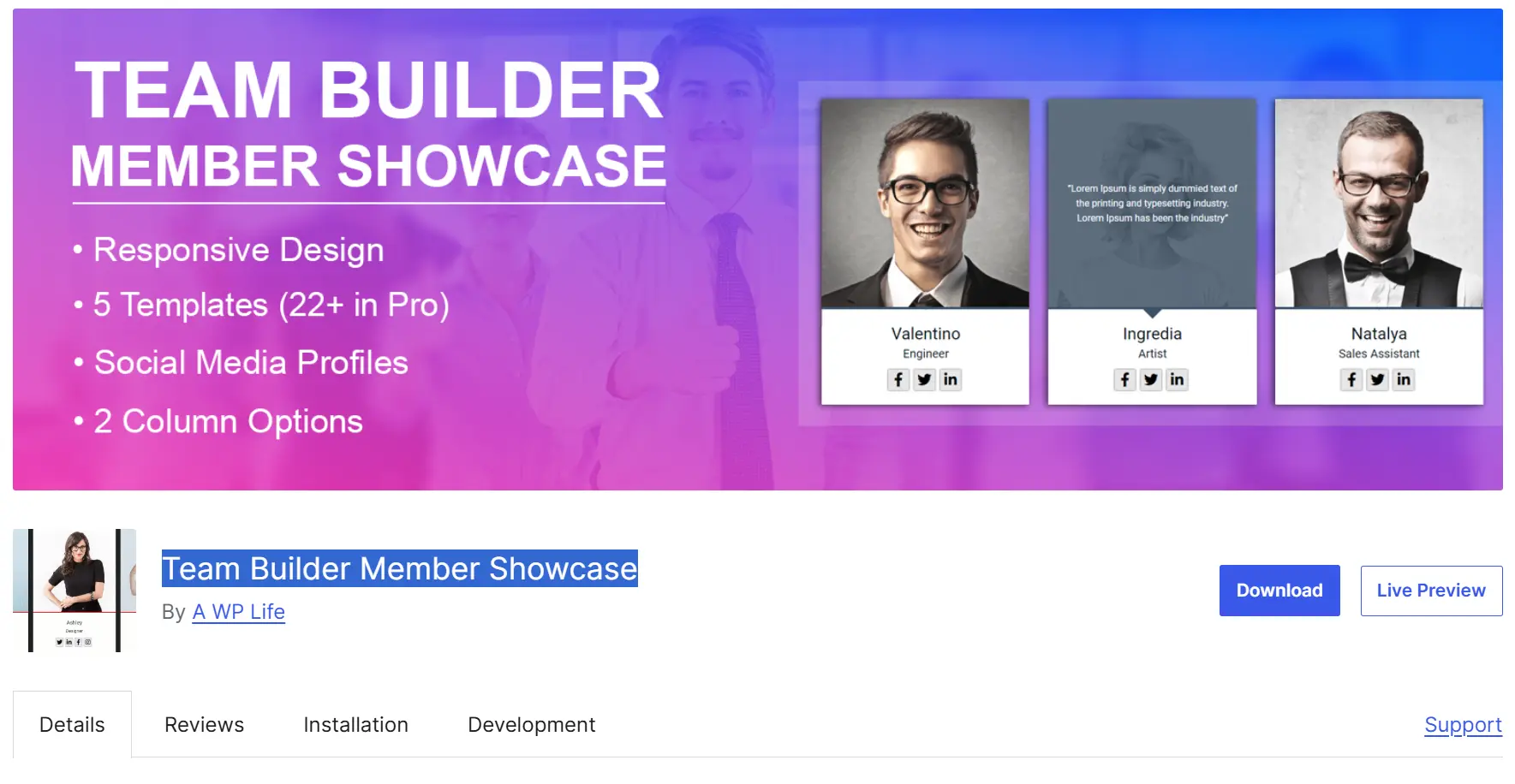
If your website is built with Elementor, using an Elementor-specific Team Builder Member Showcase makes perfect sense.
Instead of relying on shortcodes, you can build your team section using drag-and-drop widgets.
Key Features
- Live editing
- Drag-and-drop customization
- Responsive controls
- Custom colors
- Typography settings
- Interactive layouts
- No coding required
- Fast customization
- Works directly inside Elementor
- Professional-looking layouts
Best For
Elementor users, web designers, agencies, and freelancers. Requires Elementor to unlock its full potential.
7. GS Team Members – A WordPress Team Plugin
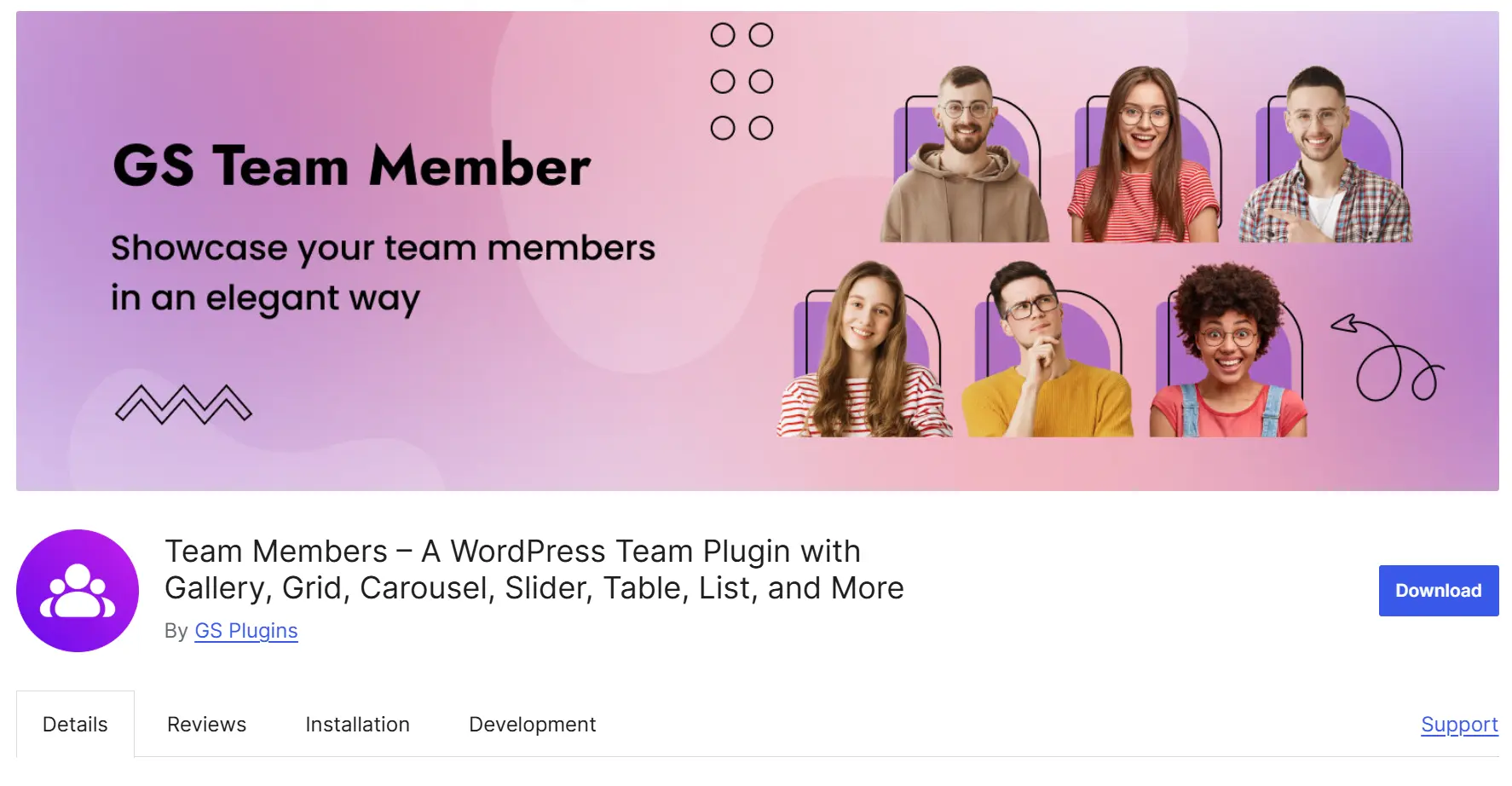
GS Team Members is a feature-rich Team Showcase WordPress Plugin designed for businesses with medium to large teams. It offers multiple display styles and gives you plenty of customization options without making the setup difficult.
Key Features
- Grid, list, and slider layouts
- Team member popups
- Department and category filters
- Unlimited team profiles
- Social media icons
- Responsive design
- Multiple display options
- Easy member management
- Mobile-friendly layouts
- Clean and professional design
Best For
Large companies, universities, software firms, hospitals, and organizations with multiple departments. Some premium templates require a paid upgrade.
8. WP Team – WordPress Team Member Plugin
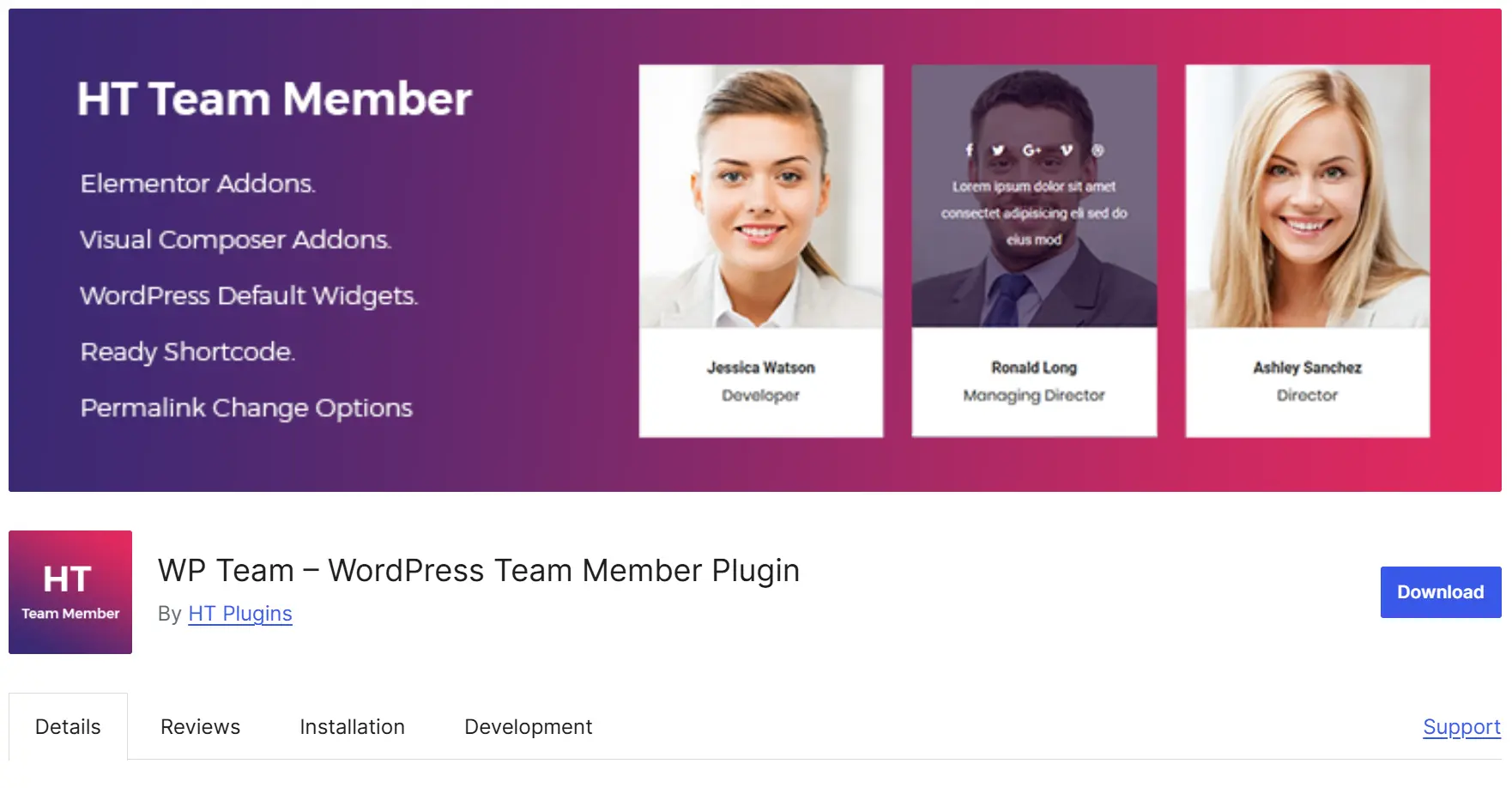
WP Team is another reliable Team Showcase WordPress Plugin for creating beautiful employee profiles. It includes several ready-made layouts and allows you to customize profile cards with ease.
Key Features
- Team grids
- Carousel layouts
- Custom profile fields
- Responsive design
- Unlimited members
- Shortcode support
- Easy setup
- Flexible layouts
- Lightweight
- Good customization options
Best For
Business websites, agencies, startups, and portfolios. The free version includes fewer templates than some competitors.
9. Team Members Showcase
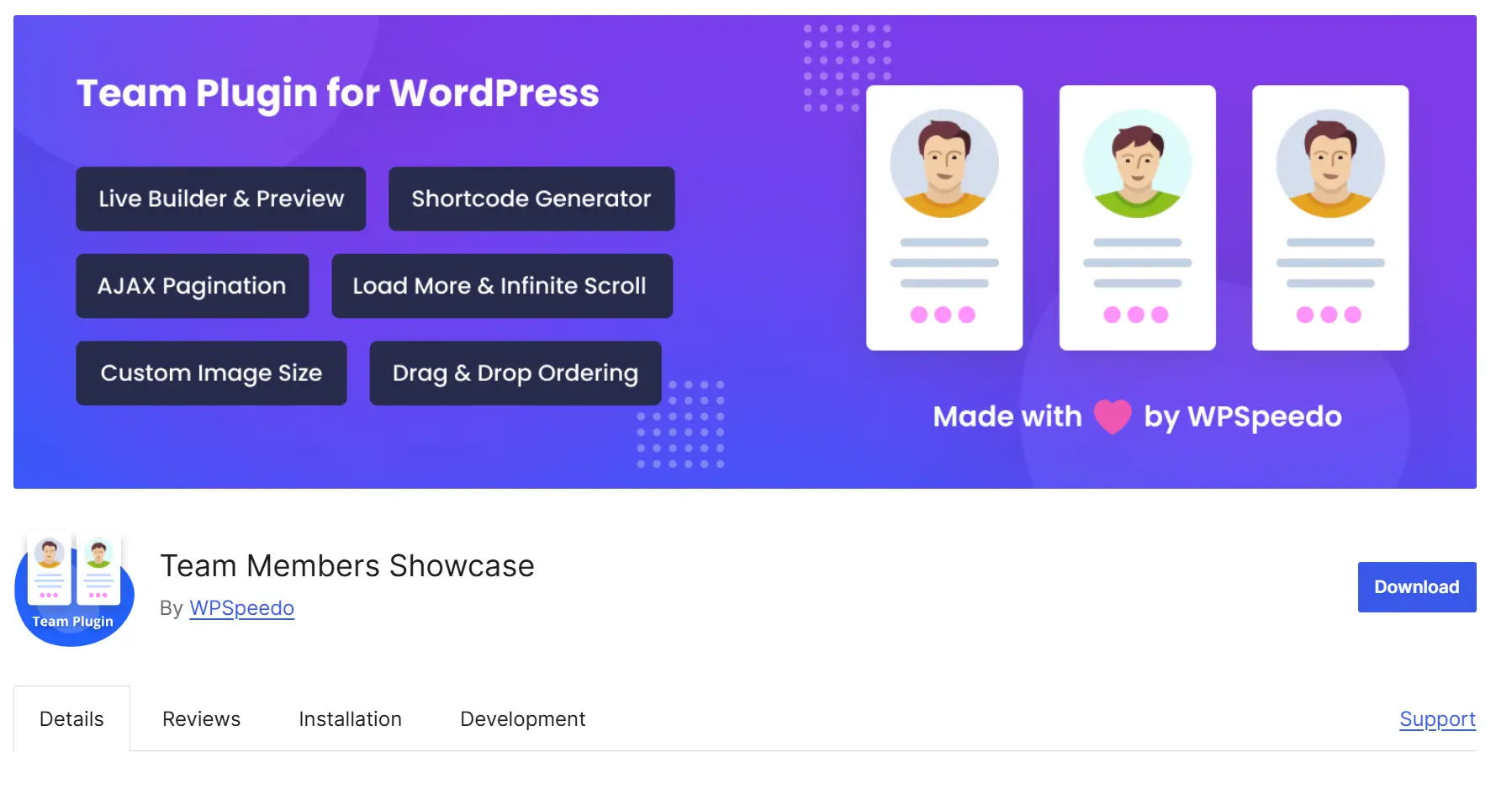
Team Members Showcase is built for users who want a professional-looking team section without spending hours on customization. It offers attractive templates that work well for most modern WordPress themes.
Key Features
- Ready-made templates
- Team carousel
- Grid layouts
- Member profile pages
- Social icons
- Responsive design
- Beginner friendly
- Modern design
- Easy customization
- Fast loading
Best For
Consulting firms, marketing agencies, educational websites, and corporate businesses. Advanced animation effects are limited.
10. Responsive Team Members Showcase
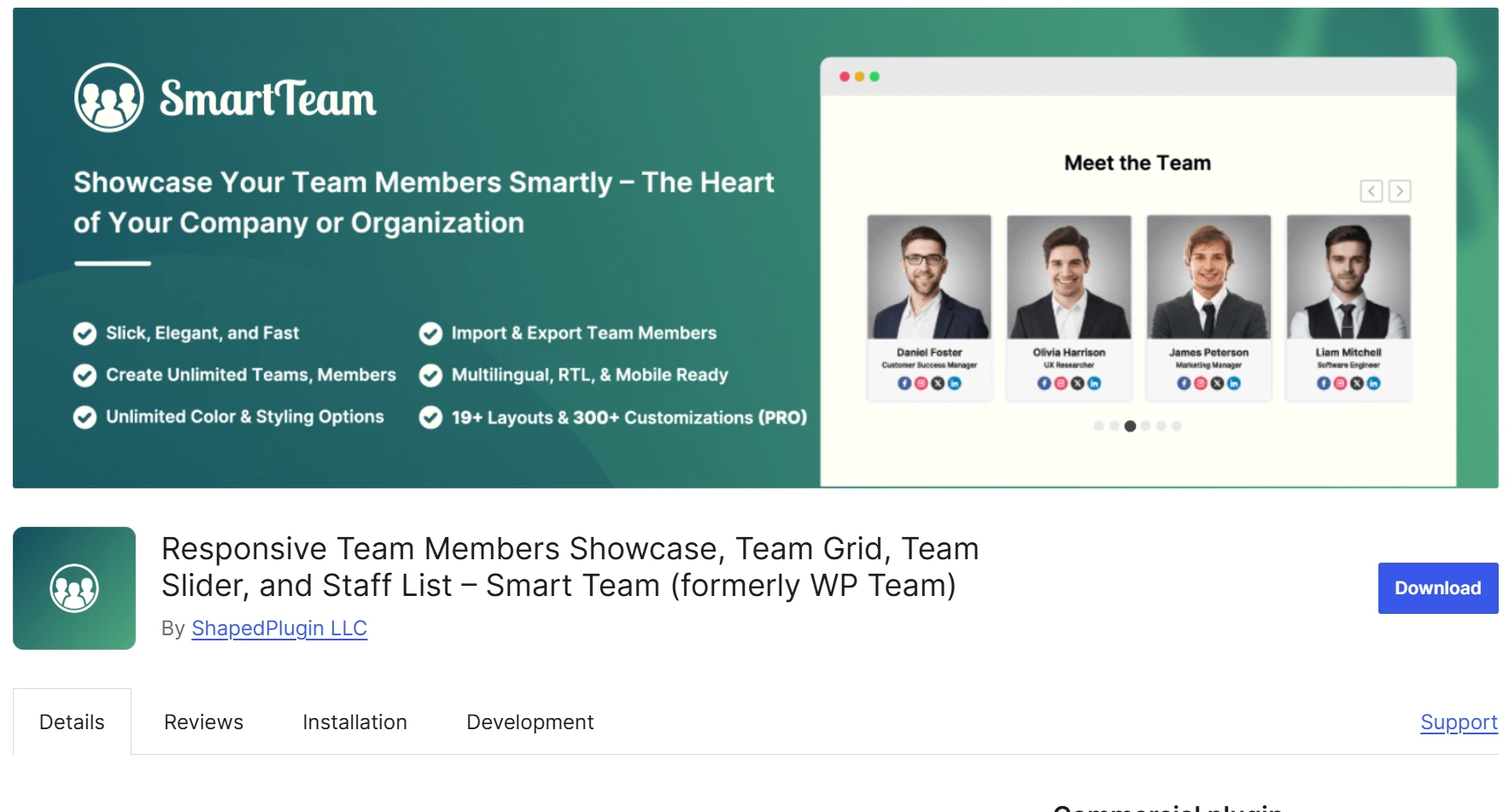
Responsive Team Members Showcase focuses on visual presentation. If you want stylish employee profile cards with smooth hover effects and modern typography, this plugin is worth considering.
Key Features
- Stylish profile cards
- Team sliders
- Hover animations
- Popup details
- Social media links
- Mobile responsive
- Beautiful layouts
- Smooth animations
- Professional appearance
- Responsive on all devices
Best For
Creative agencies, photographers, designers, and portfolio websites. May include more visual effects than simple business websites need.
Build Your Own Team Section with Elementor
Not every website needs a dedicated plugin. If your team is small, Elementor can help you create a custom team section using Image Box, Heading, Icon, Button, and Social Icon widgets.
This approach reduces the number of installed plugins while giving you complete design freedom.
It is a great option for freelancers, personal brands, and landing pages.
How to Choose the Best Team Showcase WordPress Plugin
With so many options available, choosing the right Team Showcase WordPress Plugin can feel confusing. The best choice depends on your website’s needs, design preferences, and page builder.
Here are a few things to consider before making your decision.
Choose a Responsive Plugin
Most visitors browse websites on mobile devices. Your team section should automatically adjust to every screen size.
Think About Future Growth
If your company is growing, choose a plugin that supports unlimited team members and department filters.
Check Builder Compatibility
If you use Elementor, Gutenberg, or WPBakery, make sure the plugin works smoothly with your page builder.
Prioritize Speed
A lightweight Team Showcase WordPress Plugin helps your website load faster, improving both user experience and SEO.
Look for Regular Updates
An actively maintained plugin is more secure and remains compatible with the latest version of WordPress.
Common Mistakes to Avoid
Many website owners install a plugin but forget about the user experience. Avoid these common mistakes.
- Using low-quality profile photos
- Writing very long biographies
- Adding too many social media links
- Using inconsistent image sizes
- Ignoring mobile responsiveness
- Not updating team information
- Displaying inactive employees
- Using too many animations
A clean and simple team page usually performs much better than an overloaded one.
Pro Tips for Building an Attractive Team Page
Want your team page to stand out? Follow these practical tips.
- Use professional headshots.
- Keep biographies short and easy to read.
- Mention each person’s role and expertise.
- Add LinkedIn profiles where relevant.
- Organize members by department.
- Use consistent image dimensions.
- Match the team section with your brand colors.
- Include a short introduction above the team grid.
These small improvements make your team page look more trustworthy and professional.
Which Team Showcase WordPress Plugin Is Best?
Here are our recommendations based on different needs.
| Website Type | Recommended Plugin |
|---|---|
| Small Business | Team Members |
| Corporate Company | Team Showcase |
| Startup | AWSM Team |
| Creative Agency | Hero Team |
| Large Organization | WPS Team Members Showcase |
| Elementor Website | Team for Elementor |
| Portfolio Website | PickPlugins Team |
No single plugin is perfect for every website. Think about your goals, design preferences, and budget before making a final decision.
Frequently Asked Questions
What is a Team Showcase WordPress Plugin?
A Team Showcase WordPress Plugin helps you display employees, staff members, founders, or organization members in attractive layouts such as grids, sliders, carousels, and profile cards without writing code.
Why should I use a Team Showcase WordPress Plugin?
It helps build trust, improves your website’s appearance, and makes it easier for visitors to learn about the people behind your business.
Which is the best Team Showcase WordPress Plugin for Elementor?
If you use Elementor, Team for Elementor is one of the easiest solutions because it supports live drag-and-drop editing.
Can I create a team page without coding?
Yes. Most modern Team Showcase WordPress Plugin options are beginner-friendly and require no coding knowledge.
Are team showcase plugins mobile responsive?
Most popular plugins automatically adjust their layouts for desktops, tablets, and smartphones.
Do these plugins affect website speed?
Well-coded plugins have very little impact on performance. Choosing a lightweight plugin and optimizing your images will help keep your website fast.
Can I display social media links for each team member?
Yes. Most plugins allow you to add LinkedIn, Facebook, X, Instagram, GitHub, or other social profile links.
Is a free Team Showcase WordPress Plugin enough?
For many small businesses, the free version is enough. If you need advanced layouts, filters, animations, or premium templates, upgrading to a paid version may be worthwhile.
Final Thoughts
A professional team page does more than introduce your employees—it helps build confidence in your brand. Visitors are more likely to trust a company when they can see the real people behind it.
Choosing the right Team Showcase WordPress Plugins makes creating that experience simple. Whether you need a clean staff directory, an interactive team carousel, or stylish employee profile cards, there is a plugin that fits your needs.
Before making your final choice, compare features, check compatibility with your page builder, and think about how your team may grow in the future. A responsive, lightweight, and easy-to-manage plugin will save time and keep your website looking professional for years to come.
No matter the size of your business, investing a few minutes in creating an attractive team page can leave a lasting impression on your visitors and help strengthen your online presence.