Theme Colors
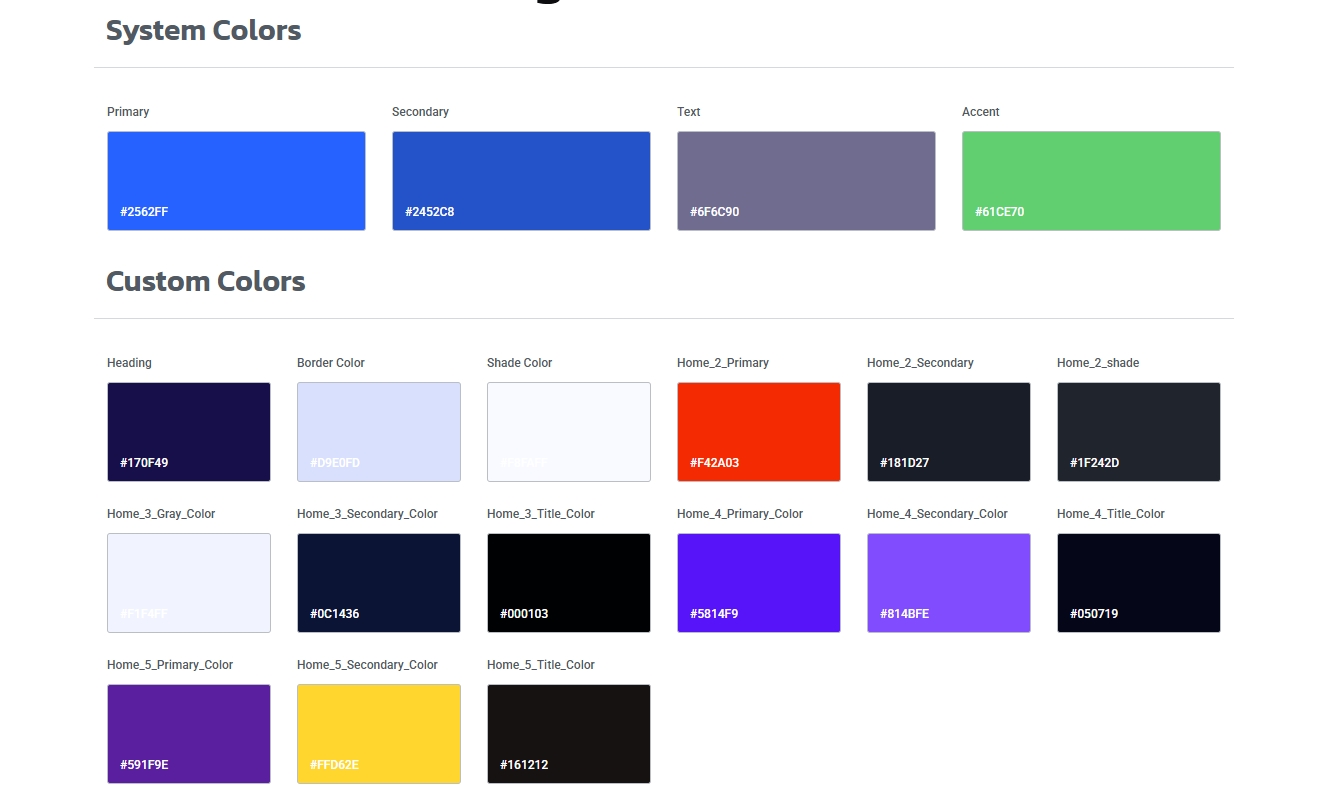
You can change all colors of your site simply from elementor global settings, to change site color follow the steps:
1. Open any page in elementor editor.

2. Click on three line bar in left top area

3. Go to site settings -> global colors. You will found all colors here, you can change any you need to change for you theme.
Customizer Color
You can also add color to customizer for your theme ( Recommended ).
E.g. If you change Primary Color it will change your site all major color where elementor can’t go, similarly others.
Navigate to: Dashboard -> Appearance -> Customizer -> Univet Options -> Color & Typography -> Color