You can utilize Popup Modals to dynamically present targeted content to site visitors — ideal for announcements, promotions, or custom messages triggered by user actions.
1. Make a transporter which will allow you to show popup to you desired page:
a) Go to our Header Footer Builder -> All Header Footer.
b) Add new header footer.
c) Choose Popup Modal from Type of Template also Choose your desired option from Display On.
d) Update.
e) After reloaded the page Click on Edit with Elementor.

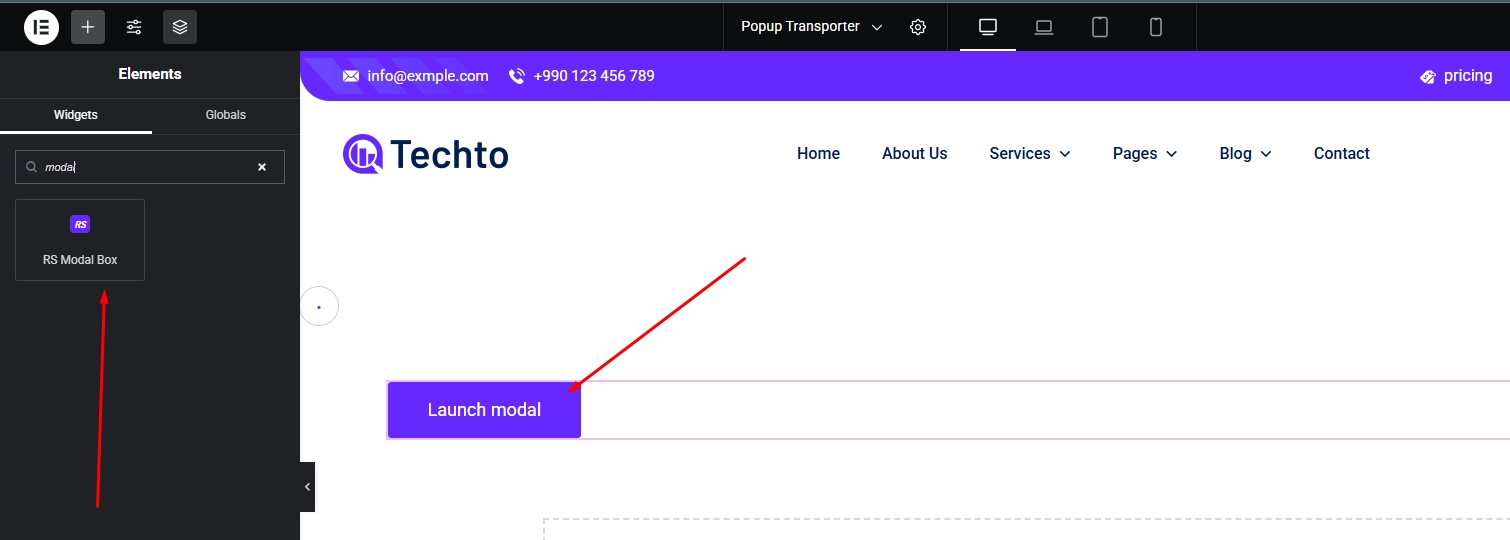
2. Now place the RS Modal Box in editor.
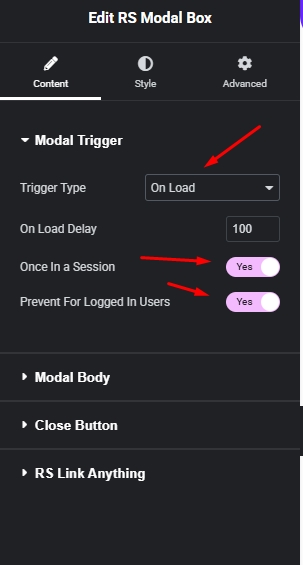
3. You can choose how & when visitor will see the popup (Auto load on visit, Click on Button or Click on Image).
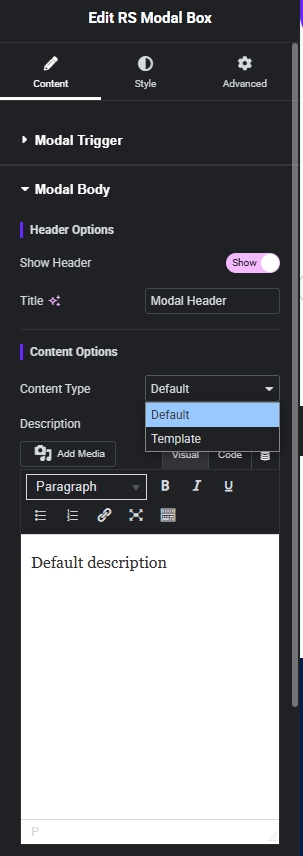
4. Now you can show popup content type in modal body (Defalut or Elementor Template).
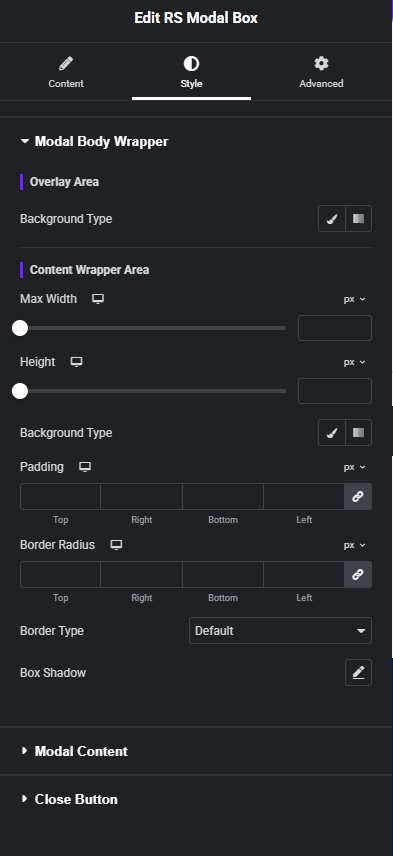
5. You can change default style with our style control.