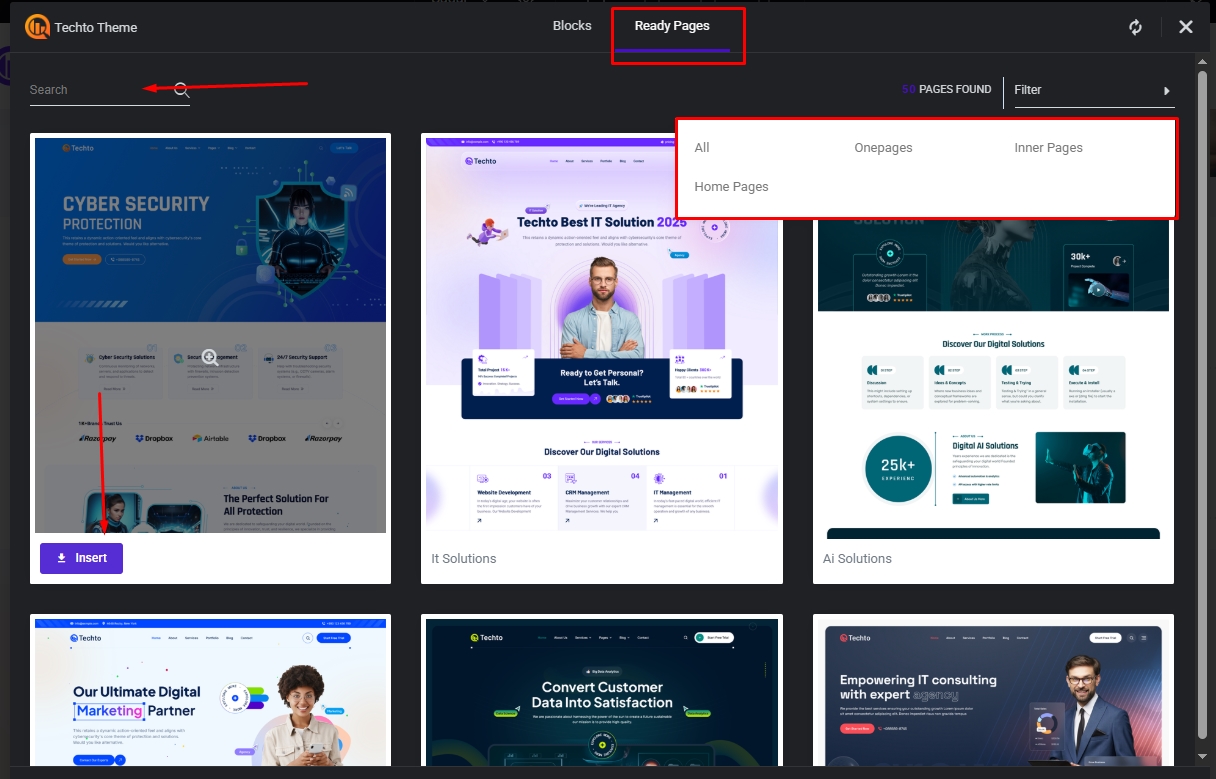
The template library makes Techto – WordPress Theme complete, because this template library have included all (sections, home pages, inner pages, onepages, header layouts, footer layouts, additional templates) from all demos so that any one can reuse those in any page effortlessly.
* Key Note: The Template Library requires activation of the Techto Theme using a valid Envato purchase code otherwise it won’t function.
1. In Elementor editor click on plus button for add new section & then click on Techto icon, it will open our template library modal.

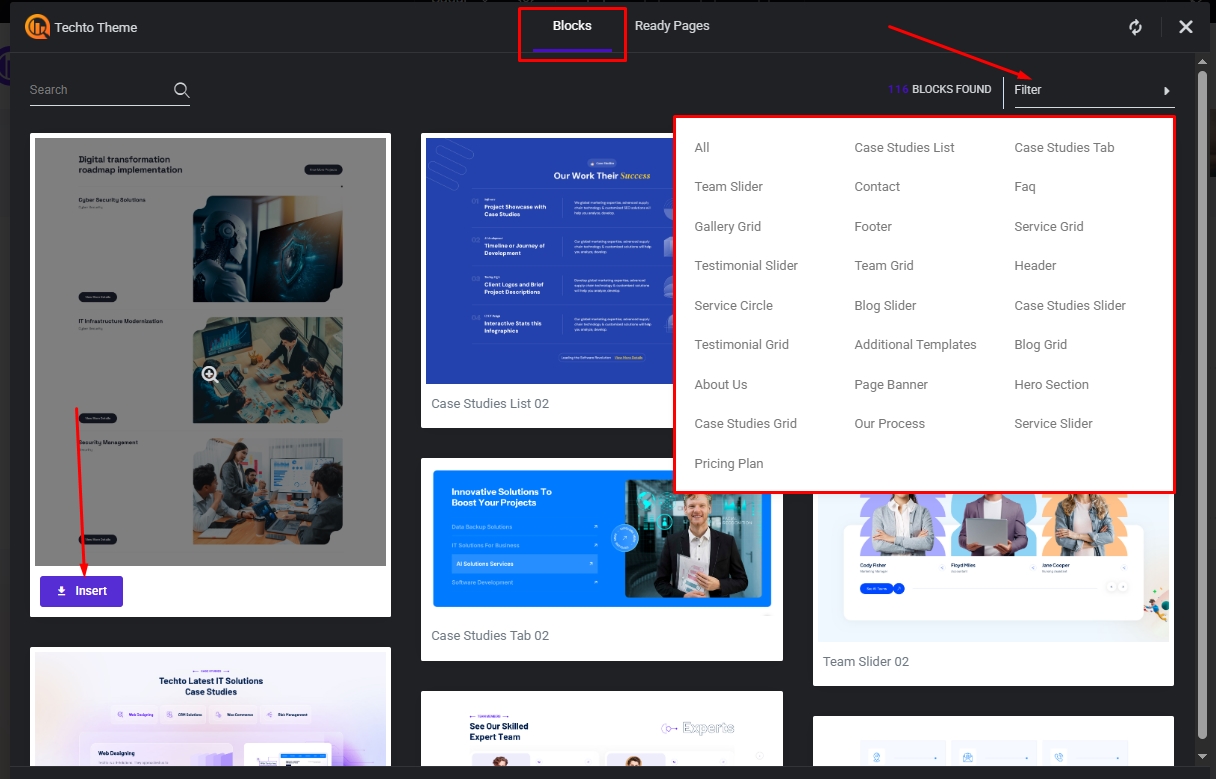
2. From template library modal choose which section or page you want & click on Insert button it will insert here just in a moment.
a) Blocks or Sections:
b) Home Pages, Onepages, Inner Pages: