











How to Use AI Content Generation
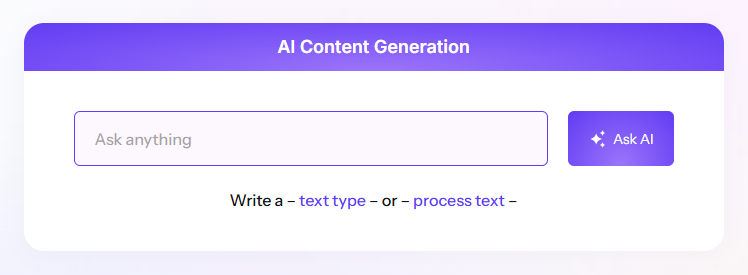
You can generate content using the built-in AI generator.
Step-by-Step Guide
- Go to Section → Add Your Text
Create a new Chat - Click “Generate with AI”
Click the Generate with AI button located in the right corner of the chatbox.

After Generation
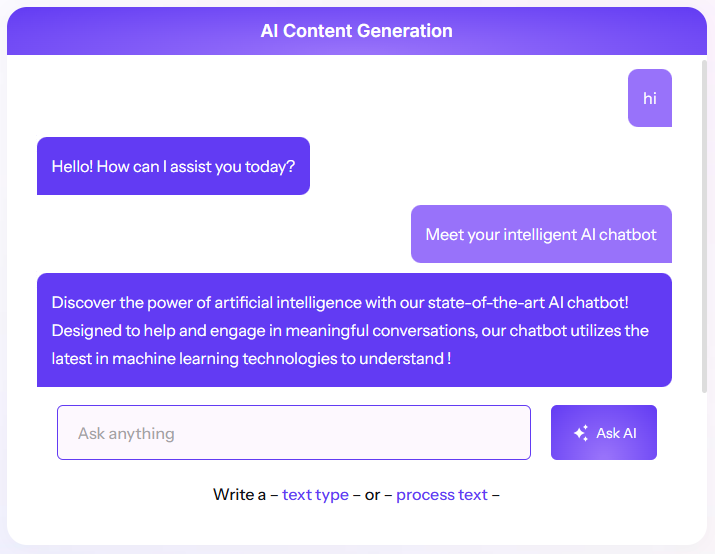
After the generation process is complete, the AI-generated content will be shown in a Chatbox.
Tips
- Be specific in your prompt for better results.
- You can generate only text, or both.
- Make sure AI features are enabled and the API key is configured.