











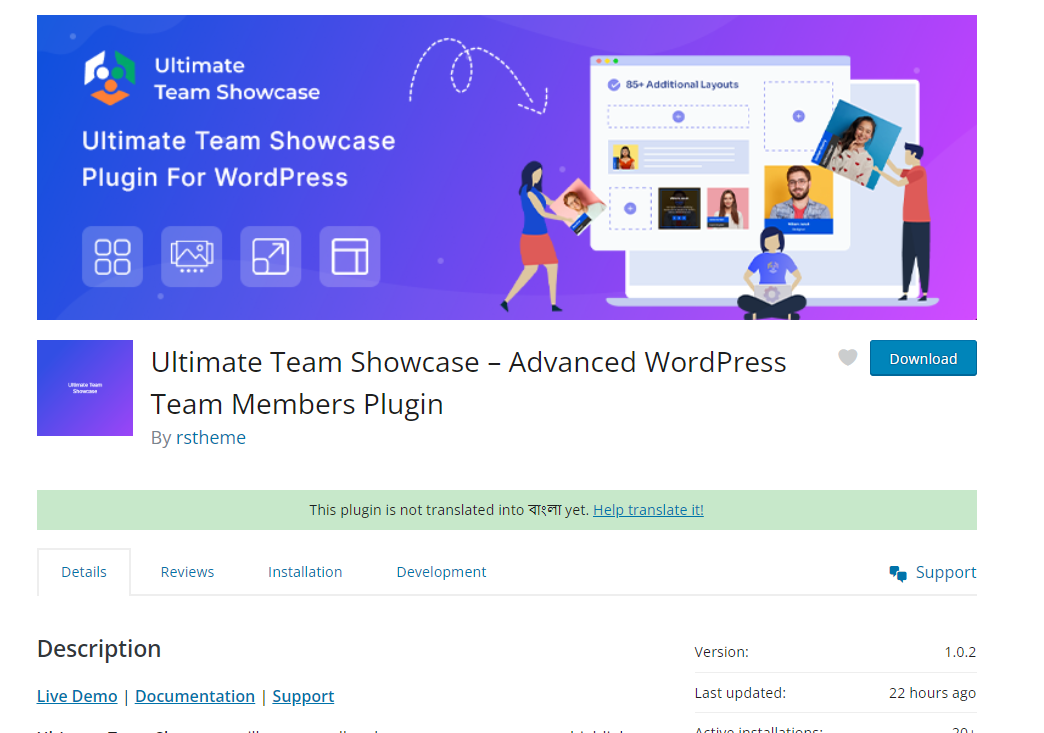
1. Ultimate Team Showcase – Advanced WordPress Team Members Plugin
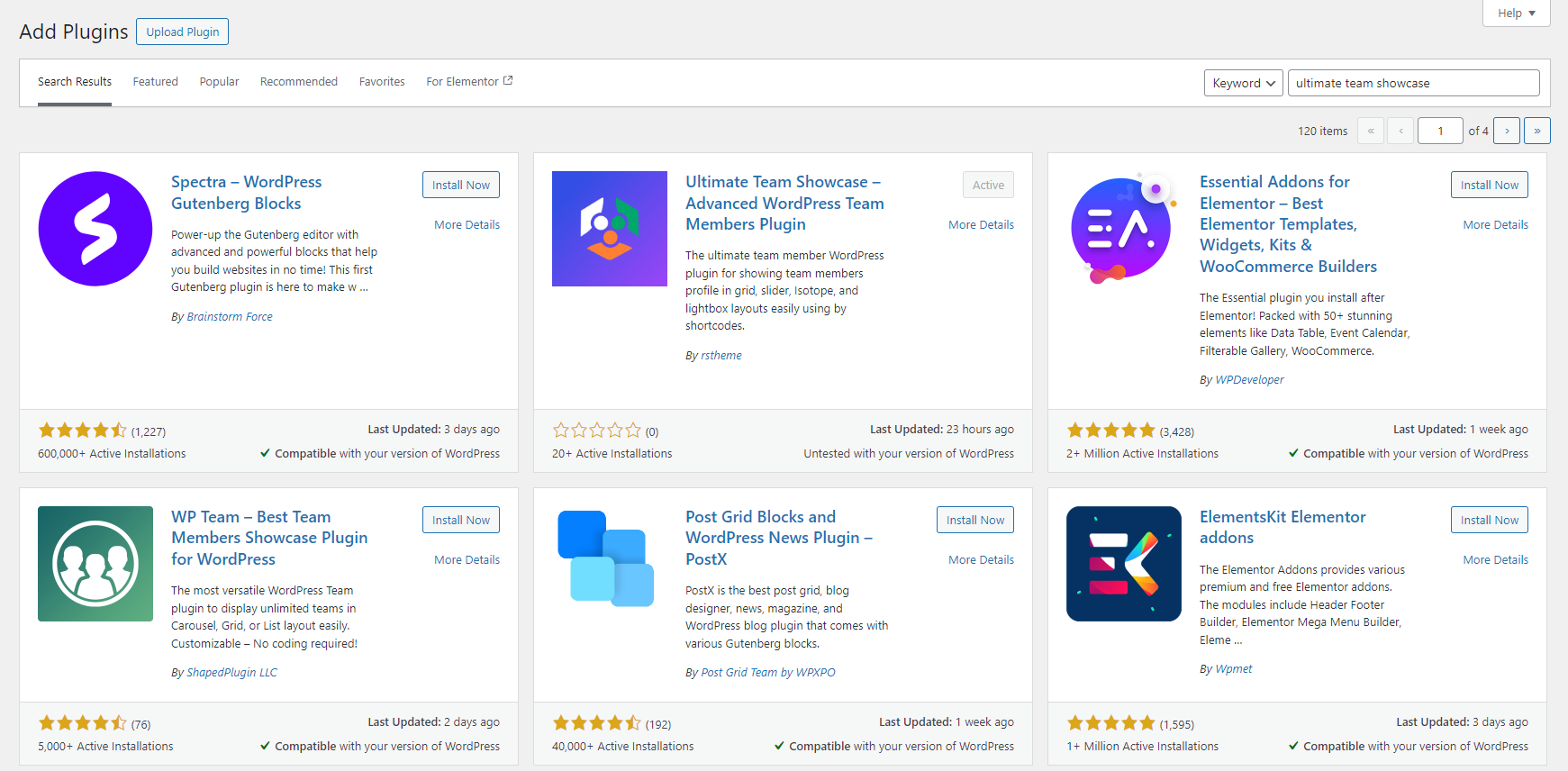
Download this plugin in two different ways.
2.Wordpress Development (wp-admin/plugin-install.php)
2. Ultimate Team Showcase Pro – Advanced WordPress Team Members Plugin
Once you log in to the RSTheme dashboard, you will see your purchased product along with a license key and download link.
- Click on the Download Button,
Ultimate Team Showcase Pro Plugin will be downloaded to your computer in .zip format. Now go to your website’s WordPress Dashboard.
- Click on Plugins → Installed Plugins → Add New → Upload Plugin.
- Click on Choose File and select wp_ultimate_team_pro.zip from the directory. Finally, click on the Install Now button as shown in the screenshot below.