











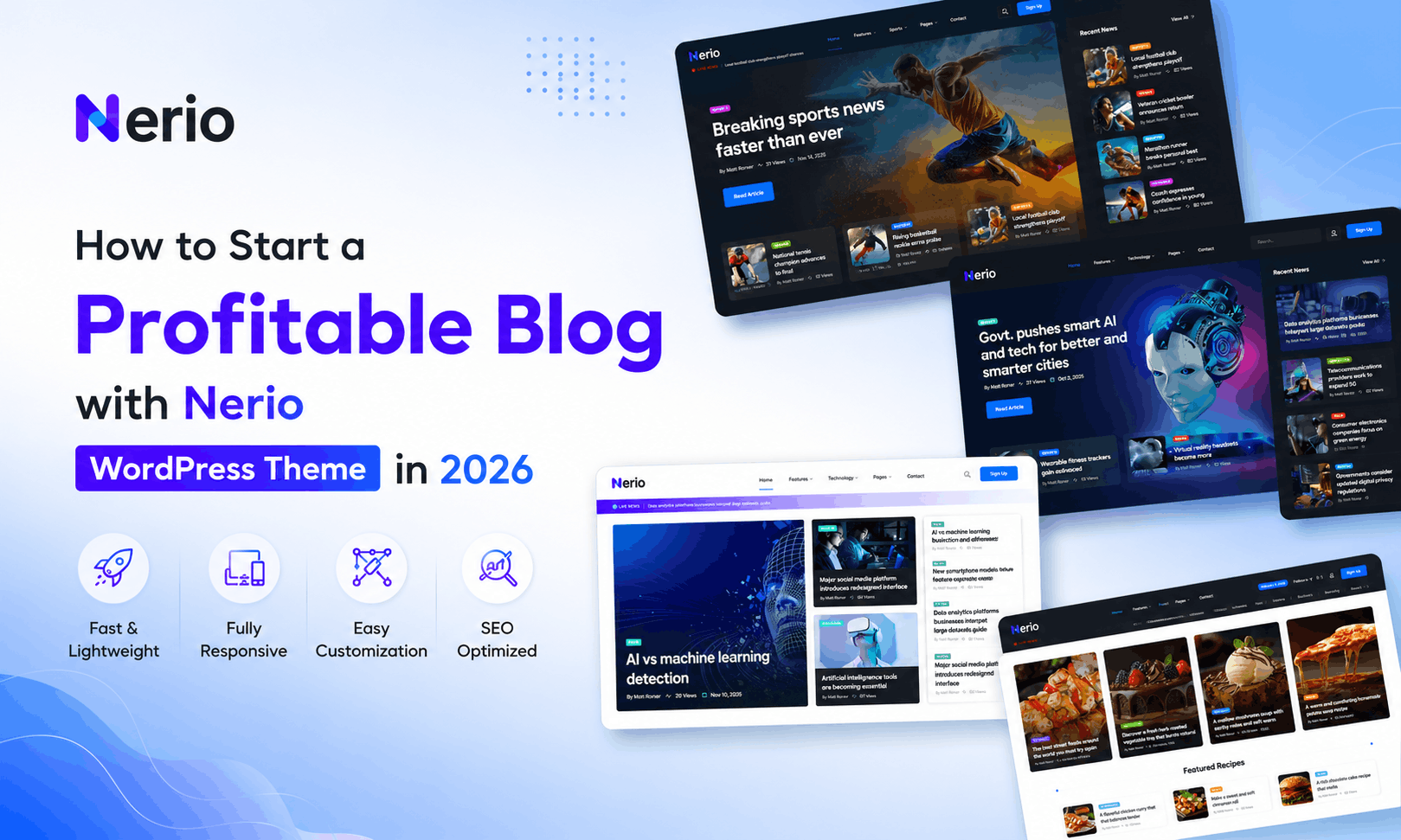
If you’ve been searching for a real, practical way to start a profitable blog, you’ve probably noticed something. Most guides talk about “passion” and consistency but never actually show you how to build the website itself. That’s where most beginners get stuck. They have the ideas. They have the motivation. What they don’t have is a theme that turns a blank WordPress install into something that looks like an actual publication on day one.
This guide is different. We’re going to walk through exactly how to start a profitable blog using Nerio, a no-code news and magazine WordPress theme built by RSTheme. Whether you want to run a niche blog, a regional news site, a lifestyle magazine, or a personal publishing project, you’ll see how each step fits together – from picking your niche to making your first dollar.
No fluff. No vague advice. Just a clear roadmap.
Why Your Theme Choice Decides Whether You Can Start a Profitable Blog ?
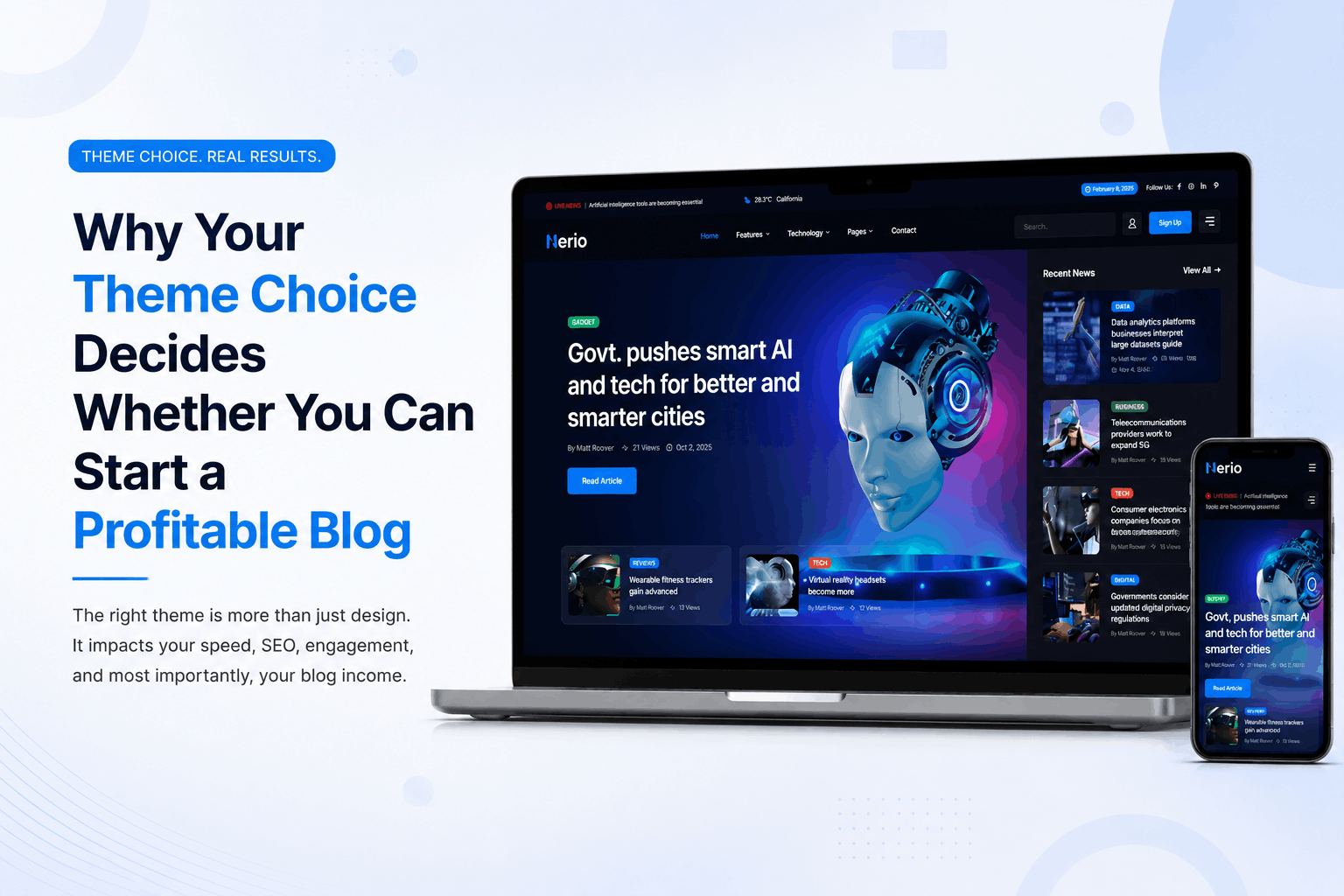
Here’s something nobody tells beginners: the theme you pick on day one affects almost everything that happens later. It affects how fast your pages load, how your content gets organized, how readers move through your site, and even how easily you can add ad placements or affiliate links down the road.
A lot of new bloggers grab the first free theme they find, write a few posts, and wonder months later why nothing is converting. The truth is, if your homepage looks cluttered, your category pages confuse visitors, or your site takes six seconds to load, you’re fighting an uphill battle before you’ve even published your tenth article.
This is exactly why people who genuinely want to start a profitable blog need to think like a publisher, not just a writer. A publisher cares about layout, navigation, reader retention, and monetization structure from the very beginning. That mindset shift alone separates blogs that grow from blogs that quietly disappear.
Nerio was built with that publisher mindset baked in. It’s not a generic theme with a blog layout bolted on – it’s a dedicated news and magazine framework, which means the bones of a profitable content site are already there before you write a single word.
What Makes Nerio Different from a Typical Blogging Theme ?
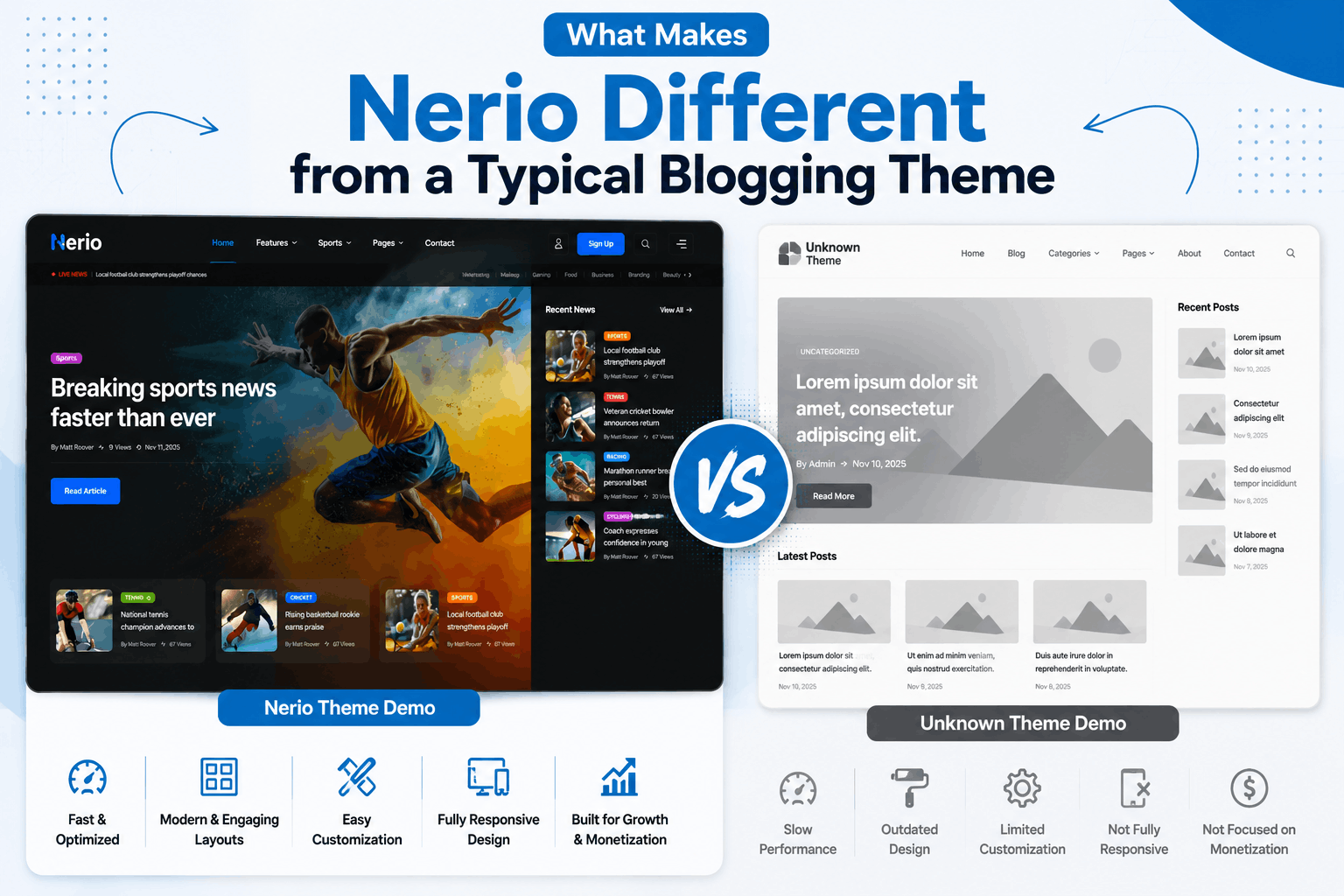
Before we get into the step-by-step setup, it helps to understand what you’re actually working with, because this affects almost every decision you’ll make later.
Nerio is a fully no-code WordPress theme, which means you don’t need to touch a single line of code to build a professional-looking website. It runs on Elementor, the most widely used drag-and-drop page builder in the WordPress ecosystem, so anything you can imagine visually, you can usually build with a mouse and a bit of patience.
A few things stand out for anyone building a content site with limited technical experience:
31+ ready-made demos: Instead of designing a homepage from scratch, you pick a demo that matches your niche – tech, lifestyle, regional news, entertainment, whatever fits – and import it with one click, complete with images and icons.
Header and Footer Builder: Your header and footer are arguably the two most-used parts of your site. Nerio lets you design both visually through Elementor instead of digging through theme settings.
RS Template Builder and Fancy Post Grid: This combination lets you build custom category pages, archive layouts, mega menus, popups, and single post templates without ever opening a code editor.
Built-in AI Content Generator and AI Image Generator: You can draft headlines, article outlines, and summaries directly from your WordPress dashboard, and generate original images instead of relying on stock photo sites that everyone else is already using.
AJAX-powered browsing: Infinite scroll, load more buttons, and instant filtering by category keep readers on your site longer instead of clicking away after one page reload.
Weather forecast widget: A small but genuinely useful feature for local news sites, travel blogs, or lifestyle publications.
WooCommerce and WPML compatibility: If you ever want to sell products or expand into multiple languages, the groundwork is already there.
None of these features matter on their own. What matters is how they work together to remove the technical barrier between “I have an idea” and “I have a working, monetizable website.” That’s the entire point of a no-code approach – it lets you spend your energy on content and strategy instead of fighting with custom code.
Step 1: Choose a Niche That Can Actually Make Money
Every guide on how to start a profitable blog should begin here, and most skip it entirely.
Your niche determines your audience, your monetization options, and how much competition you’ll face. A few categories tend to perform consistently well for new publishers:
Personal finance and money management – high advertiser demand, strong affiliate programs
Health, fitness, and wellness – broad audience, evergreen search demand
Technology and gadget reviews – strong affiliate potential through product links
Local or regional news – lower competition, strong community trust, good for ad revenue
Lifestyle, travel, and food – visually driven, great fit for image-heavy layouts
Education and career advice – consistent search volume, good for digital products
Pick something you can realistically write about for the next twelve months without burning out. Profitability rarely comes from your first month of posts – it builds from consistency, and consistency is much easier when the topic doesn’t drain you.
Once you’ve settled on a niche, check which Nerio demo aligns with it. A finance blog might lean toward a clean, minimal magazine demo, while a regional news site might want something closer to the breaking-news ticker layouts. Matching your demo to your niche from day one saves hours of redesign work later.
Step 2: Set Up WordPress and Install Nerio
Before your blog can earn anything, you need the technical foundation in place. This part is simpler than most beginners expect.
Get hosting and a domain: Choose a hosting provider that supports WordPress and has decent speed benchmarks. Your domain name should be short, memorable, and ideally hint at your niche.
Install WordPress: Most hosting providers offer one-click WordPress installation.
Purchase and download Nerio: Since it’s a one-time purchase with free updates forever, you avoid the recurring theme subscription costs that eat into early profits.
Upload and activate the theme: From your WordPress dashboard, go to Appearance > Themes > Add New > Upload Theme, then activate Nerio.
Install required plugins: Nerio will prompt you to install companion plugins like Elementor, Fancy Post Grid, and the Header/Footer Builder. Install all recommended plugins so every feature works correctly.
This whole process typically takes under thirty minutes, even for someone who has never built a website before. Because the theme is WordPress 6.9 compatible and built for performance, you’re not inheriting outdated code that will slow you down as your traffic grows.
Step 3: Import a Ready-Made Demo and Customize It
This is where building your blog stops feeling like a technical chore and starts feeling like actual progress.
Go to the Nerio dashboard panel and browse the available demos. With more than 31 complete demos and over 650 inner pages available across the collection, you have a strong head start no matter what niche you chose in Step 1.
Use one-click demo import to bring in the full layout – homepage, category templates, single post design, header, footer, and all the placeholder images and icons. From there, customization is just a matter of swapping out:
- Your logo and site title
- Color palette and typography through the Elementor Kit
- Featured categories and navigation menu items
- Homepage widgets like trending posts, sliders, or the news ticker
Because everything runs through Elementor’s live editor, you see your changes in real time. There’s no guessing how something will look after you hit publish – what you see while editing is exactly what visitors will see.
This step matters more than people realize when they’re trying to start a profitable blog quickly. A polished, professional-looking site builds trust with both readers and potential advertisers within the first few seconds of a visit. First impressions genuinely affect bounce rate, and bounce rate affects everything from SEO rankings to ad revenue.
Step 4: Build Your Site Structure with Elementor and RS Template Builder
Once your demo is imported, it’s time to think about structure – how content is organized and how readers move from one article to the next.
Mega Menu Builder:Use this to create a navigation menu that shows categories, featured posts, or even images and icons in dropdown panels. A well-organized menu helps readers find more content, which directly increases pageviews per session.
Category and archive layouts: Through RS Template Builder, design how each category page displays its posts – grid, list, or a hybrid layout. Different niches benefit from different formats; image-heavy lifestyle content often performs better in grid view, while text-heavy news content can work well in list view.
Popup Builder: Set up a newsletter signup popup, a cookie consent notice, or a promotional announcement. Email list building should start from day one, not after you already have traffic, because growing a list alongside your audience compounds your reach over time.
Sticky header and sidebar: Keep navigation and key widgets visible as readers scroll, which keeps your most important calls-to-action – subscribe buttons, featured posts, ad units – in view longer.
Spending real time on structure here pays off later. A site that’s easy to navigate keeps readers around longer, and the longer someone stays, the more ad impressions, affiliate clicks, or newsletter signups you generate from the same amount of traffic.
Step 5: Create Content Faster Using the AI Content and Image Generator
Content is still the actual product you’re selling, even indirectly. Readers come for articles, not for theme features. But producing enough content, consistently, is where most beginners stall out.
Nerio’s built-in AI Content Generator lets you draft headlines, outlines, and article summaries directly inside the WordPress dashboard. This doesn’t replace your voice or your research – think of it as a starting point that saves you from staring at a blank page. You still need to edit, fact-check, add personal insight, and shape the final piece so it actually sounds like you and serves your readers well.
The AI Image Generator solves a different problem: original visuals. Stock photography gets reused across thousands of websites, which makes your content blend into the background. Generating your own images, even simple ones for featured post thumbnails, helps your articles stand out in search results and social shares.
A practical workflow that works well for beginners:
- Use the content generator for a rough outline or headline ideas
- Write the actual draft yourself, using the outline as a guide
- Edit for accuracy, tone, and your own examples or experience
- Generate or select an image that matches the article’s theme
- Use the reading progress bar, table of contents, and related posts widgets to make the final piece easy to navigate
This step is where you actually start a profitable blog in the truest sense – by publishing content readers want to come back for.
Step 6: Improve Reader Engagement and Time on Site
Traffic alone doesn’t make money. Engaged traffic does.
Nerio includes several features specifically designed to keep readers reading longer:
Reading progress bar – gives visual feedback on how much of an article remains, which subtly encourages readers to finish
Table of contents – especially useful for longer guides, since it lets readers jump to the section they care about most
Related posts – keeps readers moving to your next article instead of leaving after one page
Author box – builds credibility and trust, particularly important for niches like finance or health where authority matters
View counters – adds social proof; readers are more likely to engage with content that’s clearly popular
AJAX load more and infinite scroll – removes the friction of clicking “next page,” which keeps sessions longer
Every one of these features ties back to a simple goal: the longer someone stays on your site and the more pages they visit per session, the more valuable that visitor becomes, whether you’re earning through ads, affiliate links, or your own products.
Step 7: Optimize for SEO and Site Speed
You can have the best content in your niche, but if it doesn’t rank, almost nobody will read it. SEO and site speed work hand in hand here.
Nerio is built with a clean, SEO-friendly structure and lightweight, performance-optimized assets, which means you’re not fighting the theme itself to rank well. Still, there are things you’ll want to handle on your end:
- Install a dedicated SEO plugin and configure your titles, meta descriptions, and sitemaps
- Use proper heading structure (H1 for your title, H2 and H3 for sections) in every article
- Compress images before uploading, even with the AI image generator producing original visuals
- Set up internal linking between related articles using the related posts feature
- Submit your sitemap to Google Search Console as soon as your site is live
Page speed affects both search rankings and reader patience. A theme with clean code and optimized assets, like Nerio, gives you a real head start, but ongoing habits – image compression, plugin management, regular updates – keep that speed advantage intact as your site grows.
Step 8: Monetize Your Blog
This is the part everyone’s actually waiting for. Here are the realistic paths to turn your traffic into income once your foundation is solid.
Display advertising.: Once you have consistent traffic, networks like Google AdSense or premium ad networks pay based on impressions and clicks. A clean layout with clear ad placement zones – something Nerio’s flexible grid and sidebar options make easy to set up – tends to perform better than a cluttered page.
Affiliate marketing : Recommend products or services relevant to your niche and earn a commission on resulting sales. Tech, finance, and lifestyle niches tend to have the strongest affiliate programs available.
Sponsored content : As your site builds authority, brands within your niche may pay for sponsored articles or reviews. Your author box and view counters help demonstrate credibility to potential sponsors.
Digital products : E-books, courses, templates, or guides related to your niche. WooCommerce compatibility means you can sell directly from your own site without redirecting traffic elsewhere.
Email newsletters : A loyal email list, built through Nerio’s Popup Builder, becomes one of your most valuable long-term assets – channels you fully own, unlike social media followings that platforms can change the rules on overnight.
Most successful publishers combine two or three of these revenue streams rather than relying on just one. Diversifying income protects you if one channel underperforms in a given month.
Step 9: Scale Your Blog Into a Real Media Brand
Once you’ve got consistent content, decent traffic, and your first streams of revenue, it’s time to think bigger.
Add contributors.
Nerio’s structure supports multi-author setups, which means you can bring in guest writers or hire freelance contributors without redesigning anything.
Expand into new categories.
Use the mega menu and category templates to branch into adjacent topics within your niche.
Go multilingual.
With WPML support built in, you can translate your highest-performing content and reach entirely new audiences.
Build a content calendar.
Consistency at scale requires planning.
Map out topics weeks in advance so you’re never scrambling for ideas.
Repurpose top content.
Turn your best-performing articles into newsletters, social posts, or even short videos to extend their reach.
This is genuinely how a simple blog becomes a media brand – not through one viral post, but through steady structural growth on a foundation that was built correctly from the start.
Common Mistakes Beginners Make (And How Nerio Helps You Avoid Them)
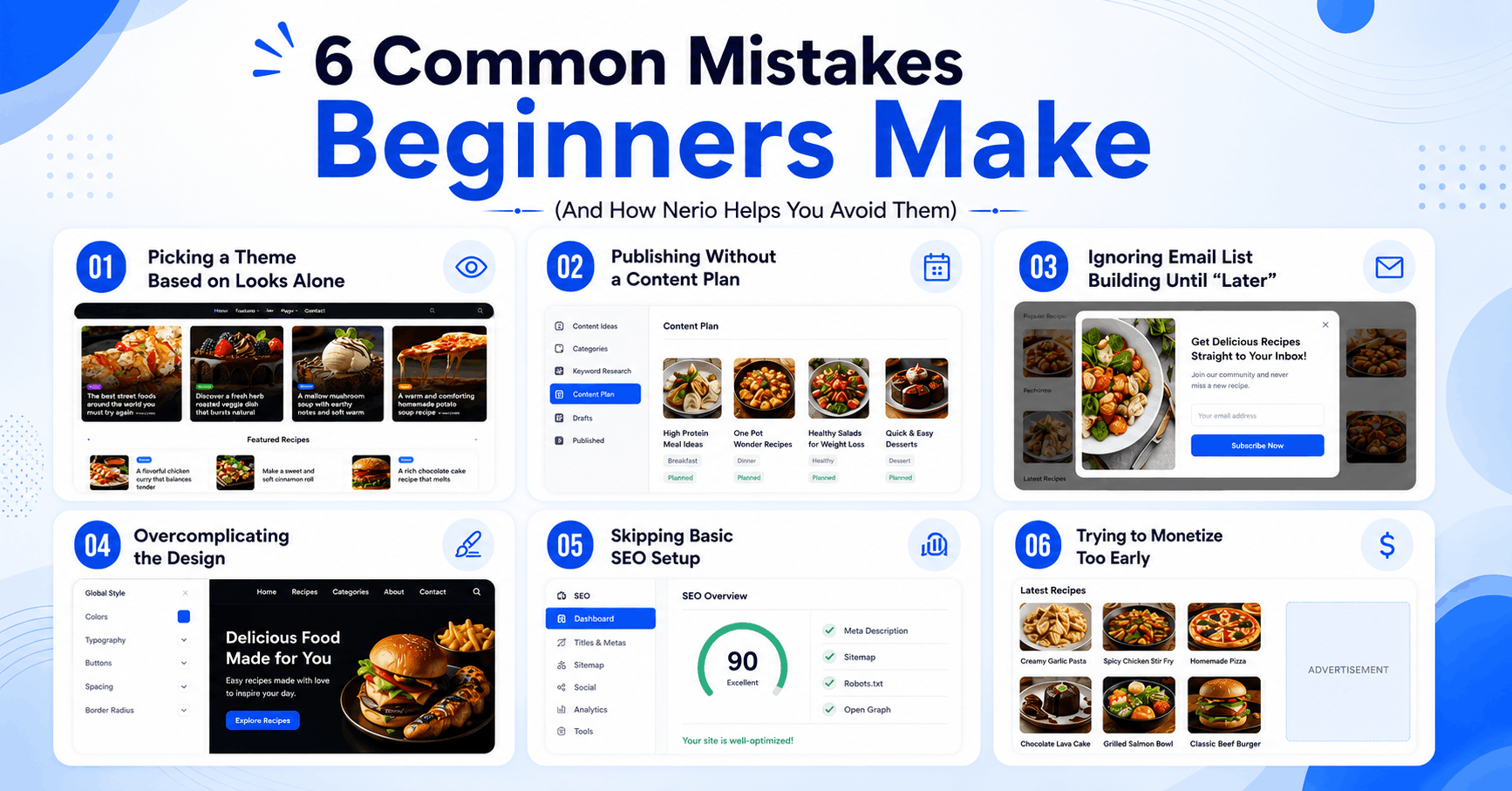
Mistake 1: Picking a theme based on looks alone. A pretty homepage means nothing if category pages are clunky or load times are slow. Nerio’s performance-optimized, SEO-friendly structure addresses this from the start.
Mistake 2: Publishing without a content plan. Random posting without a niche focus confuses both readers and search engines. Solve this in Step 1, before you even open your WordPress dashboard.
Mistake 3: Ignoring email list building until “later.” Later usually never comes. Set up the Popup Builder in your first week.
Mistake 4: Overcomplicating the design. Beginners often spend weeks tweaking colors and fonts instead of writing content. Import a demo, use the Elementor Kit for quick global styling, and move on to publishing.
Mistake 5: Skipping basic SEO setup. Even a great theme can’t fix missing meta descriptions or unsubmitted sitemaps. Handle this in Step 7 and revisit it monthly.
Mistake 6: Trying to monetize too early or too aggressively. Cramming ads onto a brand-new site with no traffic or trust built up usually backfires. Build engagement first, then layer in monetization gradually.
Final Thoughts
If you take one thing away from this guide, let it be this: the technical side of publishing doesn’t have to be the hard part anymore. With a no-code, feature-rich theme like Nerio handling layout, performance, AI-assisted content creation, and reader engagement tools, your actual job becomes much simpler – write good content, structure your site logically, and build genuine trust with your audience.
That’s really the whole formula to start a profitable blog. Pick a niche you can stick with, set up a professional foundation instead of a generic one, publish consistently, keep readers engaged once they arrive, and layer in monetization as your traffic grows. None of these steps require a developer, a big budget, or years of experience. They just require following the order above and giving it real time.
Your first profitable month probably won’t be your first month live, and that’s completely normal. But with the right foundation in place from day one, you’re not starting from zero every time you sit down to work on your site. You’re building on something solid. And that, more than any single feature or trick, is what actually lets a blog grow into something.