Site Builder
The Site Builder in Fancy Post Grid works the same way as the RS Template Builder. If you are already familiar with RS Template Builder, you can use the Site Builder without any learning curve.
The main difference is the location. Instead of accessing templates from the Dashboard → RS Template Builder, you will find all Site Builder templates under the Fancy Post Grid menu.
Documentation
Since the functionality is identical, you can follow the existing RS Template Builder
documentation: https://rstheme.com/docs/rs-template-builder/
Enable or Disable Site Builder
You can enable or disable the Site Builder module at any time from the settings panel.
- Go to Fancy Post Grid → Settings
- Open the Site Builder tab
- Enable or disable the Site Builder option
- Click Save Changes

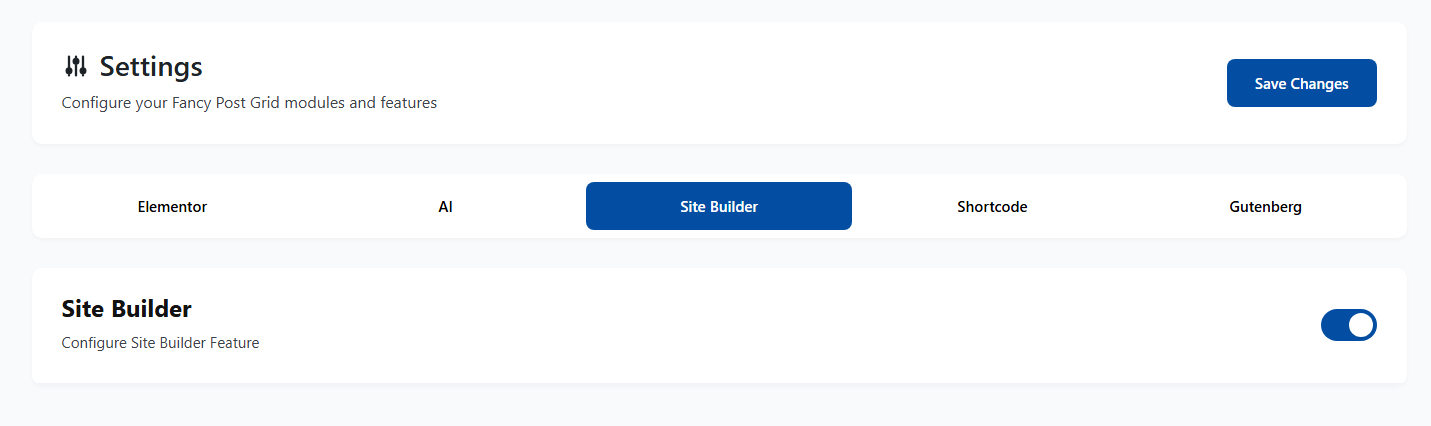
When disabled, Site Builder features and templates will not be available in the admin area.