











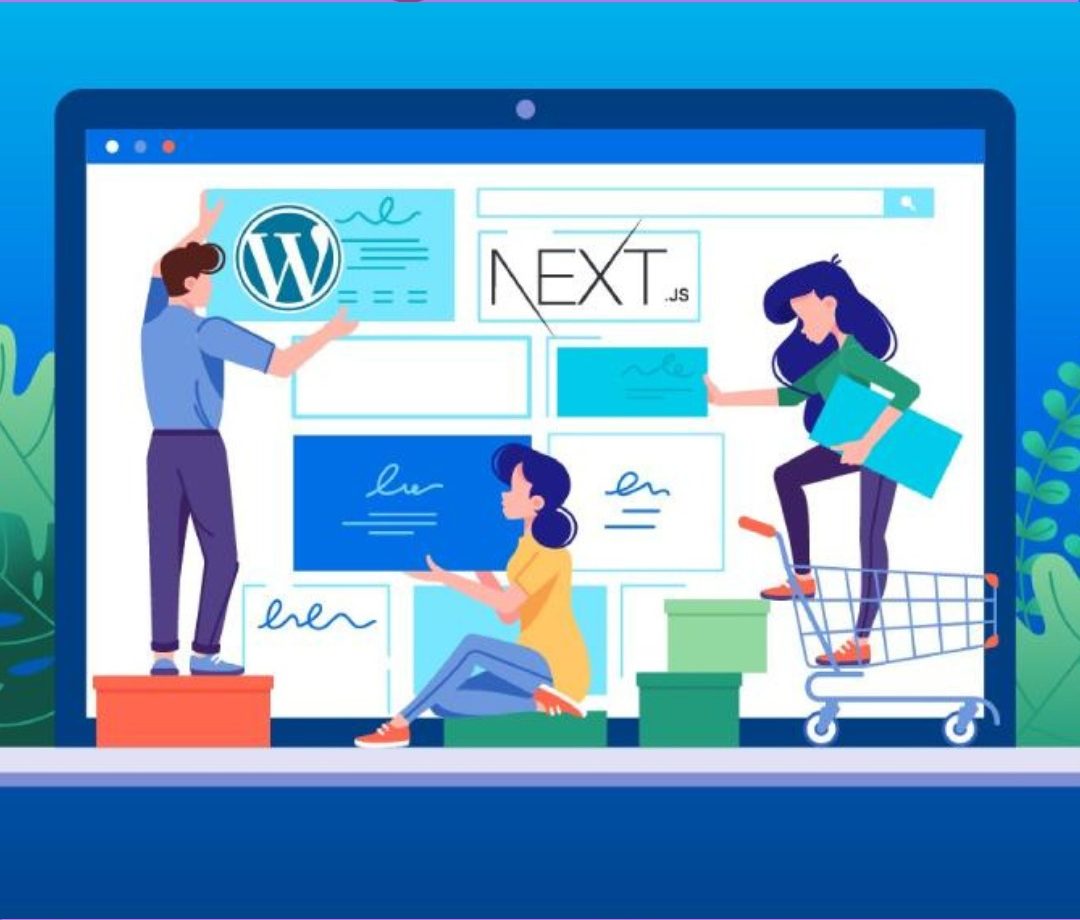
Before you start your WordPress journey, you must have a glimpse of what you’re getting into. For a primary introduction, WordPress is currently the world’s largest website builder, powering up to 40% of the present active websites. The secret of its historic success is the themes available on its website. These themes are your best friend in building your official digital presence. Understanding a theme and its functions will give you control over the platform and will let you grow exponentially with a few ups & downs.
What is WordPress Theme?
Think about a beautiful house as a WordPress theme. WordPress is the society and you have a house, both good to look at and well-functioning. This house is your WordPress theme. It is a prime collection of HTML codes, templates, and stylesheets that blend together and create a website to make your visitors awe.
A WP theme is both beautiful & functioning. It has a nice landing page with all prime functionalities such as contact forms, a navigation menu, and social media integration. Some WP themes come with a page builder for easy customization.
How Do WP Themes Work?
As stated earlier, a WordPress theme is both looks & functionalities. But a theme is not just limited to this. It works like a visual mediator between the machine and the human. It visually represents the content, visuals, and texts in a way that can interact with humans and trigger their emotional & logical thinking.
The WordPress theme offers you control over the elements of the theme. You can customize them according to your needs. WP also offers self-responsiveness against the needs. For example- a responsive WordPress theme reorders or hides some elements when it is accessed through a different device than a computer. This is possible as the developer has designed such functionalities in the template, plugin, files, and stylesheets in each theme respectively.
Important Segments to Focus on:
While learning WP, you may not need these things at the very start. But as you progress, you will need a sound knowledge about the following.
1. Parent Theme Template:
These files have codes written briefly in them. Themes are like the way you see them due to these written codes in them. They control the basic structure of the theme, elements & their working, header & footer, navigation, logo, and other functionalities. A common website will have a home page, a post, a search bar, an about us page, and an error 404 page.
2. Child Theme Template:
Some themes come with a child theme. This is a sub-folder where you as a developer are allowed to make changes and create your personalized website. The changes you will make will not affect the parent theme nor do the updates of the theme interfere with your child theme and previously stored data.
3. Cascading Style Sheet:
CSS, in short, is the art you put on any theme. It makes your website good for human interaction. There will be no colors, buttons, fonts, blocks, effects, or designs without CSS. WordPress themes come with a CSS file that includes the theme’s design.
If you want to modify the design, you need to go to the CSS file of the theme and make modifications there. However, here is the good news. Most Premium WP themes developers give you a page editor in the personal dashboard only.
4. PHP File:
The PHP file is the backend of the theme. It controls the functionality of the themes. Don’t worry about it if you don’t want to interfere with the functionalities and you’re already an expert in doing so. Just keep in mind to update it regularly.
5. Page Builder:
WordPress offers you a page builder tool to create your own customised website following your preferences. This is a drag & drop page builder that allows you to edit your content, and the presentation of your website, and modify, add, and remove elements on the website.
Top 9 Free Website Builder for Web Designers & Developers in 2023
6. Plugins:
Understand plugins as an app for WP themes. They extend the range of functionality of any theme. Many themes come with additional plugins but you may have to install several plugins according to your needs.
Check for the best plugins for your website. An E-commerce website will need e-commerce plugins, a business website will need business plugins and a blogging website will need plugins good for blogging.
How to Choose a WordPress Theme?
Choosing the right theme will help you grow your business in the right direction. Doing so will equip your business or personal brand with the right designs, colors, and functionalities, Here are some points that will help you choose a perfect theme for yourself.

1. Understand Your Needs:
Each website, business or personal, has a specific purpose. Important is to choose a theme that matches your long-term vision as well as fulfilling your current needs. For example- A photography website needs a gallery and a health website needs an appointment button and content. Make a checklist of what you need on your website.
– Social Media Widgets
– Navigation
– Translation support
– Contact form
– Navigation buttons
– E-commerce compatibility.
2. Check the Customization Options:
Customization is your strength in WordPress themes. Not a single WP theme will completely fulfill your needs. You must work on it later from your side to personalize your motive. Ensure that the theme you choose must offer customization on a greater level.
For this, install a WordPress theme, go to appearance, and then to theme on the dashboard. You can make edits there to create your designs and preferences. If you have experience with theme files, you can use them and do modifications there.
How to Update a WordPress Theme without Losing Customization?
3. SEO Optimization:
Choose only themes that show you labels as SEO-friendly or SEO-optimised. Seo-optimized themes will help your business to rank better on SERPs.
Best 10 SEO & Digital Marketing Agency WordPress Theme
4. Responsiveness:
More than 80% of the global searches are done on mobiles. This means adapting the only WP themes that are responsive and passing Google’s Mobile’s friendly test.
5. Plugins & Browser Compatibility:
Ensure that your chosen theme has essential plugins that support your business. Some of them are as follows.
– Elementor for editing.
– Yoast for SEO.
– WooCommerce for e-commerce plugins.
– WPForums to create contact & order forms.
Conclusion:
WP themes come with several functionalities as per their purposes. This includes multi-purpose themes, niche themes, and paid & free themes. While choosing a WP theme for your website, check out your long-term plans with your online presence. Make sure to choose the best suited for that cause.
Above in this article, we have discussed WordPress themes, their working, and tips to choose a suitable one for your online journey. Follow them all and get started now.